screen — engineering site
This is the offline engineering site for the screen recorder. It bundles:
- Prose architecture — the theatre metaphor, milestones, conventions.
- Per-feature stories — every renderable chunk has a screenshot under
assets/<crate>/<id>.png, embedded inline. - Per-component UI demos — every Leptos component has a snapshot of its SSR HTML alongside the reference live render.
- Full API reference —
cargo docoutput mounted at/api/.
How to read this
- New here? Start with the theatre metaphor — that's the navigation language for the entire codebase.
- Looking for a specific feature? Each milestone chapter (M0, M1, …) lists every chunk with its screenshot and link into the API ref.
- Touching code? Read the Workflow and the Documentation gate before you start — they're the rules that protect the build.
How to regenerate this site
just site
# Opens target/book/index.html
just site runs three things in sequence:
mdbook build _docs/book— the prose chapters →target/book/cargo doc --workspace --no-deps— the API reference →target/book/api/- (Optional, on demand)
just snapshots— regenerates per-feature assets under_docs/book/src/assets/<crate>/<id>.{png,html}.
How screenshots work
Every visible feature ships with a story (see conventions).
Stories are headlessly rendered to _docs/book/src/assets/:
- wisp stories → 256×256 PNGs via
wisp-storybook's headless exporter (uses the sameRenderer::render_stage+RenderTexture::read_pixelspath the integration tests use). - ui-storybook stories → standalone HTML files (SSR + inlined CSS) so they
can be opened in a browser tab as live demos. Future work upgrades this to
PNGs via
headless_chrome. - Recorder app screenshots are committed manually for now.
The result: mdbook build is purely declarative — every asset already exists
on disk. CI doesn't need a GPU or a browser to publish the site.
What this is
A native screen recorder in the Screen Studio / OpenScreen lineage, built as an all-Rust stack. Two parallel deliverables:
wisp— a Pixi-equivalent 2D scene graph + filter chain library onwgpu. Pixi-shaped public API, scoped to power the recorder.screen-app— the Tauri 2 + Leptos recorder application that consumeswisp.
Library is means; the app is the goal.
Why the Pixi shape
The recorder is a compositor. Compositor-shaped problems map naturally to a
scene-graph API: a Stage with Container children, sprites for video and
cursor, Filter chains for shadows / blur / color grading, RenderTexture
for captured frames. Pixi's API has been refined over a decade of compositor
use; copying its shape (translated to Rust + wgpu) skips a lot of trial.
wisp is a focused subset, not a port — only the parts the recorder needs.
Stack
| Layer | Choice |
|---|---|
| Shell | Tauri 2 (multi-window) |
| UI | Leptos 0.8 (Rust → WASM) inside the Tauri webview |
| Renderer | wisp (this repo) — wgpu + WGSL |
| Editor preview | native winit sibling window rendered by wisp |
| Capture | objc2/ScreenCaptureKit (macOS), windows-rs (Windows), pipewire-rs (Linux) |
| Media (decode + playback + encode + mux) | GStreamer — single stack. CLI-subprocess (gst-launch-1.0) for decode + playback today; gstreamer-rs Rust bindings + appsrc for encode in M-EXPORT. Platform HW encoders: vtenc_h264_hw (macOS), mfh264enc (Windows), vaapih264enc/nvh264enc (Linux). |
Locked 2026-05-09. Stack changes require an entry in _docs/ISSUES.md.
Earlier planning docs listed ffmpeg-next as a transitional MVP option; that path was dropped before any encode code shipped (see AUT-144). One media stack, one license story (LGPL only), one mental model. appsrc → encoder → mux → filesink is the model for every output path. Do not add any ffmpeg binding crate to this workspace.
Rust toolchain
Nightly (see rust-toolchain.toml). Edition 2024.
Workspace layout
screen/
├─ crates/                  # every workspace member lives here
│  ├─ wisp/                 # the renderer (wgpu + WGSL)
│  ├─ wisp-storybook/       # wgpu story gallery (eframe)
│  ├─ ui-storybook/         # Leptos UI gallery (SSR + Trunk)
│  ├─ app-ui/               # Leptos CSR shell (WASM)
│  ├─ app/                  # Tauri 2 binary (wraps app-ui)
│  ├─ media/                # GStreamer-backed audio + video
│  ├─ decode/               # BGRA frame contract + decoders
│  ├─ playback/             # Player state machine
│  └─ preview/              # native winit preview window
├─ _docs/
│  └─ book/                 # mdBook prose site (this site)
├─ Justfile                 # all QA recipes (`just gate`, etc.)
└─ deny.toml                # supply-chain policy
Each crate is independently consumable. The renderer (wisp) is the
load-bearing one — every other crate either feeds it data (media,
decode, playback) or wraps it for a host (app, preview). An
embedder taking just wisp doesn't pull GStreamer; an embedder
taking just media doesn't pull wgpu.
Theatre metaphor
A theatre metaphor underpins the codebase navigation. It's the mental model for where things live and what they're allowed to do.
| Term | Code | Role |
|---|---|---|
| Stage | wisp::Stage | The root scene container. |
| Wings | _docs/ | Off-stage planning, milestone scripts, conventions. |
| Acts | Milestones (M0, M1, …) | Long arcs of narrative. |
| Scenes | Chunks (M0.5, M0.6, …) | Individual numbered units of work. |
| Cast | Public Stage children | The named entities visible from a scene. |
| Rehearsal | The recursive-fix loop | We don't ship until just gate is green. |
| Storybook | wisp-storybook / ui-storybook | Where each scene's run is captured for re-watching. |
Why bother: when "scope creep" feels like adding a character, that's a clear no. When a chunk feels like adding a prop to an existing scene, that's a clear yes. The metaphor short-circuits a lot of architectural debate.
Per-task workflow
Full canonical version lives in _docs/WORKFLOW.md; the shape is:
- Pick the next unblocked task.
- Read the chunk's "Done when:" criteria in the milestone doc.
- Mark in_progress (one task at a time).
- Implement the smallest change that satisfies the contract.
- Test — unit / snapshot / integration / property as appropriate.
- CHECK —
just gatemust be green before close. - UPDATE — append to
PROGRESS.md; file new issues inISSUES.md. - Mark completed and confirm next task is unblocked.
- Commit at natural boundaries (typically one chunk = one commit).
If the chunk is renderable, also:
- Add a story to the appropriate storybook (
wisp-storybookorui-storybook). - Run
just snapshotsto regenerate the asset under_docs/book/src/assets/<crate>/<id>.{png,html}. - Reference the asset from the chunk's mdBook page.
If the chunk introduces public API:
- Add
///doc to every new public item (missing_docsenforces it). - Update the crate's
//!header if the architecture changed. - At least one
# Examplesdoctest on each new public function.
Testing
Three layers, all running under just gate:
1. Unit / property / snapshot
cargo nextest run --workspace --all-features. Lives next to the code it
exercises. Snapshots via insta.
2. Integration tests
In each crate's tests/ directory. For storybooks specifically:
wisp-storybook/tests/story_smoke.rs— every story renders without a wgpu validation error scope warning ("no console errors at runtime").wisp-storybook/tests/story_fingerprints.rs— quadrant-bucketed RGBA averages, locked to insta YAML. Regression gate for visual changes.ui-storybook/tests/snapshots.rs— SSR HTML for every story, locked to insta. Regression gate for class swaps, missing children, attribute drift.
3. Doctests
Every # Examples block in a /// doc runs via cargo test --doc. Doctests
are the anti-rot mechanism for documentation — if the example stops compiling,
the gate fails.
Recursive-fix loop
If just gate is red, loop until green. Never disable tests, never #[allow]
clippy without a reason = "…", never bypass cargo deny / cargo audit /
cargo machete.
Documentation gate
The workspace lints missing_docs = "warn". just docs (in just gate)
builds rustdoc with that warning surfaced. just docs-strict flips it to
-D warnings plus -D rustdoc::broken_intra_doc_links for milestone close.
Per-chunk requirements
Every chunk must update:
- Crate-level
//!header if the architecture changed (new module, new public surface, new feature flag). ///doc on every new public item — types, fields, variants, methods, functions. Themissing_docslint catches every miss.- At least one
# Examplesdoctest on each new public function. Doctests run viacargo test --doc(injust gate'sdoctest), so they double as anti-rot for the documentation.
Recommended doc structure
#![allow(unused)]
fn main() {
//! Crate-level header — what this crate is for.
//!
//! # Overview
//! …
//!
//! # Quick start
//! ```rust
//! use thiscrate::Foo;
//! let foo = Foo::new();
//! foo.do_thing();
//! ```
//!
//! # Architecture
//! …
}
#![allow(unused)]
fn main() {
/// One-line summary.
///
/// Longer paragraph if needed.
///
/// # Examples
///
/// ```rust
/// # use thiscrate::Foo;
/// let foo = Foo::new();
/// assert_eq!(foo.value(), 0);
/// ```
pub fn new() -> Self { … }
}
Tooling
| Command | What it does |
|---|---|
just docs | cargo doc --workspace --no-deps. In just gate. |
just docs-strict | Same, with -D warnings. Run before milestone close. |
just site | Builds mdBook + rustdoc, writes target/book/. |
cargo test --doc | Runs every # Examples block. In just gate via doctest. |
Story / screenshot pipeline
Every renderable chunk regenerates its asset under
_docs/book/src/assets/<crate>/<id>.{png,html}. The mdBook chapter for that
chunk embeds the asset; without it, the page renders empty — that's the gate.
Producing assets
just snapshots         # all crates
just snapshots-wisp    # wgpu PNGs only
just snapshots-ui      # Leptos SSR HTML only
Both exporters are real binaries inside their respective storybooks, so they run on CI without any GUI.
wisp-storybook exporter (PNG)
For each Story in wisp_storybook::stories::all_stories():
- Build a fresh
ApplicationandRenderer(Rgba8Unorm, 256×256). - Call
story.build(app, &mut stage); iftickis set, calltick(stage, 0.0). - Render to a
RenderTextureand read pixels back. - Save to
_docs/wisp-book/src/assets/wisp/<id>.png(the wisp-book is the canonical home for renderer assets; the screen book cross-links to them).
ui-storybook exporter (HTML)
For each Story in ui_storybook::stories::all_stories():
- Call
story.render()to get the SSR HTML body. - Wrap it in a complete
<html>document withstyle.cssinlined. - Save to
_docs/book/src/assets/ui/<id>.html.
A future upgrade swaps the HTML output for a PNG via headless_chrome.
Embedding in mdBook
Standard markdown:

Or for a UI demo with iframe:
<iframe src="../assets/ui/dope-sheet-basic.html" width="100%" height="280"></iframe>
Convention checklist (per chunk)
When closing any visible chunk:
- Story exists and snapshot test is green.
-
just snapshotsregenerated the asset. - mdBook chapter for the chunk references the asset.
-
Asset committed (
_docs/book/src/assets/...is part of the commit).
Dev loop — local
Linear: AUT-148 (just dev),
AUT-145 (dev-server crate),
AUT-146 (file watcher),
AUT-147 (storybook index),
AUT-152 (live reload),
AUT-151 (search filter).
just dev boots the dev-server crate against the existing
storybook artifacts under _docs/book/src/assets/ui/, watches
crates/ui-storybook/src/** + assets/style.css, and live-reloads
the browser when anything changes. One command, no flags to
remember.
just dev
# → Serving _docs/book/src/assets/ui at http://127.0.0.1:3000/
Visit http://127.0.0.1:3000/ → land on the cockpit index. Sidebar
lists every story grouped by category. Click a row, the iframe
loads it; refresh keeps the same story open (URL hash routing).
Press / to focus the filter box; Esc clears.
What gets watched
| Path | Effect |
|---|---|
crates/ui-storybook/src/**/*.rs | Re-runs cargo run -p ui-storybook --bin ui-export-stories, then broadcasts reload (3–8 s warm). |
crates/ui-storybook/assets/style.css | CSS fast path — copies the file straight into the served directory and broadcasts reload (<500 ms, no cargo build). |
| Anything else under the watched directories | Same as the first row — full rebuild. |
The watcher coalesces rapid-fire saves (10 saves in a debounce window → exactly one rebuild). Compile errors are logged but do not trigger a reload, so the browser stays on the last-good state.
Phone / remote dev
See remote dev for the just dev-remote flow
that puts this loop behind a Tailscale Serve URL.
Linker speedup (opt-in)
Symlink or copy .cargo/config.toml.example
to .cargo/config.toml (workspace root) to wire mold (Linux)
or lld (macOS) into the link step. Knocks ~30–50 % off warm
incremental rebuilds. Prerequisite: brew install lld (macOS) or
apt install mold (Linux). The file is gitignored — every dev opts
in independently.
```admonish note title="The build hot path is ui-storybook"
The watched crate is ui-storybook. The rebuild step is
cargo run -p ui-storybook --bin ui-export-stories. Most of that
3–8 s window is cargo deciding which artifacts to re-link. The
linker config above attacks that directly. DEV-07 (persistent worker)
will attack it differently — keeping the renderer warm and skipping
the link entirely on each iteration. Both stack.
Remote dev — phone preview over Tailscale
Linear: AUT-153 (the ≤5-click ticket).
The goal: edit UI on the laptop, see the change on a phone over
the open internet, without exposing a public URL. just dev-remote
wraps just dev and pipes it through
Tailscale Serve
so the loop reaches whatever device is signed into your tailnet.
One-time setup (5 clicks)
-
Laptop: install Tailscale.
- macOS:
brew install --cask tailscale(the cask installs the system-extension build that supportstailscale serve; the Mac App Store build does too but takes a couple of trust-prompts). - Linux:
curl -fsSL https://tailscale.com/install.sh | sh.
- macOS:
-
Laptop: sign in. Run
tailscale up. A browser opens to a Tailscale OAuth flow (Google / GitHub / Microsoft / email). One click in the browser. -
Phone: install Tailscale from the App Store / Play Store. Open it, tap your account provider, authenticate.
-
Phone: sign in to the same account as the laptop. The tailnet sees both devices.
-
Run + tap. On the laptop:
just dev-remote. It prints a URL likehttps://laptop-name.tailnet-id.ts.net. On the phone, paste or tap that URL.
That's the five clicks. Optional sixth (recommended once): on the
phone, Safari → Share → Add to Home Screen (or Chrome →
three-dot menu → Add to Home screen). The URL becomes a
launchable icon — daily flow afterwards is two interactions:
just dev-remote on laptop, tap home-screen icon on phone.
Daily flow
just dev-remote
Wait ~5 seconds for the dev-server to boot and Tailscale Serve to finish provisioning. Tap the home-screen icon on the phone.
When you're done:
just dev-remote-stop
This tears down Tailscale Serve and kills the background
dev-server process. Idempotent — safe to run even if nothing is
running.
Verify the tailnet (one-time)
If just dev-remote prints a URL but the phone can't reach it:
tailscale status              # phone's name should appear
tailscale ping <phone-name>   # should report round-trip times
If tailscale ping fails, check the Tailscale admin console:
- DNS → MagicDNS is enabled.
- ACLs default policy allows the phone → laptop.
Privacy
tailscale serve is private to your tailnet. Only devices
signed into the same Tailscale account can reach the URL. Stop the
exposure with just dev-remote-stop (or tailscale serve --https=443 off).
tailscale funnel is the public sibling — it exposes the same
URL to the open internet. just dev-remote deliberately uses
tailscale serve instead. Do not flip to funnel for this loop.
Troubleshooting
tailscale servepermission denied. macOS may prompt to authorise the system extension once afterbrew install --cask; approve it in System Settings → Privacy & Security.- HTTPS cert says "issuing" for a minute. Tailscale provisions
a real Let's Encrypt cert on first Serve. Re-run
tailscale serve statusin 30–60 s. - Phone reloads but content is stale. Force-refresh (long-press the reload button in Safari, or pull-to-refresh in Chrome). The live-reload script reconnects after a server restart, but a cold cache may need a manual nudge.
- iOS Home Screen icon looks wrong. Add a
<link rel="apple-touch-icon">to the index page later; not blocking.
Composition
sequenceDiagram
    autonumber
    participant Edit as "Laptop editor"
    participant Watcher as "dev-server watcher"
    participant Server as "dev-server (127.0.0.1:3000)"
    participant TS as "Tailscale Serve"
    participant Phone as "Phone browser"

    Edit->>Watcher: save crates/ui-storybook/src/foo.rs
    Watcher->>Watcher: debounce 250 ms
    Watcher->>Server: cargo run -p ui-storybook --bin ui-export-stories
    Note over Watcher,Server: exit 0 → broadcast "reload"
    Server->>Phone: WebSocket message "reload"
    Phone->>TS: GET / (HTTPS over tailnet)
    TS->>Server: GET / (loopback)
    Server-->>Phone: index.html + injected client
The books (mdBook live-reload)
The same Tailscale machinery serves the two mdBooks, with mdbook serve providing the live-reload (no dev-server involved — mdbook
has built-in filesystem watch + websocket reload).
Two books, two ports so you can run both at once:
# Terminal 1 — screen project book
just dev-book          # http://127.0.0.1:3001/

# Terminal 2 — wisp library book
just dev-wisp-book     # http://127.0.0.1:3002/

# Terminal 3 (once) — expose both over Tailscale
just dev-remote-book
dev-remote-book registers two Tailscale Serve path proxies:
| Phone URL | Routes to |
|---|---|
https://<MAC>.<TAILNET>.ts.net/ | http://127.0.0.1:3001/ |
https://<MAC>.<TAILNET>.ts.net/wisp/ | http://127.0.0.1:3002/ |
Both books pass through mdbook-preprocessor-cross on every
rebuild, so \{\{shared X\}\} and \{\{wisp-link Y\}\} tags get
re-resolved live as you edit. The cross-book links work because
the production base path (/Screen/wisp/) doesn't match the
local path (/wisp/) — but mdbook's site-url is configured for
production, so on local you'll see the cross-links pointing at
/Screen/wisp/... which won't resolve. For local cross-book
nav, use the book's own TOC; for production-shape verification,
deploy preview or just site + open target/book/.
Stop with just dev-remote-book-stop (tears down the Tailscale
routes; leave mdbook serve running in their terminals and Ctrl-C
when you're done).
mdbook serve rebuilds + reloads on changes under the book's
src/ tree AND book.toml. Changes to _docs/shared/ files
also trigger a rebuild — both books' src/ tree includes a
{{shared}} tag that pulls in those files, and mdbook's watch
covers them transitively. Changes to the preprocessor source
(tools/mdbook-preprocessor-cross/src/lib.rs) do NOT — you have
to Ctrl-C and re-run just dev-book so preprocessor-build
recompiles.
Wisp at a glance
wisp is the in-repo 2D renderer that powers Screen Studio's
preview, recording HUD, and export pipeline. It's a Pixi-shaped
public API on top of wgpu: scene tree, sprite batcher, filter
chain, mask system, text.
How it fits
flowchart LR
    Capture[Capture<br/>ScreenCaptureKit / windows-capture / pipewire] --> Stage[wisp::Stage]
    Editor[Editor scene graph] --> Stage
    Stage --> |Renderer::render_stage| Surface[winit surface]
    Stage --> |Renderer::render_stage| RT[RenderTexture]
    RT --> Encode[GStreamer appsrc → encoder → mp4mux]
Wisp owns the visual composition; everything around it (capture,
encode, UI) talks to it via the same scene tree. The editor preview
and the export pipeline render the same Stage — preview to a
window surface, export to a RenderTexture.
Where to read more
The deep dive lives in its own book — every chunk chapter, filter pass, mask permutation, and text variant is documented there:
→ Wisp book — Pixi-shaped API tour, ~50 chunk chapters, text architecture, mask system, headless export, full quickstart.
If you're contributing to the recorder (Tauri shell, capture pipeline, editor surfaces, ui-storybook components), the rest of this project book is the right place. If you're using wisp as a library in some other wgpu app, the wisp book is the standalone reference.
Why a separate book
The wisp crate is publishable to crates.io independent of the recorder. External consumers want a focused reference — the recorder's Tauri integration, capture pipeline, Leptos UI, and storybook discipline are all noise to them. Splitting the books keeps each one short for its actual audience.
This is one of **two** sibling mdBooks deployed to the same GitHub
Pages site:

- **Project book** — `/Screen/` (recorder + capture + encoder + Tauri shell).
- **Wisp book** — `/Screen/wisp/` (renderer-only reference; publishable to crates.io independently).

Cross-references in either book go through the
`mdbook-preprocessor-cross` preprocessor so URLs adapt per book:

- `\{\{wisp-link path/to/chunk\}\}` — emits a relative URL inside
  the wisp book, an absolute `/Screen/wisp/path/to/chunk.html` URL
  from the project book.
- `\{\{shared path/to/fragment.md\}\}` — inlines a markdown
  fragment from `_docs/shared/` (this snippet you're reading is
  one).

Plain markdown links from the wisp book back to the project use
absolute URLs (`/Screen/...`) since the inverse direction is
single-target.
**`wisp` does not depend on `media`, `decode`, `playback`, `capture`,
or any application crate.** The dependency arrows go one way:

- `media` / `decode` / `playback` produce data (BGRA frames, audio
  histograms, geometry) and hand it to `wisp` via standalone types
  it already owns (`VideoTexture`, `Sprite`, `Graphics`).
- `wisp` provides the scene graph; everything else composes against it.

Any change that makes wisp pull from a higher-level crate breaks the
ability to publish wisp to crates.io as a standalone renderer. See
`_docs/wisp-book/src/intro.md` for the publishable-crate contract.
wisp-3d overview
wisp-3d is a sibling crate to wisp that adds real-3D rendering — perspective camera, indexed mesh, depth-tested render pass — without touching wisp's 2D scene-graph-ordered draw contract.
wisp's render-stage contract has NO depth buffer. Everything draws in scene-graph insertion order, batched per pipeline-type. That's load-bearing for the filter chain's last-wins semantics + the mask system.
3D demands break that contract: a spinning solid needs Z-test so the back face doesn't paint over the front; a PerspectiveCamera needs a view+projection pair; an indexed mesh needs per-vertex normals. wisp-3d introduces those in its own module tree so the 2D contract stays clean.
Surface
flowchart LR
  app["wisp::Application<br/>(shared wgpu device)"]
  cam["Camera3D"]
  mesh["Mesh3D"]
  mat["Material3D"]
  pass["Render3DPass<br/>(MSAA + depth)"]
  app --> pass
  cam --> pass
  mesh --> pass
  mat --> pass
  pass --> out["wgpu::TextureView"]

  classDef ours fill:#312e81,stroke:#4f46e5,color:#e0e7ff
  class cam,mesh,mat,pass ours
First customer
The engmanager.xyz 404 page renders a spinning Catppuccin-palette pyramid via THREE.js (loaded from a jsDelivr CDN). wisp-3d + wisp-3d-web replace that with a same-origin wasm bundle, dropping the third-party JS dep.

The screenshot above is the committed output of cargo nextest run -p wisp-3d --test render_pyramid — the test color-picks pixels to assert the pyramid actually drew (centre is NOT the background, corners ARE), so the PNG is verified PR-side proof that the integration works on every gate run.
Crate layout
| Module | Purpose | Chapter |
|---|---|---|
camera | Camera3D perspective + ViewProj UBO | camera-3d |
mesh | Mesh3D indexed positions/normals + pyramid() | mesh-3d |
render | Render3DPass depth + MSAA | render-3d-pass |
material | Material3D trait + PaletteRampMaterial | material-3d |
edges | EdgesMesh + wireframe pipeline | edges-mesh |
sprite | Sprite3D (ring/circle/quad), depth-write off | sprite-3d |
reduced_motion | prefers-reduced-motion: reduce query | (inline) |
Camera3D
Perspective camera mirroring THREE.PerspectiveCamera's call shape: FOV (degrees) + aspect + near + far + position/target/up.
Conventions
- Right-handed.
glam::Mat4::look_at_rhfor the view;Mat4::perspective_rhfor the projection. - wgpu NDC depth range is
[0, 1]— we useperspective_rh(not_rh_gl, which gives OpenGL's[-1, 1]and wastes half the depth precision).
GPU-side uniform
ViewProj is #[repr(C, align(16))] carrying view + proj + view_proj + camera_pos. 208 bytes; layout-tested.
Camera3D::perspective(fov_deg, aspect, near, far) is degree-in for a reason — the engmanager.xyz 404 page hardcodes PerspectiveCamera(38, aspect, 0.1, 100). Constructor degree-in keeps the port mechanical.
Resize
update_aspect(width, height) clamps height >= 1 so a minimised window doesn't NaN the projection. Doesn't move the camera or change FOV — only the projection matrix shifts.
#![allow(unused)]
fn main() {
use wisp_3d::Camera3D;
use glam::Vec3;
let mut cam = Camera3D::perspective(38.0, 16.0 / 9.0, 0.1, 100.0);
cam.position = Vec3::new(0.0, 0.28, 6.2);  // 404 page values
// On window resize:
cam.update_aspect(1920, 1080);
// Per-frame upload:
let uniform = cam.view_proj_uniform();
}
Mesh3D
Indexed triangle mesh: three parallel buffers (positions, normals, indices) sharing one index space. Vertex3D { position, normal } is the interleaved GPU layout (24 bytes; layout-tested).
Flat per-face shading
Mesh3D::compute_vertex_normals() writes flat per-face normals — for each triangle, every vertex in the triangle gets the same face normal. Matches THREE.BufferGeometry::computeVertexNormals() for non-indexed geometry.
The trade-off vs. shared-vertex meshes: more vertex memory, but sharp dihedrals without a geometry shader. For low-poly geometry like the 404 pyramid (18 vertices) the cost is negligible.
The pyramid constructor
Mesh3D::pyramid(apex_y, base_half) produces the engmanager.xyz 404 layout:
flowchart TB
  apex["apex (0, apex_y, 0)"]
  base["square base at y = -1.05<br/>nw / ne / se / sw at ±base_half"]
  apex --> base
  apex -->|"4 side faces"| sides["12 vertices"]
  base -->|"2 base triangles"| bases["6 vertices"]
Vertex layout is 18 positions / 18 indices = 0..18, deliberately not shared so each face owns its normal. Tests assert 5 unique face normals (4 sides + 1 base — base triangles share a normal since they're coplanar).
```admonish note title="pyramid() is the reference constructor"
cube, ico_sphere, etc. follow the same pattern: hand-laid positions per face, compute_vertex_normals() at the end, indices: (0..N).collect(). The constructor exists to make the 404 port mechanical; bring-your-own meshes are a normal use of Mesh3D { positions, normals, indices }.
Render3DPass
Depth-tested + MSAA-aware render pass. The rate-limiting risk ticket of the whole wisp-3d rollout — wgpu validates depth + MSAA + pipeline state at DRAW time, not at pipeline creation, so mismatches are silent until you submit.
wgpu requires THREE values to match:
- The depth texture's
sample_countin itsTextureDescriptor. - The pipeline's
multisample.countfield. - The COLOR attachment's
sample_count(the surface texture's view).
If any pair disagrees, the failure mode is a Validation Error / Pipeline ... is bound with sample count X at submit time — NOT at pipeline creation, and NOT at attachment bind. The plumbing here keeps all three in lock-step via the single msaa_samples constructor argument; do not split this knob across multiple knobs.
Per-frame flow
sequenceDiagram
  autonumber
  participant App as wisp::Application
  participant Pass as Render3DPass
  participant GPU as wgpu Encoder
  App->>Pass: draw(encoder, color_view, camera, meshes, clear)
  Pass->>GPU: queue.write_buffer(view_proj)
  loop per mesh
    Pass->>GPU: create_buffer(vbuf + ibuf + model_ubo)
    Pass->>GPU: queue.write_buffer × 3
    Pass->>GPU: create_bind_group(model_bg)
  end
  Pass->>GPU: begin_render_pass(color + depth)
  Pass->>GPU: set_pipeline + set_bind_group × 2
  loop per mesh
    Pass->>GPU: set_vertex_buffer + set_index_buffer
    Pass->>GPU: draw_indexed
  end
  Pass-->>App: end_render_pass (RAII)
What's deferred
- Instancing. Today each mesh becomes its own VBO+IBO+UBO write per draw. The path is open: collapse meshes that share
(Mesh3D, Material)into one draw with a per-instance buffer ofMat4 + tint. Lands when scale demands it. - Pipeline cache. The default pipeline is one-per-pass. The
Material3Dtrait (next chapter) introduces aTypeId-keyed cache for user shaders.
Material3D + PaletteRampMaterial
Material3D lets consumers bring their own WGSL fragment + uniform UBO without forking the pipeline. The runtime caches built pipelines keyed on (TypeId, output_format, msaa_samples) so the same material type doesn't recompile on every frame.
Trait shape
#![allow(unused)]
fn main() {
use bytemuck::{Pod, Zeroable};
use wisp_3d::Material3D;
#[repr(C)] #[derive(Clone, Copy, Pod, Zeroable)]
struct MyUniform { tint: [f32; 4] }
struct MyMaterial { tint: [f32; 4] }
impl Material3D for MyMaterial {
    type Uniforms = MyUniform;
    fn wgsl_source() -> &'static str { include_str!("path/to/shader.wgsl") }
    fn uniforms(&self) -> MyUniform { MyUniform { tint: self.tint } }
}
}
The user-supplied WGSL must declare three bind groups: view_proj at group 0, model at group 1, and the material's own UBO at group 2. See crates/wisp-3d/shaders/material_palette.wgsl for the canonical shape.
PaletteRampMaterial — the 404 shader port
PaletteRampMaterial::engmanager_404() constructs with the five hex stops from not-found.js (#fe640b, #e64553, #ea76cb, #8839ef, #1e66f5) + a time_seconds knob for the time-dependent palette offset.
The fragment computes t = dot(local_position, vec3(0.95, 0.52, -0.38)) * 0.28 + 0.58 + sin(time * 0.24) * 0.04. Local-space — not world, not view. That means rotating the model rotates the palette WITH it (the colours stay glued to the geometry), which is the visual that ships in the THREE version. Don't switch to world-space coords for "neatness" — you'll lose the painterly effect.
What the shader does
- Five-stop palette ramp along the model-local diagonal.
- Warm-band overlay (peach pushed into the upper-frontal band).
- Fake directional lambert against
vec3(-0.25, 0.55, 0.78)(same light asRender3DPass's default). - Rim term (
pow(1 - |dot(n, +Z)|, 2)). - Value-noise grain in screen space, time-modulated.
The PaletteUniform carries the 5 RGBA stops + a vec4 time slot (packed for 16-byte alignment). 96 bytes; layout-tested.
EdgesMesh + wireframe pipeline
Sharp-edge derivation + 1px hairline rendering. Mirrors THREE.EdgesGeometry(geometry, 8°).
Derivation
For every triangle edge:
- Bucket on a 1e-4-quantised endpoint pair (so face-duplicated meshes — the pyramid's "apex appears 4 times" layout — still share edges).
- Count owning triangles.
- Boundary edge (1 triangle): always emit.
- Interior edge (2 triangles): emit iff the angle between their face normals exceeds
angle_threshold_deg. - Non-manifold edge (3+ triangles): always emit (to surface the mesh bug).
The pyramid at 8° produces 8 edges: 4 apex-to-base + 4 base perimeter. The internal diagonal of the square base is coplanar (180° dihedral) so it doesn't make the cut.
Pipeline state
WireframePipeline uses PrimitiveTopology::LineList + carefully tuned depth state:
| Field | Value | Why |
|---|---|---|
depth_compare | LessEqual | edges coincident with the mesh draw on top instead of z-fighting away |
depth_write_enabled | false | wireframe doesn't occlude anything behind |
bias.constant / slope_scale | -1 / -1.0 | push edges toward the viewer to break ties |
cull_mode | None | line segments are 1D, no front/back |
PrimitiveTopology::LineList produces 1-device-pixel-wide lines on every wgpu backend. Wider lines need screen-space-expanded quads (a follow-up — W3D.5.1). For the 404 page this is fine: the THREE version is also 1px (LineBasicMaterial({ linewidth: 1 })).
```admonish warning title="Browser WebGPU bans depth_bias on LineList"
Native wgpu (Metal / Vulkan / DX12) silently accepts a non-zero depth_bias on line topology, so the obvious "push wireframe a hair toward the camera to win z-fight" trick works locally. Browser WebGPU rejects it with depthBias must be 0 when using PrimitiveTopology::LineList and the pipeline never builds — your wireframe vanishes silently.
The WireframePipeline declares depth_compare: Always for that reason. The wireframe layers on top of the mesh's color attachment regardless of depth, which means edges are visible from both front and back of the model. For the 404 pyramid use case (rotating around a single object) this reads identical to a depth-tested edge; for use cases where back-edge hiding matters, the alternatives are front-face cull on the wireframe or per-face edge emission.

Sprite3D
Unlit alpha-blended primitives — ring, circle, quad — placed in 3D space. The wisp-3d equivalent of THREE's MeshBasicMaterial.
The alpha-occlusion gotcha
Translucent geometry must NOT write to the depth buffer, or it punches "holes" through whatever's drawn after it. The 404 page's "eye of providence" composition (glow ellipse + iris ring + pupil) sits on the front face of the pyramid; if the eye sprites wrote depth, the wireframe drawn later would think the pyramid is closer than it is and disappear behind the eye's transparent regions.
SpritePipeline::new hardwires:
depth_compare: LessEqual— the sprite shows up AT its depth (opaque geometry in front will occlude it).depth_write_enabled: false— the sprite does NOT update the depth buffer (so whatever draws afterwards isn't fooled into thinking the sprite is solid).cull_mode: None— sprites are single-sided and seeable from either side.BlendState::ALPHA_BLENDING.
This is the CLASSIC 3D-rendering trap. Get it wrong and the visual is "the eye works but the wireframe disappears" or "the wireframe is fine but the eye glow has a black halo". Both are downstream of the same depth-write bug.
Constructors
| Method | Output | Use |
|---|---|---|
Sprite3D::circle(radius, segments) | filled disc, fan-triangulated | base glow, pupil |
Sprite3D::ring(inner, outer, segments) | annulus, quad-strip triangulated | iris ring |
Sprite3D::quad(width, height) | XY rectangle | flat glow, vignette |
All three return a Mesh3D carrying dummy +Z normals (discarded by the unlit shader). Reuses the mesh vertex layout so the buffer machinery is shared with the lit pipeline.
Composing the eye
The 404 eye is (Mat4::from_translation((0, -0.02, 0.79)) * Mat4::from_rotation_x(-0.45)) applied to:
Sprite3D::circle(0.35, 48)scaled(1.55, 0.48, 1)— orange glow.Sprite3D::ring(0.11, 0.18, 48)scaled(1.78, 0.58, 1)— iris.Sprite3D::circle(0.055, 32)scaled(1, 1.2, 1)— pupil.
Each draws via SpritePipeline::draw_one(..., tint=[r, g, b, a]) in front-to-back order so the alpha-on-alpha layering reads correctly.
wisp-3d-web — Trunk-built wasm32 bundle
crates/wisp-3d-web/ packages wisp-3d for the browser via wgpu's BROWSER_WEBGPU backend. Trunk drives the wasm-bindgen build; the output is a self-contained dist/{index.html, *.js, *.wasm} artefact.
What it ships
A #[wasm_bindgen(start)] entry point that:
- Picks the canvas via
document.querySelector("canvas[data-404-stage]")— the same selector the engmanager.xyznot-found.jsalready renders into. - Sizes the canvas to its layout box ×
device_pixel_ratio(clamped to 2× to keep wasm fill rate reasonable). - Boots a
wgpu::InstancewithBackends::BROWSER_WEBGPU(no WebGL fallback — WebGPU only). - Wraps the instance via
wisp::Application::from_wgpuso thewisp-3drender pipelines see a normalApplication. - Builds
Mesh3D::pyramid(1.34, 1.25)+EdgesMesh::from_mesh(8°). - Composes one frame:
PaletteRampMaterialon the pyramid + wireframe overlay. surface.present().
Runbook
# Local dev (port 8082)
cd crates/wisp-3d-web && trunk serve

# Release build (the artefact the engmanager.xyz integration consumes)
cd crates/wisp-3d-web && trunk build --release
ls dist/
Browser support matrix
| Browser | WebGPU support | Notes |
|---|---|---|
| Chrome / Edge ≥ 113 | yes | default on Win/macOS/Linux |
| Safari ≥ 18 | yes | macOS 14.2+ / iOS 17.4+ |
| Firefox | nightly | enable dom.webgpu.enabled in about:config |
| Older / no-WebGPU | no | host page must keep a Canvas2D fallback (engmanager.xyz does) |
Bundle weight
The data-wasm-opt="z" Trunk attribute runs wasm-opt -Oz so the published .wasm lands in the ~600–800 KB range (brotli-compressed). That's competitive with the 580 KB minified three.module.min.js the engmanager.xyz page currently fetches from jsDelivr — and same-origin, so no third-party DNS / TLS handshake.
This bundle ships a single static draw. The full requestAnimationFrame loop + reduced-motion check lives in the engmanager.xyz host page (not-found.js) so the wasm bundle stays simple and the host page owns the per-frame lifecycle. See AUT-302 for the integration ticket.
wisp-interaction overview
wisp-interaction is the input + hit-test + camera-controller layer for the wisp family. It does NOT add input handling to each library individually — that produces N inconsistent APIs. It owns the vocabulary once.
On the morning of December 9, 1968, Douglas Engelbart stood at the Fall Joint Computer Conference in San Francisco and spent ninety minutes demonstrating almost every interactive-computing primitive we still use. He moved a wooden box on rollers and a cursor tracked on a video projection. He chord-keyed text. He dragged regions between windows, followed hyperlinks, and held a real-time video conference with collaborators in Menlo Park.
That was the founding moment of direct manipulation — the idea
that a computer can present a scene the user touches with a pointer,
and the scene responds. Sixty years later, the gap between "this
thing draws pixels" and "this thing responds to a user" still needs
to be bridged by code. wisp-interaction is that bridge.
Where it fits
flowchart LR
host["winit / web-sys / tauri<br/>(input source)"]
subgraph wi["wisp-interaction"]
inp["ButtonInput<T>"]
ptr["Pointer<E> dispatcher"]
hit["HitTestBackend trait"]
cam["Camera controllers"]
end
host --> inp
inp --> ptr
ptr --> hit
hit -.consumed by.-> wisp2d["wisp (2D)"]
hit -.consumed by.-> wispchart["wisp-chart"]
cam -.consumed by.-> wisp3d["wisp-3d"]
ptr -.consumed by.-> wispanim["wisp-animation triggers"]
The three engines we cross-referenced
We built wisp-interaction after deep research on PixiJS v8, Three.js r170+, and Bevy 0.18. The full memos live in the wisp-interaction Linear project's WI.0 ticket description. The synthesis:
| Concern | Pattern adopted | Source |
|---|---|---|
| Keyboard / mouse-button state | ButtonInput<T> with three sets (pressed / just_pressed / just_released) generic over key kind | Bevy crates/bevy_input/src/button_input.rs:12-60 |
| Pointer event taxonomy | Pointer<E> typed enum (15 variants: Over / Out / Press / Release / Click / Move / Drag* / Scroll / Cancel) | Bevy crates/bevy_picking/src/events.rs:139-340 |
| Multi-touch state | PointerId::{Mouse, Touch(u64), Custom(u128)} keying every dispatch stage | Bevy pointer.rs:32-46 |
| Drag without OS pointer-capture | Press-path bookkeeping (remember the ancestor chain at press, replay at release) | PixiJS src/events/EventBoundary.ts:677-708, 1092-1133 |
| Cursor style | Stored on node, applied to host via callback indirection | PixiJS EventSystem.ts:539-590 |
| 3D orbit camera | Spherical-coords state machine + damping + touch handlers | Three.js examples/jsm/controls/OrbitControls.js |
| Hit-test backend trait | Backend emits (NodeId, HitData) lists; core sorts + dedupes | Bevy crates/bevy_picking/src/backend.rs:60-85 |
Explicit non-goals:
- No ECS dependency. Bevy proves observers are great UX; porting Bevy's archetype machinery into wisp is not. Closure-on-NodeId registration is the equivalent.
- No 3-phase DOM event propagation. Bubble-only. The capture phase is a DOM artifact that adds complexity without payoff for non-DOM scene graphs.
- No 5-state
eventModeenum. Bevy's orthogonal 2-bitPickable { should_block_lower, is_hoverable }captures the same semantics with less ceremony. - No brute-force per-triangle ray scan. When a wisp-3d picking backend lands (follow-up), it'll need a BVH from day one — Three.js's naive Möller-Trumbore brute scan is a known footgun for any non-trivial mesh.
Quickstart
#![allow(unused)] fn main() { use glam::Vec2; use wisp_interaction::{ CallbackRegistry, HitShape, MouseButton, PickableMap, PointerDispatcher, PointerId, PointerLocation, Wisp2dHitTest, HitTestBackend, Click, Pointer, ModifierState, }; use wisp::math::Rect; use wisp::scene::{Container, Stage}; let mut stage = Stage::new(); let button = stage.add_child(stage.root(), Container::new()).unwrap(); let mut pickable = PickableMap::new(); pickable.insert_shape(button, HitShape::Rect(Rect::new(0.0, 0.0, 100.0, 40.0))); let mut registry = CallbackRegistry::new(); registry.on_click(button, |_: &Pointer<Click>| { println!("clicked!"); }); let backend = Wisp2dHitTest::new(&stage, &pickable); let mut dispatcher = PointerDispatcher::new(); let loc = PointerLocation { viewport: Vec2::new(50.0, 20.0), modifiers: ModifierState::none() }; let hits = backend.pick(loc.viewport); dispatcher.on_pointer_press(PointerId::Mouse, loc, MouseButton::Left, &hits, &stage, ®istry); dispatcher.on_pointer_release(PointerId::Mouse, loc, MouseButton::Left, &hits, &stage, ®istry); }
Read next
This chapter is the architecture summary. The detailed surface lands in:
button-input.md—ButtonInput<T>state machine (Hunt the Wumpus 1972 historical narrative)pointer-events.md—Pointer<E>taxonomy + dispatcher (Sketchpad 1963)hit-test.md—HitTestBackend+Wisp2dHitTest(MacPaint bucket fill 1984)orbit-controller.md— Three.js port (Pixar Luxo Jr. 1986)pan-zoom-controller.md— Figma-style zoom-around-pointer (Eames Powers of Ten 1977)adapters.md— winit + web-sys (pointer-event lineage 1968→2013)animation-triggers.md— Pointer → Tween (Disney 12 Principles 1981)
ButtonInput<T> — three-set keyboard / mouse state
Hold W to walk; press space to jump. The same data shape covers both.
Hunt the Wumpus (1972)
In 1972, Gregory Yob — a Bay Area programmer in his early twenties —
wrote Hunt the Wumpus on a Hewlett-Packard timesharing system in
BASIC. The player navigated a 20-room dodecahedron, hunting a
sleeping monster called the Wumpus while avoiding super-bats and
bottomless pits. The control surface was a single keyboard. Each
move was a press: type M 14, hit Enter, and your hunter walked
to room 14. Each shot was a press too: S 1 2 3 for an arrow that
ricochets through rooms 1, 2, and 3.
Wumpus was the first widely-played game with sustained keyboard
input. The grammar it introduced — "press a key, something happens"
— is still the bottom layer of every input system today. Modern
games add a second grammar: "hold a key, something keeps happening."
The two grammars are what ButtonInput<T> collapses into one data
shape: three sets — pressed, just_pressed, just_released —
that any per-frame code can query.
The three-set state machine
stateDiagram-v2
    [*] --> Idle
    Idle --> JustPressed: press()
    JustPressed --> Pressed: clear() at frame end
    Pressed --> JustReleased: release()
    JustReleased --> Idle: clear() at frame end
    Pressed --> JustPressed: press() (no-op if not via release)
pressed(key)— true for every frame the key is held.just_pressed(key)— true ONLY for the single frame the press arrived.just_released(key)— true ONLY for the single frame the release arrived.
Auto-repeat (the OS-driven re-fire when you hold a key) is filtered
out of just_pressed so "jump on press" doesn't repeat.
- "Walk while held" →
if input.pressed(KeyCode::KeyW) { ... } - "Jump on press" →
if input.just_pressed(KeyCode::Space) { ... } - "Show release feedback" →
if input.just_released(KeyCode::Mouse0) { ... }
Reach for the raw InputEvent stream only when you need auto-repeat
filtering, IME / text input, or per-event timestamps. The 80% path
is the three-set state.
API
#![allow(unused)]
fn main() {
use wisp_interaction::{ButtonInput, KeyCode};

let mut keys = ButtonInput::<KeyCode>::default();

// Adapter fills it from raw events:
keys.press(KeyCode::KeyW);
assert!(keys.pressed(KeyCode::KeyW));
assert!(keys.just_pressed(KeyCode::KeyW));

// Game loop clears `just_*` sets at frame end:
keys.clear();
assert!(keys.pressed(KeyCode::KeyW));        // still held
assert!(!keys.just_pressed(KeyCode::KeyW));  // already consumed

keys.release(KeyCode::KeyW);
assert!(keys.just_released(KeyCode::KeyW));
assert!(!keys.pressed(KeyCode::KeyW));
}
Why a side-table per kind?
ButtonInput<T> is generic so the same shape handles keyboards,
mouse buttons, and gamepad buttons under one mental model. Type
aliases ship for the two we have today:
KeyboardInput = ButtonInput<KeyCode>MouseButtonInput = ButtonInput<MouseButton>
Gamepads land later (no consumer yet — a GamepadButton enum +
ButtonInput<GamepadButton> alias suffices).
Pointer<E> — typed pointer events
Click, drag, hover, scroll. 15 typed variants. One dispatcher. Bubble walks the scene tree until a handler calls
stop_bubble().
Sketchpad (1963)
In 1963 Ivan Sutherland defended his MIT PhD thesis with a working program called Sketchpad. The demo showed a young man at a TX-2 mainframe holding a light pen — a stylus the size of a pencil wired to a vacuum-tube display. He drew a line on the screen with the pen. He drew another. He pointed at the first line and made it horizontal. Then he selected both lines and constrained them to be the same length. As he dragged one endpoint, both lines updated in real time.
Sketchpad introduced two ideas that PointerPress, Drag, and
Click variants instead of one polymorphic "pointer happened"
callback.
The 15-variant taxonomy
flowchart TD
    A[pointer enters target] --> Over
    B[pointer leaves target] --> Out
    C[pointer moves while over] --> Move
    D[OS cancelled] --> Cancel
    E[button down] --> Press
    F[button up on press path] --> Release
    G[press + release on same target] --> Click
    H[press + 5px move] --> DragStart
    I[motion while dragging] --> Drag
    J[release while dragging] --> DragEnd
    K[wheel rotated] --> Scroll
    L[drag enters another node] --> DragEnter
    M[drag is over another node] --> DragOver
    N[drag leaves another node] --> DragLeave
    O[drag released over target] --> DragDrop
15 variants because the kind of pointer event determines what the handler is doing — a click handler shouldn't fire on a stray hover move, and a drag handler shouldn't fire on a single click.
Press-path bookkeeping (PixiJS pattern)
A common bug in naive event systems: user presses on button A, drags off the button, releases on the background. Naive code emits Release on the background — but the press fired on A, so logically the release should fire on A too (so the button can un-highlight).
We solve this with the press-path bookkeeping pattern from
PixiJS's EventBoundary.ts:677-708: at press time, record the
ancestor chain of the target node. At release time, replay the
release on that recorded chain regardless of where the pointer
landed. Same for DragEnd.
The downside is one HashMap of state per PointerId. The upside is
draggable UI elements that survive the pointer leaving the host
canvas entirely (a frequent web-browser failure mode).
Stop bubbling — interior mutability via Cell<bool>
Pointer<E> carries a Cell<bool> bubble_stopped flag. Handlers
have Fn(&Pointer<E>) signature (no &mut), but they can still
halt ancestor dispatch by calling event.stop_bubble(). The
dispatcher reads the flag after each handler and returns early if
set.
Quickstart
#![allow(unused)]
fn main() {
use wisp_interaction::{
    CallbackRegistry, Click, Pointer, PointerId,
};

let mut registry = CallbackRegistry::new();
registry.on_click(my_button_node, |e: &Pointer<Click>| {
    println!("clicked on {:?} at {:?}", e.target, e.location.viewport);
    e.stop_bubble();  // parent handlers won't fire
});
}
Multi-touch is free
PointerId::{Mouse, Touch(u64), Custom(u128)} keys the per-pointer
state map. Two fingers on a touchscreen produce two distinct press
paths — two clicks total, not one merged "average" click. The
dispatcher walks each independently.
HitTestBackend — what did the user click?
Rect, circle, ellipse, polygon. Even-odd fill rule for the bucket fill. Side-table keyed by NodeId so
wispstays interaction-free.
MacPaint (1984)
In January 1984, Bill Atkinson shipped MacPaint on the original 128K Macintosh. The bitmap-editor demo that made it famous was the paint bucket — click any enclosed region, and that region floods with the current fill colour. Atkinson's flood-fill ran in real time on a 7.83 MHz 68000 CPU with 22 KB of free RAM.
The bucket tool was the first mass-market answer to a question that sounds simple: which region did the user click in? The naive answer — "the topmost pixel under the cursor" — doesn't work, because the user's click might land between pixels of an outline. The right answer needs containment: walk the scene, find every shape whose interior contains the click point, sort by drawing order, return the topmost.
MacPaint's bucket fill assumed regions were bounded by a contiguous outline (start at the click, paint outward until you hit a black pixel). For vector geometry we go further: a polygon with a hole in it (an outer rectangle minus an inner one) should treat the hole as outside, not inside.
The rule that gives you "holes count" is even-odd fill: cast a
horizontal ray from the click point to infinity; count edges
crossed; inside iff the count is odd. The same rule SVG implements
as fill-rule: evenodd. We use it for HitShape::Polygon so an
L-shape's notch is treated as exterior.
The four shape variants
flowchart LR
    A[HitShape::Rect] --> R[axis-aligned, half-open]
    B[HitShape::Circle] --> C[center + radius squared]
    D[HitShape::Ellipse] --> E[normalized unit-disc test]
    F[HitShape::Polygon] --> G[even-odd ray cast]
    H[HitShape::None] --> N[never hits]
Each variant has a contains(local_point) -> bool that does the
math in local coordinates. The backend transforms the viewport
pointer into each node's local space (via the inverse of its world
matrix) before testing.
Two backends from one trait
#![allow(unused)]
fn main() {
pub trait HitTestBackend {
    fn pick(&self, viewport_pointer: Vec2) -> Vec<Hit>;
}
}
Wisp2dHitTest::new— linear scan over every pickable. Right for scenes with ≤100 pickable nodes.Wisp2dHitTest::with_index—rstarR-tree spatial index. Right for scenes with hundreds of pickable nodes (chart points, treemap cells). Samepick()results — just the lookup cost changes fromO(P)toO(log P + K).
The R-tree's fast-path rejects nodes whose world-AABB doesn't
contain the pointer; survivors run the precise HitShape::contains
test as a second pass.
Pickable lives in a side-table
The wisp crate is published to crates.io as screen-wisp. Adding
a pickable: bool field (or anything richer) to wisp::Node would
force every downstream consumer of screen-wisp to think about
interaction — even consumers who only want a 2D renderer. So
pickable nodes live in PickableMap: a separate HashMap<NodeId, Pickable> you build and pass to the backend.
The cost is one HashMap probe per pickable during backend
construction. The benefit is that wisp stays interaction-free
forever.
Hit ordering: topmost first
Hit { node, depth, local_pos } is the per-result payload. The
backend assigns depth as a monotonically increasing counter during
pre-order stage traversal — the LAST drawn node gets the HIGHEST
depth — and sorts hits descending on depth before returning. So
hits[0] is always the topmost.
Quickstart
#![allow(unused)]
fn main() {
use glam::Vec2;
use wisp_interaction::{
    HitShape, HitTestBackend, PickableMap, Wisp2dHitTest,
};
use wisp::math::Rect;
use wisp::scene::{Container, Stage};

let mut stage = Stage::new();
let n = stage.add_child(stage.root(), Container::new()).unwrap();

let mut pickable = PickableMap::new();
pickable.insert_shape(n, HitShape::Rect(Rect::new(0.0, 0.0, 50.0, 50.0)));

let backend = Wisp2dHitTest::new(&stage, &pickable);
let hits = backend.pick(Vec2::new(25.0, 25.0));
assert_eq!(hits[0].node, n);
}
OrbitController — orbit around a target
Three.js's
OrbitControls.jsported to Rust. Spherical math, damping, dolly clamps, auto-rotate. Generic over aCamera3Dtrait so it doesn't drag awisp-3ddep intowisp-interaction.
Pixar's Luxo Jr. (1986)
In 1986, John Lasseter — then a young animator at the newly-spun-off Pixar Animation Studios — directed a two-minute short called Luxo Jr. Two desk lamps appear on a flat surface. The larger one looks on as the smaller one bounces a ball. The smaller lamp jumps, lands, chases, deflates with sadness when the ball pops, then springs up with renewed energy when it spots a much bigger ball. The film won no Oscars but did get nominated — and it permanently established that an inanimate object can have a personality if you film it right.
The film's secret weapon was the orbit camera. The shots that
make Luxo Jr. feel like a real animated being — the dramatic angle
when the small lamp leaps, the slow circle around the deflated
lamp on the ground — were possible because the rendering team built
a control rig that orbited a virtual camera around a fixed target
point. Three.js's OrbitControls.js, the modern web-standard
implementation, traces a direct lineage to that 1986 rigging math.
Our OrbitController is a Rust port of OrbitControls.js r170 —
same state machine, same spherical-coord math, same damping
behaviour you've felt every time you've dragged a 3D model in
Sketchfab or Google Earth.
The spherical-coords trick
flowchart LR
    A["camera position - target = offset"] --> B[cartesian_to_spherical]
    B --> C["(theta, phi, radius)"]
    C --> D[apply delta_theta / delta_phi / scale]
    D --> E[clamp polar + azimuth + radius]
    E --> F[spherical_to_cartesian]
    F --> G["new offset"]
    G --> H["new position = new target + new offset"]
Don't move the camera in cartesian space — convert its offset from
the target into spherical coords (theta = azimuth, phi = polar
from +Y), apply the accumulators, clamp, convert back. The user's
drag gestures change theta and phi; wheel-zoom changes radius;
middle-drag changes target.
State machine
stateDiagram-v2
    [*] --> None
    None --> Rotate: LMB press
    None --> Pan: MMB press / shift+LMB
    None --> Dolly: RMB press
    Rotate --> None: release
    Pan --> None: release
    Dolly --> None: release
    None --> None: wheel (no state change)
Each state owns one accumulator: delta_theta + delta_phi (rotate),
pan_offset (pan), scale (dolly). update() applies them in one
pass, clamps, and (if enable_damping) decays them by
damping_factor per frame so motion continues briefly after the
user lifts their finger.
Generic over Camera3D
The controller mutates whatever camera struct you own — we define
a minimal Camera3D trait locally:
#![allow(unused)]
fn main() {
pub trait Camera3D {
    fn position(&self) -> Vec3;
    fn target(&self) -> Vec3;
    fn up(&self) -> Vec3;
    fn set_position(&mut self, p: Vec3);
    fn set_target(&mut self, t: Vec3);
    fn fov_y(&self) -> f32 { 60.0_f32.to_radians() }
}

</div>
</div>

Hosts impl this for `wisp_3d::Camera3D` at the integration seam
(`wisp-interaction-web`, the recorder app). Keeps the publish-dep
direction `wisp → wisp-interaction → host`, never the reverse.
}
Quickstart
#![allow(unused)]
fn main() {
use glam::Vec2;
use wisp_interaction::OrbitController;

let mut ctrl = OrbitController::new();
ctrl.enable_damping = true;
ctrl.min_distance = 2.0;
ctrl.max_distance = 50.0;
ctrl.auto_rotate = true;  // slow auto-spin while idle

// Per frame (host wires from its winit / web adapter):
// ctrl.pointer_down_rotate(viewport_pos);
// ctrl.pointer_drag(viewport_pos, viewport_size, distance, right, up, fov_y);
// ctrl.pointer_up();
// ctrl.wheel(y_delta);

// At render time:
// let changed = ctrl.update(&mut camera, dt_secs);
// if changed { re_render(); }
}
What we skipped (and why)
- Keyboard arrow-key panning — no consumer asking; trivial to add.
- Touch pinch / two-finger — the host's pointer adapter synthesises
controller calls from
PointerId::Touchpairs (seeadapters.md). - Dolly-to-cursor —
PanZoomControllercovers the 2D version; the 3D version requires per-frame pivot recalculation against a ground plane and isn't useful for the recorder's editor scene.
PanZoomController — 2D pan + zoom-around-pointer
Figma + Google Maps math. Drag pans, wheel zooms with the cursor as the anchor point.
Charles & Ray Eames, Powers of Ten (1977)
In 1977, the design duo Charles and Ray Eames released a nine-minute
educational film called Powers of Ten. The film opens on a couple
having a picnic in a Chicago park — a square frame measuring one
meter across. Every ten seconds the camera zooms out by a factor of
ten. Ten meters across. A hundred meters. The Earth from low orbit.
The solar system. The Milky Way. The local galactic group. Forty
seconds in, the frame measures 10²⁴ meters — the observable
universe. Then the camera reverses, zooming back through the same
scale chain, past the picnic blanket, into a hand, into a cell, a
nucleus, an atom, a proton — 10⁻¹⁶ meters and ten million times
smaller than where we started.
The Eameses' point was that spatial reasoning across scales is one
of human cognition's most important abilities and one of its most
neglected affordances. Modern infinite-canvas tools — Figma, Miro,
Sketch, the recorder's editor surface — exist because Powers of Ten
made the case that fluid pan + zoom isn't just a UI nicety; it's
how you reason about anything that has structure at multiple scales.
PanZoomController is the math behind that fluid behaviour.
The zoom-around-pointer trick
The non-obvious step: when the user spins their wheel, you don't
just change zoom. The world point under the cursor must stay
under the cursor through the entire zoom. Otherwise the canvas
"jumps" away from the cursor at every notch — the cardinal sin of
pan/zoom UI.
The fix is two lines of math:
#![allow(unused)]
fn main() {
let world_pivot = viewport.screen_to_world(pivot);
let new_zoom = (viewport.zoom * factor).clamp(min, max);
viewport.zoom = new_zoom;
viewport.offset = pivot - world_pivot * new_zoom;

</div>
</div>

Take the world point under the cursor BEFORE the zoom. Change the
zoom. Solve `offset` so that the same world point lands under the
same pixel cursor AFTER the zoom. Done.
}
The transform
flowchart LR
    A[world point] -->|"× zoom + offset"| B[screen point]
    B -->|"− offset"| C[screen point − offset]
    C -->|"÷ zoom"| D[world point]
A Viewport2D { offset, zoom } represents a world-to-screen
transform via screen = world * zoom + offset. screen_to_world
is the inverse. The controller mutates this struct in response to
host input.
Inputs the controller wires
| Input | Method | Effect |
|---|---|---|
| Pan-button press | pan_begin(pointer) | Record anchor |
| Pointer move while panning | pan_drag(pointer, &mut vp) | Translate offset by delta |
| Pan-button release | pan_end() | Clear anchor |
| Wheel rotation | wheel_zoom(pivot, y_delta, &mut vp) | Zoom around pivot |
| Pinch gesture | zoom_at_pointer(pivot, factor, &mut vp) | Zoom around pivot |
y_delta < 0 (browser convention: scroll up) zooms in; y_delta > 0
zooms out. The host's adapter normalises whichever sign convention
the source uses.
Quickstart
#![allow(unused)]
fn main() {
use glam::Vec2;
use wisp_interaction::{PanZoomController, Viewport2D};

let mut ctrl = PanZoomController::new();  // Figma defaults
let mut viewport = Viewport2D::identity();

// Pan with middle mouse:
ctrl.pan_begin(Vec2::new(100.0, 100.0));
ctrl.pan_drag(Vec2::new(150.0, 200.0), &mut viewport);
ctrl.pan_end();

// Zoom around cursor (wheel up):
ctrl.wheel_zoom(Vec2::new(300.0, 200.0), -1.0, &mut viewport);
// World point under (300, 200) is still under (300, 200) after zoom.
}
Clamps
The controller exposes min_zoom: 0.01 and max_zoom: 100.0 by
default — Figma-equivalent. Tighten for chart canvases that don't
want users zooming past readability; loosen for the recorder's
editor surface where the user might want a full-document overview.
Adapters — winit and web-sys
One normalised vocabulary, many input sources. The adapters are pure translation functions — testable without ever opening a window.
The pointer-event lineage (1968 → 2013)
Tracing the family tree of every input event your finger fires today:
flowchart TD
    A[Engelbart mouse — 1968] --> B[Xerox Alto — 1973]
    B --> C[Apple Lisa ADB — 1983]
    C --> D[Microsoft serial mouse — 1987]
    D --> E[USB HID — 1996]
    E --> F[W3C MouseEvent — 2000]
    F --> G[W3C TouchEvent — 2011]
    G --> H[W3C PointerEvent — 2013]
    H --> I["this crate's adapter::web"]
    E --> J[winit 0.30 — 2024]
    J --> K["this crate's adapter::winit"]
Engelbart's original 1968 mouse reported one button press over a
single wire. The Xerox Alto added three buttons and a serial
protocol. Apple's ADB and Microsoft's serial-then-PS/2 standardised
the transport. USB HID (Human Interface Devices) collapsed
keyboards, mice, gamepads, and tablet pens into one report format
in 1996. The W3C standardised the browser-side surface in three
passes: MouseEvent (2000), TouchEvent (2011), and finally
PointerEvent (2013) — a single typed event covering mouse, touch,
and pen with a stable pointerId per contact.
wisp-interaction lives at the bottom of that tree. Its adapter
module translates whichever event source your host owns (winit on
native windows, PointerEvent in browsers) into one normalised
vocabulary: InputEvent, PointerId, WheelDelta, KeyCode.
Pure-function adapters
```admonish important title="No addEventListener here"
The adapter modules ship pure translation functions only:
translate_mouse_button, translate_scroll, translate_key_code,
etc. No event-loop wiring. That belongs in the host crate — the
recorder app, the storybook bundle — whichever owns the window or
canvas.
This split makes the translation independently testable (and indeed, we have 6 winit-translation tests that run on every CI matrix runner without ever opening a window). The host's wiring code is mechanical and platform-specific; the translation correctness is where the bugs live.
## The `KeyCode` enum

87 variants matching the intersection of `winit::keyboard::KeyCode`
and W3C UI Events Code strings (`"KeyW"`, `"Digit1"`, `"ArrowUp"`,
`"MetaLeft"` → `SuperLeft`). Letters, digits, F-keys, navigation,
modifiers, punctuation. Anything outside this set returns `None`
from `translate_key_code` — adapters drop unmapped keys silently
(Numpad, IME-only, dead keys).

## The translation table

| Winit / web-sys | wisp-interaction | Notes |
|---|---|---|
| `MouseButton::{Left,Right,Middle,Back,Forward,Other(n)}` | `MouseButton::{Left,Right,Middle,Back,Forward,Other(n)}` | 1:1 |
| W3C `PointerEvent.button` (i16) | same | 0=Left, 1=Middle, 2=Right, ... |
| `MouseScrollDelta::LineDelta` | `WheelDelta::Line(Vec2)` | Mouse-wheel notches |
| `MouseScrollDelta::PixelDelta` | `WheelDelta::Pixel(Vec2)` | Trackpad / touch surface |
| W3C `WheelEvent.deltaMode == LINE` | `WheelDelta::Line` | |
| W3C `WheelEvent.deltaMode == PIXEL` | `WheelDelta::Pixel` | PAGE is treated as Pixel |
| winit `Touch::id: u64` | `PointerId::Touch(u64)` | |
| W3C `pointer_id (i32) + pointerType != "mouse"` | `PointerId::Touch(u64)` | |
| `ModifiersState::SHIFT \| CONTROL \| ALT \| SUPER` | `ModifierState { shift, ctrl, alt, super_key }` | Per-event snapshot |

## `FocusLost` → release all keys

When the window or canvas loses focus, the OS may stop sending
key-up events. `WindowEvent::Focused(false)` / DOM `blur` should
trigger `ButtonInput::release_all()` so phantom-held keys don't
stick around when the user tabs back in.

## Adapter usage

```rust
# #[cfg(feature = "winit")]
# fn demo() {
use wisp_interaction::adapter::winit::{
    translate_mouse_button, translate_modifiers, mouse_button_event,
    pointer_location,
};
use winit::event::{MouseButton, ElementState};

let modifiers = translate_modifiers(winit::keyboard::ModifiersState::SHIFT);
let event = mouse_button_event(
    translate_mouse_button(MouseButton::Left),
    matches!(ElementState::Pressed, ElementState::Pressed),
    modifiers,
);
// `event: InputEvent::MouseButton(...)` — feed to ButtonInput<T>
// or PointerDispatcher.
# }
DPR + viewport coordinates
Browsers report pointer coordinates in CSS pixels (logical) but the wgpu canvas paints in physical pixels. If your canvas's CSS size doesn't match its intrinsic size (a common Retina-display case), the pointer-to-pickable math needs DPR scaling.
The adapter passes whatever the browser reports through unchanged
— DPR scaling is the host's job. See wisp-chart-web's
web.rs:218-260 for the reference scaling pattern.
AnimationTriggers — wire pointer events to animations
Disney's "anticipation" and "follow-through" make a button-press feel substantial.
AnimationTriggersis the sugar that wiresPointer<Click>to aDriver::play(...)call.
Disney's 12 Principles (1981)
In 1981, two legendary Disney animators — Frank Thomas and Ollie Johnston — published The Illusion of Life: Disney Animation, a book distilling fifty years of studio craft into twelve numbered principles. The list is one of the great instruction manuals in any visual medium. Principle #1 is squash and stretch: when a ball hits the ground, it flattens before bouncing back. Principle #2 is anticipation: before a character swings a bat, they wind back — your eye reads the wind-back as "something is about to happen." Principle #6 is slow in and slow out: motion accelerates and decelerates, never starts or stops abruptly. Principle #7 is arcs: natural movement traces curves, not straight lines.
The reason a click-to-trigger button in software UI feels good is
that someone applied these principles. The button pre-shrinks
slightly when pressed (anticipation), then springs back beyond its
rest size before settling (squash-and-stretch + follow-through). The
whole motion takes 200–400 ms and lives on a spring curve, not a
linear ramp (slow in / slow out). That's what AnimationTriggers
wires up — the connection between "user clicked" and "Driver,
play the bounce tween" — without requiring a dependency from
wisp-animation to wisp-interaction.
Why glue lives here, not in wisp-animation
The original ticket spec called for Tween::on_click_of(node)
directly on wisp_animation::Tween. That requires wisp-animation → wisp-interaction in the dep graph — every consumer of
wisp-animation would inherit a dependency on input handling.
We flip the direction. AnimationTriggers lives in
wisp-interaction. You wire it to a Driver you own; the trigger
fires a no-arg closure that calls whatever animation API you want.
Zero new deps in wisp-animation.
Shape
sequenceDiagram
    participant User
    participant Adapter
    participant Dispatcher
    participant Registry
    participant Triggers
    participant Driver
    User->>Adapter: click
    Adapter->>Dispatcher: on_pointer_press / release
    Dispatcher->>Registry: lookup (NodeId, EventKind::Click)
    Registry->>Triggers: invoke registered Fn()
    Triggers->>Driver: driver.play(tween)
AnimationTriggers is a thin wrapper over CallbackRegistry. It
exposes ergonomic methods (on_click, on_hover_enter,
on_press_release, on_drag) that take no-arg closures the host
can wire to anything.
Cooldown debouncer
A 400 ms bounce tween restarts on every click. Spam the button five times in 400 ms and the tween restarts five times — the visual reads as jerky.
Cooldown::new(interval_secs, action) wraps your action with a
minimum-interval gate: drop calls that arrive within interval of
the last accepted one. Material Design's tap-feedback default is
300 ms; that's a reasonable starting point.
Quickstart
#![allow(unused)]
fn main() {
use std::cell::Cell;
use std::rc::Rc;
use wisp_interaction::{AnimationTriggers, CallbackRegistry, Cooldown, cooldown_action};
let mut registry = CallbackRegistry::new();
let my_button_node = wisp::scene::Stage::new().root();

// Simple: no debounce.
{
    let mut t = AnimationTriggers::new(&mut registry);
    t.on_click(my_button_node, move || {
        // driver.play(bounce_tween);
    });
}

// Anti-spam with a 300ms gate. Replace `now_secs` with your monotonic clock.
let now_secs = Rc::new(Cell::new(0.0_f32));
{
    let cooldown = Rc::new(Cooldown::new(0.3, move || {
        // driver.play(bounce_tween);
    }));
    let clock = now_secs.clone();
    let action = cooldown_action(cooldown, move || clock.get());
    let mut t = AnimationTriggers::new(&mut registry);
    t.on_click(my_button_node, action);
}
}
Hover, press-release, drag
The triggers cover the three other Disney-principle patterns:
- Hover preview —
on_hover_enter/on_hover_leavefade a preview tooltip in/out. Anticipation principle: the tooltip pre-appears as the cursor approaches. - Press-and-hold —
on_press_releasetoggles state on press, releases on lift. Mute / unmute, momentary buttons. - Drag-to-trigger —
on_dragfiresstartwhen the press promotes past the 5px threshold,endon release. Pull-to-refresh, swipe-to-dismiss.
All four wire through the same CallbackRegistry. Drop down to
the registry directly if you need access to the full Pointer<E>
payload (the event's local_pos, modifier state, etc.).
decode — overview
The decoder side of the recorder. Turns video sources (MP4 files,
ScreenCaptureKit captures, …) into a stream of BGRA frames that wisp's
VideoTexture::upload_bgra consumes directly.
Why a trait
The recorder uses GStreamer as the single media stack (see
stack — and AUT-144 for the
"no ffmpeg-next" decision). Multiple implementations still hide
behind the trait:
gstreamer_pipe— CLI-subprocess viagst-launch-1.0. Ships today; powers both the decode integration tests and the playback player.gstreamer-rsRust bindings (future, encode-side) — needed for theappsrc-fed encoder pipeline where wisp pushes BGRA frames into the encoder in-process.MockVideoStream— deterministic synthesized frames; no external deps. Used byplayback_demoand the wisp story harnesses.
Each backend is a non-trivial integration, but the consumer —
wisp's per-frame upload path — is uniform: it wants Vec<u8> BGRA
at known dimensions, ticked at known timestamps.
VideoStream is that
uniform contract.
Current state
- ✅ M-DEC.1 — trait +
MockVideoStream(synthesizes scrolling gradient, no external deps, drives theplayback_demoexample). - ✅ M-DEC.2 — real MP4 decode via GStreamer CLI-subprocess
(
gstreamer_pipe).
End-to-end proof point
The playback_demo example pulls 8 frames from MockVideoStream,
uploads each through VideoTexture::upload_bgra, renders via wisp's
Sprite pipeline, and writes the result to disk.
| Frame | Asset |
|---|---|
| 0 |  |
| 1 | 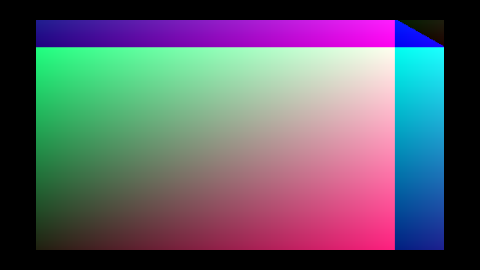 |
| 2 | 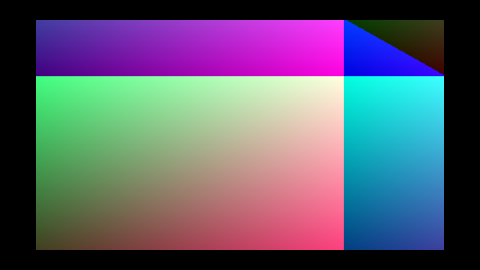 |
| 3 | 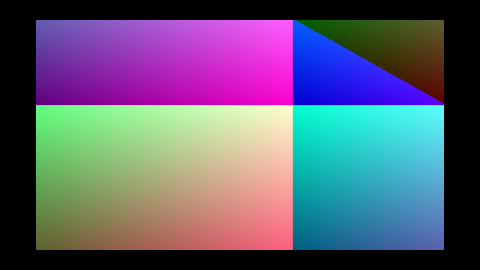 |
| 4 | 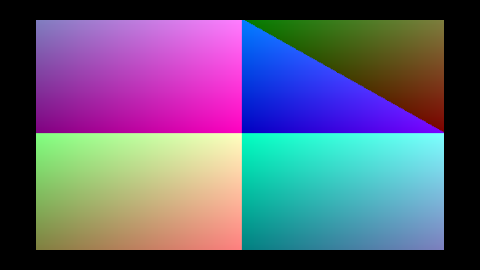 |
| 5 | 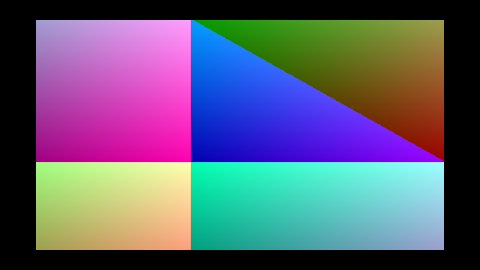 |
| 6 | 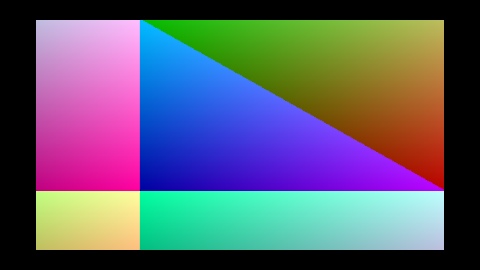 |
| 7 | 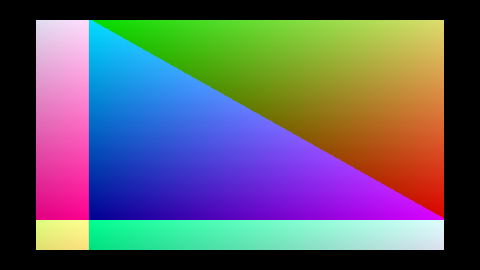 |
The motion is the gradient phase-shifting frame to frame — proves the per-frame upload path actually replaces the texture each tick (a static output would be a regression).
Run with:
cargo run -p screen-wisp --example playback_demo
media — architecture
The media crate is the home for GStreamer-backed audio + video capture,
playback orchestration, and the data models that wisp (the renderer)
and app (the Tauri/Leptos shell) consume. It's the M-MEDIA track's
foundation — every subsequent ticket (M-MEDIA.1 through M-MEDIA.22)
adds to one of its modules.
Three-way responsibility split
Boundaries are load-bearing. Crossing them once would bloat every wisp consumer (storybook, headless export, future plugins) with GStreamer's build footprint + license obligations.
| Crate | Owns | Doesn't own |
|---|---|---|
media | GStreamer capture, GStreamer playback, audio + video data models, MediaClock / MediaTime, audio histogram quantization, recording-session manifest, device enumeration | rendering, UI |
wisp | visual composition — sprite + graphics + text + mask + filter + blend pipelines | media capture, timing |
app (Tauri + Leptos) | UI orchestration — webview, IPC, file dialogs, recorder commands | direct GStreamer or wgpu calls |
wisp must not depend on media's GStreamer integration. Wisp
receives VideoFrame / Texture handles, WaveformBarRect geometry,
cursor state, and timeline timestamps via typed structs, and renders
them through its existing sprite + graphics pipelines. Crossing this
boundary once would bloat every wisp consumer (storybook, headless
export, future plugins) with GStreamer's build + license footprint.
Layering
graph TD
    App["<b>app</b><br/>(Tauri shell + Leptos UI)<br/>• calls media::commands::*<br/>• feeds wisp typed data"]
    App --> Media
    App --> Wisp

    subgraph siblings ["sibling crates — no direct dep between them"]
        Media["<b>media</b><br/>• GStreamer<br/>• timing model<br/>• histogram<br/>• manifest"]
        Wisp["<b>wisp</b><br/>• render<br/>• sprite/graphics<br/>• text + mask<br/>• filter + blend"]
    end

    Media -. typed data: VideoFrame,<br/>WaveformBarRect,<br/>MediaTime, … .-> Wisp
Build-on-decode
The decode crate already carries the BGRA-frame contract used
throughout the project (VideoFrame, VideoStream, and the existing
GstreamerPipeStream CLI-pipe pattern). media builds on top of it —
re-exports VideoFrame / VideoStream under video
and consumes the CLI-pipe pattern in M-MEDIA.6 / .13 / .16 for video
capture and webcam intake.
GStreamer integration choice — CLI-pipe
Spawn gst-launch-1.0 as a child process and pipe raw bytes through
fdsrc / fdsink. Not gstreamer-rs.
- Zero compile-time dependency on libgstreamer. Works on any machine
with
brew install gstreamer/apt install gstreamer1.0-tools, nogst-buildsetup needed. - The CLI pipeline doubles as runnable documentation — you can paste it into a terminal.
- Upgrading to
gstreamer-rslater is a one-line swap at the call site, because the public surface (VideoStream,AudioStreamtrait + chunk types) hides the transport.
Lessons captured in CLAUDE.md and the GStreamer-integration project
memory: fdsink fd=1 for stdout, rawvideoparse before mp4mux to
synthesize PTS, drop-kill the child on shutdown, skip-guard every
integration test, include PATH in spawn errors.
Module index
| Module | Chunk | Status |
|---|---|---|
gstreamer | M-MEDIA.1 (AUT-97) | scaffolded |
clock | M-MEDIA.2 (AUT-98) | scaffolded |
audio | M-MEDIA.3 (AUT-99) | scaffolded |
video | re-export of decode | done |
histogram | M-MEDIA.8 (AUT-104) | scaffolded |
manifest | M-MEDIA.20 (AUT-116) | scaffolded |
Every cell marked "scaffolded" is a module that exists today, compiles, and contains the planned-surface comment that the next chunk converts into real types + tests + an mdBook chapter of its own.
Track sequencing
The 23 M-MEDIA chunks land on the m-media branch as one big PR.
Order is numeric and follows the dependency chain:
- P0 (
AUT-96..103) — crate + probe + clock + audio model + mock sources + GStreamer capture (audio + video) + A/V sync harness. - P1 (
AUT-104..110) — histogram → waveform → Wisp render → gst histogram → texture handoff → gst video → synced scene. - P2 (
AUT-111..117) — live mic / webcam / playback harness / cursor / device enumeration / manifest / Leptos seam. - P3 (
AUT-118) — end-to-end smoke.
Media clock + timestamp model
Every audio chunk, video frame, cursor event, and visualization window in the recorder is stamped against one shared timeline. This module is that timeline's vocabulary.
Types
| Type | Role |
|---|---|
MediaTime | A point on the timeline. Internal i64 nanoseconds. |
MediaDuration | An interval between two MediaTimes. Signed (drift can be negative). |
MediaClock | Authoritative timeline source — wall-clock or manual. |
Timestamped<T> | A value plus the MediaTime it occurred at. |
Why nanoseconds (i64)
Internal representation is i64 nanoseconds, signed so a
pre-origin offset is representable.
i64::MAXns ≈ 292 years — comfortable headroom for any recorder session.f64seconds drops below 1 µs precision past ~10⁹ s; nanoseconds stay exact through arithmetic.- Integer math for
from_sample/to_sampleround-trips exactly for any sample rate (44.1 kHz included), thanks to round-half-up into_sample. Without rounding, 44.1 kHz drifts -1 sample per conversion.
Sample / frame conversions
#![allow(unused)]
fn main() {
use media::clock::MediaTime;

// 30 fps, frame 90 → 3.0 s.
assert!((MediaTime::from_frame(90, 30.0).as_seconds() - 3.0).abs() < 1e-9);

// 48 kHz, sample 48 000 → 1.0 s exactly (nanos-level).
assert_eq!(MediaTime::from_sample(48_000, 48_000).as_nanos(), 1_000_000_000);

// 44.1 kHz round-trips exactly thanks to round-half-up.
let t = MediaTime::from_sample(1, 44_100);
assert_eq!(t.to_sample(44_100), 1);
}
Two clock modes
#![allow(unused)]
fn main() {
use media::clock::{MediaClock, MediaDuration, MediaTime};

// Production — anchored to Instant::now().
let live = MediaClock::wall_clock();
let _t = live.now();

// Tests + headless examples — driven by advance_by, byte-exact reproducible.
let mock = MediaClock::manual(MediaTime::ZERO);
mock.advance_by(MediaDuration::from_millis(20));
assert!((mock.now().as_seconds() - 0.020).abs() < 1e-12);
}
MediaClock::assign(value) attaches the current timestamp:
#![allow(unused)]
fn main() {
use media::clock::{MediaClock, MediaTime, Timestamped};
let clock = MediaClock::manual(MediaTime::from_seconds(2.5));
let ts: Timestamped<&str> = clock.assign("hello");
assert_eq!(ts.value, "hello");
}
The synthetic A/V sync harness (M-MEDIA.7) uses
MediaClock::manual so the test's drift assertion is deterministic
across hosts. Live capture (M-MEDIA.5/.6) uses
MediaClock::wall_clock.
Arithmetic
MediaTime + MediaDuration  → MediaTime      (forward in time)
MediaTime - MediaDuration  → MediaTime      (backward in time)
MediaTime - MediaTime      → MediaDuration  (interval between)
MediaDuration ± MediaDuration → MediaDuration
Saturating arithmetic prevents overflow at the i64 boundary.
MediaDuration::abs() is provided specifically for drift reporting —
A/V sync logs typically want the magnitude rather than the signed
delta.
Audio data model
Every audio buffer in the recorder flows through one type:
AudioChunk — a
timestamped slice of normalized f32 samples with its
AudioFormat. The
GStreamer capture path (M-MEDIA.5), the deterministic mock sources
(M-MEDIA.4), the histogram quantizer (M-MEDIA.8), and the live
microphone path (M-MEDIA.15) all produce / consume this type.
Why normalized f32
- It's what every downstream visualization wants —
AudioHistogram's RMS / peak math runs cleaner on floats than on integers. - It's what GStreamer's
audioconvert ! audio/x-raw,format=F32LEproduces natively — capture pipelines don't have to re-quantize. - Future device-capture backends (
cpal,coreaudio-rs) emitf32as their preferred shape too — no buffer layout churn at the seam.
The SampleFormat enum
exists so capture-side code can declare its input layout
(F32 / I16 / U8) before normalization. Internally,
AudioChunk::samples is always &[f32].
Interleave order — planar-per-frame
Stereo: [L₀, R₀, L₁, R₁, …]. Mono: [s₀, s₁, …]. Matches GStreamer
raw-audio, cpal, coreaudio-rs. No re-layout needed at the
capture seam.
Validation
[AudioChunk::new] rejects:
samples.len() % channels != 0— each frame must carry exactly one sample per channel.channels == 0.sample_rate == 0.
These are the three "is this a meaningful chunk?" checks. The remaining shape questions (clipping, NaN, DC offset) are visualization concerns, not data-model concerns.
Derived metrics
AudioChunk::peak() and AudioChunk::rms() are pre-computed
shortcuts used by M-MEDIA.8 (histogram quantization) and capture-side
regression checks. They run in O(n) over the buffer; cache the
result if you need it more than once per chunk.
Quick start
#![allow(unused)]
fn main() {
use media::audio::{AudioChunk, AudioFormat};
use media::clock::MediaTime;

let fmt = AudioFormat::mono_f32(48_000);
let samples = vec![0.0_f32; 48_000]; // 1.0 s of silence at 48 kHz.
let chunk = AudioChunk::new(fmt, samples, MediaTime::ZERO).expect("valid");
assert_eq!(chunk.frame_count(), 48_000);
assert!((chunk.duration().as_seconds() - 1.0).abs() < 1e-9);
}
Deterministic mock audio sources
Three sources that emit timestamped [AudioChunk]s with byte-exact
reproducible samples — no microphone, no GStreamer. Every test that
wants "this is what audio looks like" without a live device uses one
of these.

Left to right: SineWaveSource(440 Hz, A=0.7) — five cycles
fitting the panel; SilenceSource — flat zero everywhere;
StepPulseSource(120) — a single 1.0 spike at frame 120, silent
otherwise. Rendered against a white backdrop per the CLAUDE.md
asset-choice rule (audio shape needs light backing to read).
The three shapes
| Source | Math | Used by |
|---|---|---|
SineWaveSource | amplitude · sin(2π·freq·t) | M-MEDIA.8 RMS reference (RMS = A/√2), M-MEDIA.10 visual demo |
SilenceSource | All zeros | M-MEDIA.8 "this quantizes to zero bars" reference |
StepPulseSource | Single 1.0 spike at a configured frame | M-MEDIA.8 peak-detection assertion |
Each source advances an internal frame counter on next_chunk(frames)
and stamps PTS via [MediaTime::from_sample]. Two successive
next_chunk(48_000) calls on a 48 kHz source produce chunks with
pts = 0 s and pts = 1 s — no rounding drift.
Why three shapes
The histogram quantizer in M-MEDIA.8 has three correctness assertions:
- Silence → zero bars. Trivial;
SilenceSourceis the input. - Sine wave → stable RMS. A pure sinusoid at amplitude A has RMS
= A/√2 ≈ 0.7071·A. Constant across buckets.
SineWaveSourceis the input; the test asserts(observed - A/√2).abs() < tolerance. - Pulse → expected peak. A single 1.0 spike at frame K should
show up as
peak == 1.0exactly in the bucket containing frame K, andpeak < epsiloneverywhere else.StepPulseSourceis the input.
These are the same three properties M-MEDIA.4 tests today, and the same three M-MEDIA.8 will assert against the histogram output. Mock sources let the entire audio-visualization stack be TDD'd before any real audio infrastructure exists.
Quick start
#![allow(unused)]
fn main() {
use media::audio::AudioFormat;
use media::mock_audio::{SineWaveSource, SilenceSource, StepPulseSource};

let fmt = AudioFormat::mono_f32(48_000);

// Sine wave at 440 Hz, amplitude 0.5. RMS ≈ 0.5 / √2.
let mut sine = SineWaveSource::new(fmt, 440.0, 0.5);
let chunk = sine.next_chunk(48_000); // 1 s
assert!((chunk.rms() - 0.5 / 2.0_f32.sqrt()).abs() < 0.01);

// 100 ms of silence.
let mut hush = SilenceSource::new(fmt);
assert!(hush.next_chunk(4_800).peak() < f32::EPSILON);

// Single spike at frame 7.
let mut pulse = StepPulseSource::new(fmt, 7);
let chunk = pulse.next_chunk(16);
assert!((chunk.samples()[7] - 1.0).abs() < f32::EPSILON);
}
GStreamer audio capture
Spawns gst-launch-1.0 with a pipeline that emits normalized F32LE
raw audio on stdout, then chunks the byte stream into
AudioChunks with
contiguous PTS.
Round-tripped through the bundled MP3 fixture
The bundled 34.9-s sample-audio.mp3
(deterministic 440 Hz sine, generated locally via gstreamer's
audiotestsrc + lamemp3enc — license-clean by construction) feeds
GstreamerAudioCapture::from_file. After decode you get a stream of
AudioChunks carrying normalized f32 samples.

First 100 ms of the decoded MP3. The flat lead-in is the MP3 decoder's priming samples (mpeg-layer-3 has a brief encoder delay); the visible sine cycles afterward are the 440 Hz tone the fixture encodes. Rendered as a min/max envelope per pixel column so the high-frequency content reads as a band rather than aliased noise.

Same audio, quantized at 200 ms buckets across the full 34.9 s.
Uniform bars — a pure tone has constant amplitude so every bucket
has the same peak and rms. RMS sits ≈ 0.707 × peak (the
canonical sinusoid identity A/√2).
Two source modes
GstreamerAudioCapture::test_source(format, freq_hz)
  audiotestsrc wave=sine freq=F
    ! audioconvert
    ! audioresample
    ! audio/x-raw,format=F32LE,rate=R,channels=C,layout=interleaved
    ! fdsink fd=1

GstreamerAudioCapture::from_file(path, format)
  filesrc location=PATH
    ! decodebin
    ! audioconvert
    ! audioresample
    ! audio/x-raw,format=F32LE,rate=R,channels=C,layout=interleaved
    ! fdsink fd=1
test_source is the AUT-101 deliverable — deterministic, no
external file required. from_file is the companion fixture path
that decodes a real audio file (the bundled
crates/media/tests/fixtures/sample-audio.mp3, a deterministic 35-s
440 Hz sine).
Real fixtures matter for downstream tests: M-MEDIA.8 (audio histogram) needs to assert numeric correctness on real-world signal, not just mock data. The fixture's pure 440 Hz sine has a known RMS (amplitude / √2) so the assertions stay tight.
Lifecycle
GstreamerAudioCapture owns the child process. Drop kills the child
and waits — without this, gst-launch-1.0 keeps decoding into a
dropped pipe and burns CPU. Matches the
decode::GstreamerPipeStream
pattern.
#![allow(unused)]
fn main() {
use media::audio::AudioFormat;
use media::gstreamer_audio::GstreamerAudioCapture;

let fmt = AudioFormat::mono_f32(48_000);
let mut cap = GstreamerAudioCapture::test_source(fmt, 440.0)?;

// Read 100 ms chunks for 1 second.
for _ in 0..10 {
    let chunk = cap.next_chunk(4_800)?;
    println!(
        "pts={:.3}s rms={:.3} peak={:.3}",
        chunk.pts().as_seconds(),
        chunk.rms(),
        chunk.peak(),
    );
}
Ok::<(), media::gstreamer_audio::Error>(())
}
Format support
Only SampleFormat::F32
is supported at construction — the pipeline caps it to F32LE
explicitly and converting integer formats at this seam would push
sample-format complexity into the public API for no payoff.
[crate::audio::SampleFormat::I16] / U8 exist for future capture
backends that need to declare an upstream layout, but the public
from_file / test_source constructors require F32. A non-F32
format returns Error::UnsupportedFormat.
Integration tests
4 tests in crates/media/tests/gstreamer_audio_integration.rs,
each skip-guarded via
media::gstreamer::is_available:
| Test | Asserts |
|---|---|
test_source_emits_chunks_with_expected_format_and_pts | 3 × 100 ms chunks, contiguous PTS (0.0, 0.1, 0.2 s), correct frame count. |
test_source_sine_440hz_has_rms_near_amp_over_sqrt_2 | 1 s of audiotestsrc at default volume 0.8 → RMS ≈ 0.566 ± 0.02. |
test_source_stereo_interleaves_correctly | Stereo chunks have L ≈ R per frame (audiotestsrc emits the same waveform on every channel). |
from_file_decodes_real_mp3_fixture | The bundled MP3 decodes to 44.1 kHz stereo with RMS in (0.4, 0.95) — pure sine after MP3 round-trip. |
Manual regression
just gate                           # runs the integration tests via nextest
                                    # (skips silently if GStreamer absent)
cargo run -p media --example gst_audio_dump  # planned M-MEDIA.11 follow-up
GStreamer video capture
Spawns gst-launch-1.0 with a videotestsrc-fed pipeline that emits
raw BGRA frames on stdout, then chunks the byte stream into
VideoFrames — the same
type decode::VideoStream
returns.
3 seconds of videotestsrc SMPTE colorbars at 320×240, 30 fps.
Same content GstreamerVideoCapture::test_source emits frame-by-frame
into a VideoFrame stream; the animated ball in the bottom-left
corner is videotestsrc's built-in "is this actually moving"
indicator. Captured directly via gst-launch-1.0 + x264enc + mp4mux
(see just snapshots-media-video) so the chapter carries a concrete
artifact independent of the Rust test path.
Pipeline
videotestsrc is-live=false
  ! videoconvert
  ! video/x-raw,format=BGRA,width=W,height=H,framerate=F/1
  ! fdsink fd=1
videotestsrc's default pattern is SMPTE colorbars with a tiny
animated ball — successive frames carry different bytes, which makes
visual smoke checks cheap.
AUT-102 only covers the videotestsrc path. M-MEDIA.16 (live
webcam) will add an autovideosrc variant; M-MEDIA.17 (playback
harness) will add a filesrc ! decodebin variant that decodes the
existing crates/decode/tests/fixtures/sample.mp4.
Quick start
#![allow(unused)]
fn main() {
use media::gstreamer_video::GstreamerVideoCapture;

let mut cap = GstreamerVideoCapture::test_source(640, 360, 30)?;
for _ in 0..30 {
    let frame = cap.next_frame()?;
    println!(
        "frame {} pts={:.4}s {}×{} bgra-bytes={}",
        frame.frame_index,
        frame.pts_seconds,
        frame.width,
        frame.height,
        frame.bgra.len(),
    );
}
Ok::<(), media::gstreamer_video::Error>(())
}
Lifecycle
Drop kills the child + waits. Same pattern as
gstreamer_audio and
decode::GstreamerPipeStream
— a dropped pipe without an explicit kill keeps the gst-launch
process decoding into the void.
PTS
PTS is computed from frame_index / framerate via
MediaTime::from_frame.
At 30 fps, frame 90's PTS is exactly 3.0 s — no rounding drift
across long captures (the rounding in MediaTime's sample/frame
helpers ensures the integer round-trip stays tight).
Integration tests
3 tests in crates/media/tests/gstreamer_video_integration.rs,
all skip-guarded via
media::gstreamer::is_available:
| Test | Asserts |
|---|---|
emits_frames_with_expected_dimensions_and_pts | 5 frames, correct dimensions, byte length, frame index, contiguous PTS. |
frames_have_distinct_content_smpte_colorbars | Frame 0 vs frame 16 differ in many bytes (animated SMPTE ball moves). |
dimensions_and_framerate_round_trip_through_capture | dimensions() + framerate() accessors match construction args. |
A/V sync harness
Combines GstreamerAudioCapture
GstreamerVideoCaptureinto one harness that reports per-stream timing and inter-stream drift. With syntheticaudiotestsrc+videotestsrcthe assertion stays deterministic — live capture (M-MEDIA.15 / .16) will reuse this exact harness withautoaudiosrc/autovideosrc.
The two streams the harness drives
|
Video side — |
Audio side — first 100 ms of the bundled 440 Hz MP3 fixture. |
The harness pulls audio chunks (audio_chunk_frames per call —
4 800 frames / 100 ms at 48 kHz in the default config) and one video
frame per video tick until the configured MediaDuration is covered.
Both streams stamp their own PTS via
MediaTime; the
SyncReport records the
end-of-window timestamp for each stream
(chunk.pts + chunk.duration for audio, frame.pts + 1/fps for
video) so the drift calculation is symmetric.
What "drift" means here
Each stream stamps its own PTS via
MediaTime::from_sample
/ MediaTime::from_frame.
For synthetic sources, both PTS values are derived from per-stream
counters at construction-time rates, so the per-stream PTS is the
timeline. The harness reports:
| Field | Meaning |
|---|---|
audio_frames / video_frames | Cumulative captured. Expected = duration × rate. |
first_audio_pts / first_video_pts | First-chunk / first-frame PTS. ≈ 0 s for synthetic sources. |
last_audio_pts / last_video_pts | PTS of last captured chunk / frame. |
drift | ` |
SyncReport::drift_within(tolerance) returns bool for assertion
ergonomics. Display formats a compact one-line summary.
Quick start
#![allow(unused)]
fn main() {
use media::sync::{SyncConfig, run};
use media::clock::MediaDuration;

let report = run(SyncConfig::deterministic_1s())?;
println!("{report}");
assert!(report.drift_within(MediaDuration::from_millis(50)));
Ok::<(), media::sync::Error>(())
}
Configuration
SyncConfig::deterministic_1s
returns the default: 48 kHz mono audio + 64×36 30 fps video for 1
second. For longer captures (matches the AUT-103 ticket's 5–10 s
recommendation):
#![allow(unused)]
fn main() {
use media::audio::AudioFormat;
use media::clock::MediaDuration;
use media::sync::{SyncConfig, run};

let cfg = SyncConfig {
    audio_format: AudioFormat::stereo_f32(48_000),
    audio_frequency_hz: 1_000.0,
    video_width: 640,
    video_height: 360,
    video_framerate: 30,
    audio_chunk_frames: 4_800,
    duration: MediaDuration::from_seconds(5.0),
};
let report = run(cfg)?;
Ok::<(), media::sync::Error>(())
}
Integration tests
4 tests in crates/media/tests/sync_harness_integration.rs, each
skip-guarded via
media::gstreamer::is_available:
| Test | Asserts |
|---|---|
deterministic_1s_capture_yields_expected_frame_counts | 48 000 audio frames + 30 video frames after 1 s. |
deterministic_1s_first_pts_are_aligned_within_one_audio_chunk | ` |
deterministic_1s_drift_is_below_one_frame | drift < 1 / 25 s. |
last_pts_values_are_below_capture_duration | Neither stream's last PTS exceeds 1 s. |
Manual regression
cargo run -p media --example gst_sync_dump # planned follow-up
The integration tests run a 1-second capture for CI speed; the ticket's recommended 5–10 s manual regression is left as the example above.
Audio histogram quantization
Turns an AudioChunk
into design-friendly rectangle bars for timeline / dope-sheet
visualization. Each
AudioBar carries
its window's start time, duration, peak, and RMS.

Left to right: the same three mock sources as the
mock-sources chapter, quantized at 50 ms buckets
over 1 s of audio. Outer (light grey) extent = peak; inner
(amber) bar = rms. Sine: every bucket carries the same
height — constant amplitude. Silence: nothing. Pulse: one
bucket carries the spike (peak = 1.0), the rest are zero.
Math
| Metric | Formula | Range |
|---|---|---|
peak | `max_{s in window}( | s |
rms | sqrt(mean(s²)) | [0, 1] — for a pure sine of amplitude A, rms ≈ A / √2 |
Multi-channel chunks collapse to a single bar series — every sample in the interleaved buffer counts toward the same bucket. That matches dope-sheet rendering (one row per audio track, not per channel) and keeps the math + tests simple. M-MEDIA.9 (geometry) handles mono vs stereo display modes.
Bucket size
Default range is 20–50 ms — dope-sheet readability sweet spot (≈ 20–50 bars per second of audio). 10 ms is supported for tests + zoom views.
Bucket-duration arithmetic uses the
MediaTime::from_sample
round-half-up path, so bar start_time values are exact — bar[i+1] .start = bar[i].start + bar[i].duration for every i. No
gap-or-overlap drift across long captures.
Quick start
#![allow(unused)]
fn main() {
use media::audio::{AudioChunk, AudioFormat};
use media::clock::{MediaDuration, MediaTime};
use media::histogram::quantize;
use media::mock_audio::SineWaveSource;

let fmt = AudioFormat::mono_f32(48_000);
let mut src = SineWaveSource::new(fmt, 1_000.0, 0.6);
let chunk = src.next_chunk(48_000);                       // 1 s
let h = quantize(&chunk, MediaDuration::from_millis(50)); // 20 bars
let expected = 0.6 / 2.0_f32.sqrt();
for bar in h.bars.iter().skip(1).take(18) {
    assert!((bar.rms - expected).abs() < 0.05);
}
}
Three correctness assertions
M-MEDIA.4 (mock sources) lined up the three reference signals; this chunk's tests verify the corresponding three histogram behaviors:
| Source | Histogram property |
|---|---|
SilenceSource | All bars have peak ≈ 0 and rms ≈ 0. |
SineWaveSource(A) | Bars have rms ≈ A/√2 (skip boundary cycles). |
StepPulseSource(K) | One bar has peak = 1.0 at the bucket containing frame K; all others peak ≈ 0. |
The same three mock sources will drive M-MEDIA.10 (Wisp render) and M-MEDIA.11 (gst→histogram example) regression tests, so the correctness chain is uniform across the audio-visualization stack.
Tests
10 unit tests in crates/media/src/histogram.rs::tests. Bucket
counts at 10 ms / 20 ms / 50 ms, silence → zero bars, sine → stable
RMS, pulse → singular peak, empty chunk → empty histogram,
contiguous bar timestamps, stereo collapses to mono bar series,
Send + Sync. Full just gate green at 376 tests (366 + 10 new).
Waveform bar geometry
Maps an
AudioHistogram
to a list of axis-aligned rectangles that wisp's graphics pipeline
can render directly.
wisp must not know about audio. media (this crate) produces typed
geometry — Vec<WaveformBarRect> — and wisp draws those rectangles
with its existing graphics pipeline. Without this seam, every wisp
consumer (storybook, headless export, future plugins) would pull in
GStreamer's build + license footprint.
Data flow
sequenceDiagram
    participant Src as AudioChunk source
    participant Hist as histogram::quantize
    participant Geom as waveform::mono_bars / stereo_bars
    participant Wisp as wisp::Graphics

    Src->>Hist: AudioChunk (PTS, samples)
    Hist->>Geom: AudioHistogram (peak + rms per bucket)
    Geom->>Wisp: Vec<WaveformBarRect>
    Wisp->>Wisp: graphics.rect(x, y, w, h) per bar
The histogram carries timing on a media timeline (each bar has
start_time + duration); the geometry stage drops timing and lays
bars out by index, with bar_width + bar_gap between adjacent
left edges. Timeline-aligned layout (dope-sheet, scrubber) is the
caller's job — this module is unit-agnostic.
Coordinate convention
Rectangles use a y-up convention (matching wisp NDC): x / y is
the bottom-left corner, width / height are non-negative.
Layout values use whatever unit the caller picks — NDC [-1, +1],
screen pixels, normalized [0, 1]. The math doesn't care.
Two display modes
Mono histograms get two layout styles:
- Anchored — bar's bottom edge sits on
baseline_y, grows up byvalue × max_height. Use for dope-sheet rows above a timeline. - Mirrored — bar centered on
baseline_y, extends half up and half down. Use for centered "VU-style" displays.
Stereo always uses anchored geometry: left grows up from
baseline_y, right grows down. The mode field is ignored.
Quick start
#![allow(unused)]
fn main() {
use media::{
    audio::AudioFormat, clock::MediaDuration, histogram::quantize,
    mock_audio::SineWaveSource, waveform::{mono_bars, WaveformLayout},
};

let mut src = SineWaveSource::new(AudioFormat::mono_f32(48_000), 440.0, 0.6);
let chunk = src.next_chunk(48_000);                       // 1 s
let h = quantize(&chunk, MediaDuration::from_millis(50)); // 20 bars
let rects = mono_bars(&h, &WaveformLayout::ndc_default());
// rects.len() == 20; each rect.height == bar.peak * 0.4
}
Manual regression — four-bar table
A test crafts a 4-bar histogram with peak = [1.0, 0.5, 0.25, 0.0],
lays it out anchored at y = 0, bar_width = 0.1, bar_gap = 0.02,
max_height = 1.0, origin_x = 0.0. Expected geometry:
| Bar | peak | x | y | width | height |
|---|---|---|---|---|---|
| 0 | 1.00 | 0.00 | 0 | 0.10 | 1.00 |
| 1 | 0.50 | 0.12 | 0 | 0.10 | 0.50 |
| 2 | 0.25 | 0.24 | 0 | 0.10 | 0.25 |
| 3 | 0.00 | 0.36 | 0 | 0.10 | 0.00 |
Stride = bar_width + bar_gap = 0.12. Height = peak × max_height.
The bar-4 zero-height rect is preserved (geometry stays parallel to
histogram order) so downstream renderers can use stable indices.
Next
Render synthetic audio histogram in Wisp takes
this geometry list and draws it through wisp::Graphics for the
first time.
Audio histogram in Wisp
The seam works. media quantizes audio into an
AudioHistogram,
media::waveform::mono_bars
lays it out as rectangle geometry, and wisp's graphics pipeline
draws those rectangles. Wisp never imports media.
A 440 Hz sine at amplitude 0.6, sampled at 48 kHz for 1 second, quantized at 50 ms (20 bars), mirrored about the centerline. Every bar is roughly the same height — that's the constant-amplitude sine made visible.
End-to-end path
sequenceDiagram
    participant Mock as media::SineWaveSource
    participant Hist as media::histogram::quantize
    participant Geom as media::waveform::mono_bars
    participant Wisp as wisp::Graphics

    Mock->>Hist: AudioChunk (1s, 48 kHz mono)
    Hist->>Geom: AudioHistogram (20 × peak, rms)
    Geom->>Wisp: Vec<WaveformBarRect>
    Wisp->>Wisp: graphics.draw_rect(x, y, w, h) ×20
The arrows only go right. wisp exposes Graphics::draw_rect; the
audio side feeds it. Adding a wisp::audio module would have pulled
GStreamer (+ build deps + licenses) into every wisp consumer —
storybook, headless export, future plugins. Routing through typed
geometry is what keeps the renderer slim.
Story code (excerpt)
#![allow(unused)]
fn main() {
use media::{audio::AudioFormat, clock::MediaDuration,
            histogram::quantize, mock_audio::SineWaveSource,
            waveform::{mono_bars, BarMetric, WaveformDisplayMode, WaveformLayout}};
use wisp::{Color, Fill, Graphics, math::Rect};

let mut src = SineWaveSource::new(AudioFormat::mono_f32(48_000), 440.0, 0.6);
let chunk = src.next_chunk(48_000);                       // 1 s
let histogram = quantize(&chunk, MediaDuration::from_millis(50)); // 20 bars

let layout = WaveformLayout {
    origin_x: -0.85, baseline_y: 0.0,
    bar_width: 0.075, bar_gap: 0.012,
    max_height: 1.1,
    color: [1.0, 0.74, 0.30, 1.0],
    metric: BarMetric::Peak,
    mode: WaveformDisplayMode::Mirrored,
};
let rects = mono_bars(&histogram, &layout);

let mut bars = Graphics::new();
let [r, g, b, a] = layout.color;
bars.fill(Fill::Solid(Color::rgba(r, g, b, a)));
for rect in &rects {
    bars.draw_rect(Rect::new(rect.x, rect.y, rect.width, rect.height));
}
}
The full story is in
crates/wisp-storybook/src/stories/s_audio_histogram.rs.
Mock sources + integer-arithmetic quantization mean the rendered
PNG is identical run-to-run on the same GPU. The story is also
under the storybook's story_fingerprints quadrant snapshot — any
geometry / color regression in media::waveform or wisp::Graphics
trips the snapshot.
Next
GStreamer audio → histogram example swaps the mock source for a real GStreamer-captured audio chunk so the same renderer can draw real microphone input.
GStreamer audio → histogram example
Closes the loop: the same histogram::quantize that drove
the synthetic Wisp story accepts real-shape
chunks from a GStreamer audiotestsrc. Swap audiotestsrc for a
microphone (M-MEDIA.15) and the rest of the pipeline doesn't move.
What the example does
sequenceDiagram
    participant Probe as media::gstreamer::is_available
    participant Gst as gst-launch-1.0 audiotestsrc
    participant Cap as GstreamerAudioCapture
    participant Hist as histogram::quantize
    participant Out as stdout

    Probe-->>Probe: PATH lookup
    alt missing
        Probe-->>Out: skip message, exit 0
    else available
        Cap->>Gst: spawn pipeline (audiotestsrc, freq=440, 48 kHz f32 mono)
        Gst->>Cap: 1 s of raw PCM via fdsink
        Cap->>Hist: AudioChunk (48 000 frames, pts = 0)
        Hist->>Out: bucket / peak / rms summary
    end
The example calls
media::gstreamer::is_available
first and prints a friendly skip message when gst-launch-1.0 isn't
on PATH. That's the M-MEDIA.1 helper. The example is wired into
the manual-regression workflow, not the gate — CI exercises the
audio path through the integration tests that use the same probe.
Run
cargo run -p media --example gst_audio_histogram
Sample output on a machine with GStreamer installed:
GStreamer audiotestsrc → AudioHistogram
  source        : audiotestsrc freq=440.0 Hz
  format        : 1 ch, 48000 Hz, f32 LE
  chunk         : 48000 frames, pts = 0 ns
  bucket / bars : 50 ms × 20 bars
  peak max      : 0.8000
  rms  min..max : 0.5657 .. 0.5657
  first 5 bars  :
    pts=         0 ns  peak=0.8000  rms=0.5657
    pts=  50000000 ns  peak=0.8000  rms=0.5657
    …
A full-scale sine of amplitude A has RMS = A / √2. GStreamer's
audiotestsrc defaults to volume = 0.8, not 1.0 — so RMS ≈ 0.8 / √2 ≈ 0.5657. The synthetic
SineWaveSource
in the storybook story was constructed with
amplitude 0.6, so its bars come in at RMS ≈ 0.4243. Same math,
different A.
Manual regression
Run the example and verify:
| Field | Expected |
|---|---|
format | 1 ch, 48000 Hz, f32 LE |
chunk frames | 48000 |
bars | 20 (1 s / 50 ms) |
peak max | ~0.80 |
rms range | All bars ≈ 0.5657, near-zero variance |
pts cadence | 50_000_000 ns per bar, monotonic |
Next
Wisp media texture handoff for video frames — the
video-side equivalent of this audio path. Takes a captured
VideoFrame and uploads it to a wisp Texture so a Sprite can
sample it.
Video texture handoff
The audio side of the seam (M-MEDIA.9–11) emits Vec<WaveformBarRect>
geometry; the video side emits raw BGRA bytes. wisp's
VideoTexture
already knew how to receive them — this chunk formalizes the call
site as a story so future code can copy the pattern.
A 128×72 synthetic VideoFrame
(diagonal gradient + horizontal stripes) uploaded to a
VideoTexture and drawn through the standard Sprite pipeline.
Handoff path
sequenceDiagram
    participant Src as decode::VideoFrame
    participant Tex as wisp::VideoTexture
    participant Spr as wisp::Sprite
    participant Gpu as wgpu Queue

    Src->>Tex: VideoTexture::new(app, w, h)
    Src->>Gpu: VideoTexture::upload_bgra(app, frame.bgra)
    Tex->>Spr: Sprite::from_texture(tex.texture().clone())
    Spr->>Spr: scene.add_child(root, sprite)
VideoTexture::upload_bgra takes a &[u8] and dimensions — that's
the entire API surface. The bytes can come from a GStreamer pipe,
ScreenCaptureKit on macOS, the Windows duplication API, a synthetic
gradient, or a file. wisp doesn't have a media::VideoFrame
import, and it won't grow one. Crossing that boundary is the whole
point of the media crate.
Story code (excerpt)
#![allow(unused)]
fn main() {
use media::VideoFrame;
use wisp::texture::video_texture::VideoTexture;
use wisp::Sprite;

let video_tex = VideoTexture::new(app, frame.width, frame.height);
video_tex.upload_bgra(app, &frame.bgra);

let mut sprite = Sprite::from_texture(video_tex.texture().clone());
sprite.container.transform.scale = Vec2::new(1.5, 1.5 * 72.0 / 128.0);
let _ = stage.add_child(stage.root(), sprite);
}
Full story:
s_video_frame_handoff.rs.
Bgra8UnormSrgb is the texture format VideoTexture allocates — no
shader-side swizzle, no per-frame CPU pass to reorder bytes.
ScreenCaptureKit, Windows duplication, and gst-launch's videoconvert ! video/x-raw,format=BGRA pipeline all hand BGRA over the wire. If
your source is RGBA, an extra videoconvert stage in the GStreamer
pipeline (or a one-line shuffle in Rust) is the bridge.
Determinism
The synthetic frame depends only on (width, height), so the
rendered PNG is identical run-to-run on the same GPU. Story is
covered by story_smoke (no validation errors + visible pixels)
and story_fingerprints (quadrant snapshot). Upload-orientation,
format-byte-order, and colorspace regressions trip the snapshot
because the gradient + stripe pattern has enough per-quadrant
variance to detect them.
Next
GStreamer video test source through Wisp — swaps
the synthetic frame for a real videotestsrc frame served via the
existing M-MEDIA.6 capture pipeline.
GStreamer videotestsrc through Wisp
Real GStreamer frames through the same VideoTexture path that
M-MEDIA.12 stood up with synthetic frames. Closes the loop: the
recorder's video intake (M-MEDIA.6) feeds wisp's rendering pipeline
(M-MEDIA.12) end-to-end.
Frame 0 of videotestsrc's default SMPTE-colorbars pattern at
320×180, captured via the M-MEDIA.6 CLI-pipe wrapper, uploaded to a
wisp VideoTexture, and rendered through Sprite.
Run
cargo run -p media --example gst_video_to_wisp
Eight frames at 30 fps are captured and rendered. Output lands under
target/gst-video-frames/frame_NN.png with a per-frame PTS log:
frame 00: pts = 0.000 s (         0 ns), index = 0
frame 01: pts = 0.033 s (  33333333 ns), index = 1
frame 02: pts = 0.067 s (  66666667 ns), index = 2
…
frame 07: pts = 0.233 s ( 233333333 ns), index = 7

Summary: 8 frames captured, 8 VideoTexture uploads,
         8 cumulative gst frames emitted.
The wiring
sequenceDiagram
    participant Gst as gst-launch-1.0 videotestsrc
    participant Cap as GstreamerVideoCapture
    participant Tex as wisp::VideoTexture
    participant Ren as wisp::Renderer
    participant Out as PNG

    loop frame i ∈ [0, 8)
        Gst->>Cap: BGRA frame via fdsink
        Cap->>Tex: upload_bgra(app, frame.bgra)
        Tex->>Ren: Stage with Sprite(tex)
        Ren->>Out: render_target.read_pixels → PNG
    end
The media library never imports wisp or wgpu. The example
brings them in as dev-dependencies so cargo run -p media --example gst_video_to_wisp works, but cargo doc -p media and
downstream consumers of the library don't pull wgpu into their tree.
The boundary stays clean.
Manual regression
After running, verify:
| Field | Expected |
|---|---|
| PTS cadence | 33_333_333 ns between frames (30 fps) |
| frame_index | monotonic 0..8 |
| png count | 8 files under target/gst-video-frames/ |
| frame 0 content | SMPTE colorbars (white, yellow, cyan, green, magenta, red, blue stripes + noise band on top) |
Real-webcam capture (M-MEDIA.16) drops in here without any of the wisp-side code changing. The video texture is format-agnostic at the contract level — caps to BGRA on the GStreamer side, upload, render.
Next
Synced video + audio histogram in one Wisp scene — combines this video render with the M-MEDIA.10 audio histogram so the two shows the recorder's two intake streams composed against one timeline.
Synced video + audio in one scene
The M-MEDIA P1 capstone. Video frames and an audio histogram render
in the same wisp scene, anchored to a single MediaClock. Every
seam shipped in M-MEDIA.0 through M-MEDIA.13 shows up at the same
call site:
MediaClock::manual(M-MEDIA.2) drives the timeline.VideoFrame(M-MEDIA.12) uploads BGRA to a wispVideoTexture.SineWaveSource→AudioChunk→quantize(M-MEDIA.8) produces the histogram.mono_bars(M-MEDIA.9) lays the histogram out as rectangles.wisp::Graphicsandwisp::Spritedraw both layers in one pass.
Frame 5 of 10. Video occupies the top half (a hue-rotating gradient
that changes per frame); audio bars sit on the bottom (amber, scaled
to the chunk's peak). The amplitude ramps 0.30 → 0.90 over the run,
so bar heights grow monotonically frame-to-frame.
Per-frame loop
sequenceDiagram
    participant Clk as MediaClock::manual
    participant Aud as SineWaveSource + quantize
    participant Vid as synth_frame_bgra + VideoTexture
    participant Stg as wisp::Stage
    participant Out as PNG

    loop frame i ∈ [0, 10)
        Clk-->>Aud: t = clock.now()
        Clk-->>Vid: same t
        Aud->>Stg: histogram → mono_bars → Graphics rects
        Vid->>Stg: BGRA upload → Sprite
        Stg->>Out: renderer.render_stage → read_pixels → PNG
        Clk-->>Clk: clock.advance_by(100ms)
    end
The example doesn't try to generate audio at the video's exact
PTS — it constructs a fresh AudioChunk per frame, anchored at
clock.now(), and quantizes it. Real captures (live mic + webcam,
M-MEDIA.15/.16) emit chunks with their own PTS; the recorder code
will pick the chunk whose window contains clock.now(). Either way,
the clock is the single source of truth — video and audio
align against the clock, not against each other.
Run
cargo run -p media --example synced_scene
frame 00: video.pts = 0.000 s | hist.window = [0.000 s, +20 ms ×  5 bars] amp=0.30 peak=0.300 rms=0.214
frame 01: video.pts = 0.100 s | hist.window = [0.100 s, +20 ms ×  5 bars] amp=0.37 peak=0.367 rms=0.261
…
frame 09: video.pts = 0.900 s | hist.window = [0.900 s, +20 ms ×  5 bars] amp=0.90 peak=0.900 rms=0.642
Ten 640×360 PNGs land under target/synced-scene/frame_NN.png.
Reproducibility
Synthetic sources only. Every byte of every PNG is determined by
constants in examples/synced_scene.rs — FRAME_PERIOD,
BUCKET, the amplitude ramp, the hue-rotation step. Run it on
two machines with the same GPU and you'll get bit-identical
output. That's what makes this example viable as both a
manual-regression artifact and a future snapshot test.
Manual regression
| Field | Expected |
|---|---|
| frame count | 10 PNGs at target/synced-scene/frame_NN.png |
| video.pts cadence | 0.000, 0.100, …, 0.900 s (100 ms steps) |
| hist.window stride | always +20 ms, 5 bars per window |
| amp ramp | 0.30 → 0.90 linearly, peak ≈ amp, rms ≈ amp / √2 |
| visual | video changes color frame-to-frame; bars grow monotonically |
What this unlocks
Live capture (M-MEDIA.15 / .16) swaps the synthetic sources for real hardware-backed ones without changing the wisp side of the call. Editor-UI integration (M-MEDIA.21) wires the same composition into the Tauri shell. The scene shape doesn't change — only the data sources do.
playback — overview
The middle layer between decode and
wisp. Player owns a boxed VideoStream and a
VideoTexture, and pumps decoded frames into the GPU at the source's
frame rate while the shell ticks it once per render frame.
Contract
sequenceDiagram
participant Shell as Shell<br/>(Tauri / winit)
participant Player
participant Stream as Box<dyn VideoStream><br/>(decode crate)
participant Texture as VideoTexture<br/>(wisp crate)
participant Sprite as wisp::Sprite
loop once per render frame
Shell ->> Player: tick(dt)
Note over Player: if Playing,<br/>elapsed += dt
loop while elapsed ≥ next_due
Player ->> Stream: next_frame()
Stream -->> Player: VideoFrame (BGRA)
Player ->> Texture: upload_bgra(&frame.bgra)
Note over Player: next_due +=<br/>1.0 / frame_rate()
end
Player -->> Shell: frames_uploaded: u32
Note over Shell: redraw only when<br/>frames_uploaded > 0
Sprite ->> Texture: sample (on screen)
end
tick returns the number of frames it actually uploaded so the shell
can drive a redraw signal off it (no re-render needed when no new frame
is due).
Transport
| State | What tick does |
|---|---|
Paused (default) | nothing — elapsed stays put, texture serves the last uploaded frame |
Playing | normal pump |
Ended | nothing — same as Paused but the UI can swap "Pause" → "Replay" |
Anti-regression contract (tests in tests/timing.rs)
- Paused player does not advance —
elapsed == 0after a 1 s tick. - First tick uploads the t=0 frame even with a 1 ms
dt(no off-by-one causing the first frame to be skipped). - 1 s of wallclock at 60 Hz render against a 30 fps source pulls ~30 frames (29..=31 inclusive — boundary tolerance is documented).
- Stream exhaustion transitions to
Endedcleanly. - Pause freezes both the state and the texture (next
tickdoes not re-upload the held frame). duration_hintmatchesframe_count / frame_rate.
Visual proof — 30 ticks of the timed_playback example
Run with:
cargo run -p playback --example timed_playback
Each tick where the player uploaded a frame is captured below — that's the gradient phase advancing across 1 s of wallclock as the player catches the timestamps that come due.
| Tick 00 | Tick 02 | Tick 04 | Tick 06 |
|---|---|---|---|
 |  | 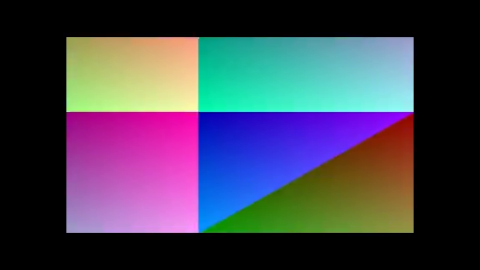 | 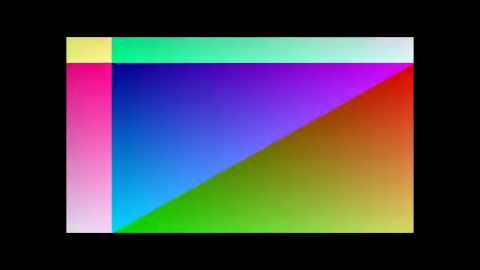 |
| Tick 11 | Tick 21 | Tick 31 | Tick 41 |
|---|---|---|---|
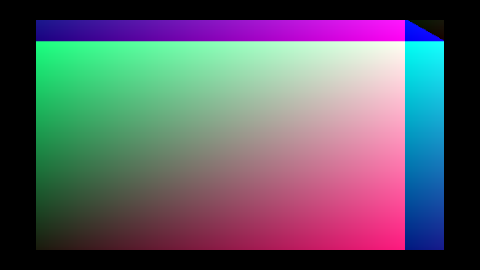 | 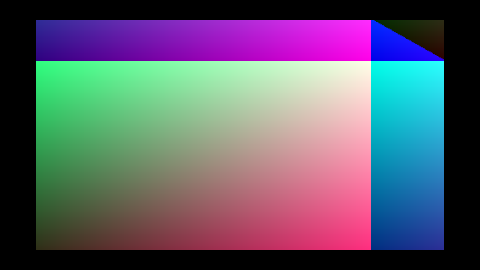 | 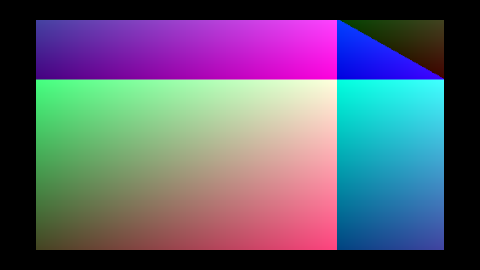 | 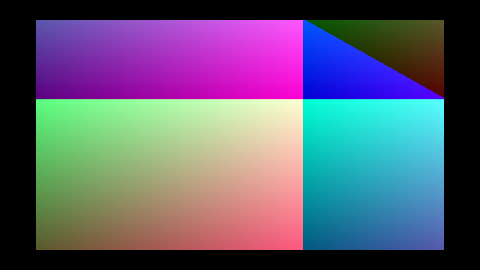 |
| Tick 49 | Tick 53 | Tick 57 | Tick 59 |
|---|---|---|---|
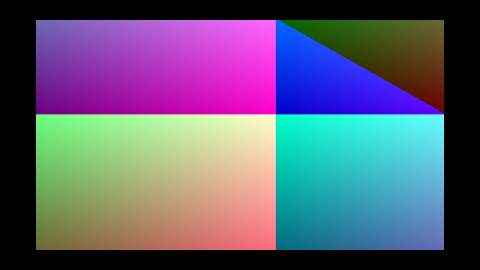 | 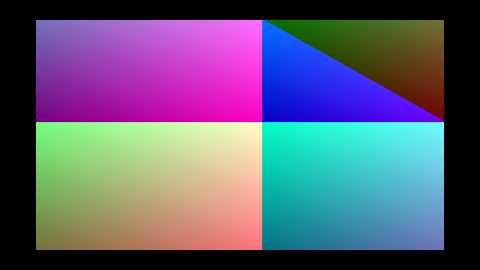 | 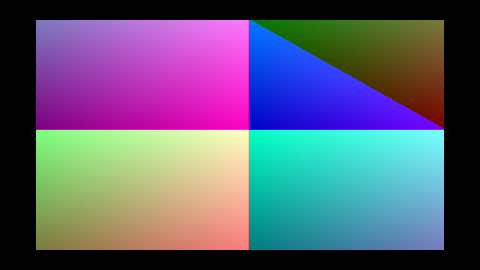 | 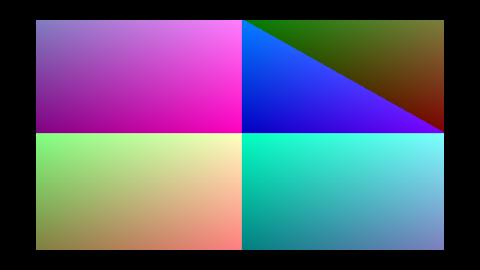 |
Real MP4 → wisp playback
This is the first chunk that puts the complete data path together:
sequenceDiagram
    participant File as sample.mp4
    participant Discoverer as gst-discoverer-1.0
    participant Launch as gst-launch-1.0<br/>(filesrc → decodebin →<br/>videoconvert → BGRA → fdsink)
    participant Stream as GstreamerPipeStream<br/>(impl VideoStream)
    participant Player
    participant Texture as VideoTexture
    participant Renderer as wisp::Sprite +<br/>Renderer
    participant Output as RenderTexture → PNG

    File ->> Discoverer: probe
    Discoverer -->> Player: width / height / fps / duration
    File ->> Launch: decode
    Launch -->> Stream: raw BGRA bytes on stdout
    Stream ->> Player: next_frame() → VideoFrame
    Player ->> Texture: upload_bgra(frame)
    Player ->> Renderer: render_stage(stage)
    Renderer ->> Output: read_pixels → PNG
How to run
The committed test fixture ships with the repo, so the example is
runnable with no setup beyond brew install gstreamer:
cargo run -p playback --example play_file
Custom video:
cargo run -p playback --example play_file -- /path/to/video.mp4
Output (running against tests/fixtures/sample.mp4)
The fixture is the M-DEC.1 mock-stream gradient, encoded once with x264 into an 11 KB MP4. The example pulls it back through GStreamer + Player
- wisp and writes one PNG per render-tick where a frame was uploaded.
| Tick 00 | Tick 01 | Tick 02 | Tick 03 |
|---|---|---|---|
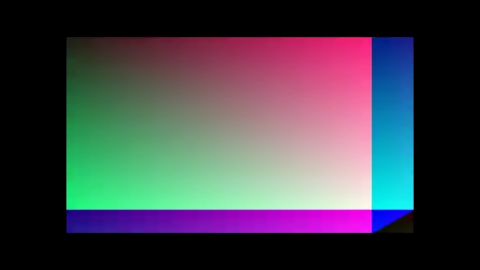 | 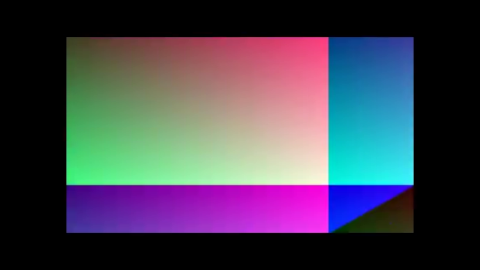 | 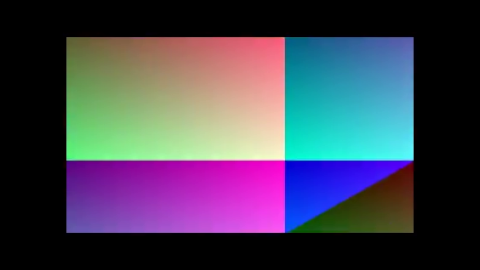 | 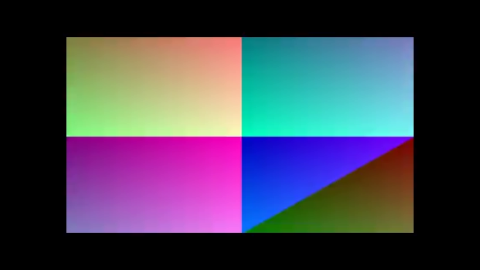 |
| Tick 04 | Tick 05 | Tick 06 |
|---|---|---|
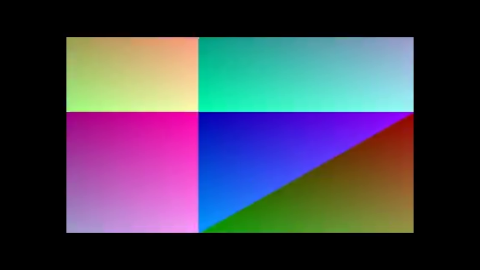 | 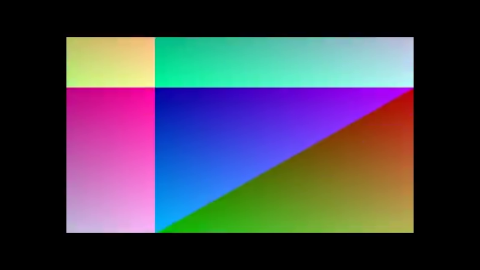 | 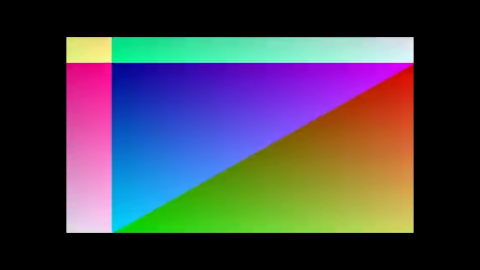 |
The first tick pulls two frames (catch-up — t=0 and t=1/30 s are
both due before the wallclock has advanced past either), then it
settles to one frame per tick. The Player exits to Ended cleanly
when the GStreamer pipe returns EOF.
Why GStreamer (and why CLI not crate)
GStreamer is LGPL and modular: decodebin auto-selects the best codec
plugin for the file, including hardware decoders (vtdec on macOS,
vah264dec on Linux, nvh264dec with NVIDIA). Switching backends never
touches our code.
The CLI-pipe approach trades a fork for zero compile-time integration.
For the player loop that's one fork for the whole stream, not per-frame —
overhead is amortised. The Rust-bound integration (gstreamer-rs) is
queued as M-DEC.3+; the VideoStream
trait makes that swap a one-line change at the call site.
What's now possible
With this chunk landed, the recorder has 4 of 6 stages on the path to "first MP4 plays in Tauri-Leptos via wisp":
- ✅ M-DEC.1 —
VideoStreamtrait +MockVideoStream - ✅ M-PLAY.1 —
Playerstate machine + frame pump - ✅ M-DEC.2 —
GstreamerPipeStream(real MP4 decode) - ✅ M-INT.1 — Trunk + Leptos in Tauri (replace the vanilla JS frontend)
- ✅ M-INT.2 — Tauri serves Trunk bundle + OS file-drop wiring
- ✅ M-PREVIEW.1 — Native winit sibling window with the wisp surface
- ✅ M-PLAY.2 — Tauri↔player IPC for transport controls
GstreamerPipeStream ·
Player ·
Decode overview ·
Player overview
preview — overview
A native winit window with a wgpu surface that wisp renders into. Plays an MP4 end-to-end through the decode → playback → wisp stack:
sequenceDiagram
    participant Window as winit::Window
    participant Wgpu as wgpu Instance /<br/>Adapter / Device / Queue
    participant App as wisp::Application<br/>(from_wgpu)
    participant Surface as wgpu::Surface
    participant Player
    participant Stage
    participant Renderer

    Note over Window,Wgpu: boot
    Window ->> Wgpu: create_surface(window)
    Wgpu ->> App: from_wgpu(instance, adapter, device, queue)
    Wgpu ->> Surface: configure(width, height, format)

    loop Per RedrawRequested
        Window ->> Player: tick(dt)
        Note over Player: uploads next frame<br/>to VideoTexture
        Player ->> Stage: build one-Sprite scene<br/>(centered, aspect-fit)
        Stage ->> Renderer: render_stage(surface_view)
        Renderer ->> Surface: surface_texture.present()
    end
Why it exists
The recorder's editor view is a native sibling window — not the Tauri
webview — because GPU-accelerated 4K video preview behind WebKit's
compositor isn't a viable path. preview proves the contract: wisp can
attach to a host-supplied wgpu device and render every frame into the
host's surface.
Application::from_wgpu is the seam. The Tauri shell will wire two
separate windows (the WebKit-backed shell window + a winit-backed
preview window) and hand wisp the wgpu objects from the latter.
Run it
# Default fixture (committed test MP4):
cargo run -p preview

# Custom video:
cargo run -p preview -- /path/to/video.mp4
The window title is screen — preview. Close it to exit; playback will
also auto-exit when the stream reaches EOF.
Headless asset generator
render_offscreen is the same pipeline driven against a
RenderTexture instead of a
winit surface. Used both as the chapter's PNG source and as a CI-safe
smoke test for the from_wgpu codepath:
cargo run -p preview --example render_offscreen
Anti-regression
aspect_fit_scaleis unit-tested for matching/wider/taller/zero cases.tests/render_smoke.rsexercises the fullApplication::from_wgpu→ Player → Renderer → RenderTexture path and asserts the rendered output is non-trivial (not the clear color, not uniform).
Native winit window
The fifth chunk on the path to "first MP4 plays in the recorder via wisp".
Builds a real OS window via [winit] 0.30 and hands the wgpu surface to
wisp through [Application::from_wgpu].
What landed
crates/preview/— new crate with both a[lib](pure helpers) and a[[bin]](the winit app).Application::from_wgpuis the seam between embedding host (winit, in the future a winit child of Tauri) and wisp'sRenderer.- The window auto-sizes to the source video (clamped to a 640×360 minimum so it isn't comically small for tiny test fixtures).
- The sprite is centered and
aspect_fit_scale-letterboxed against the current surface dimensions, so resizing the window keeps the video proportional.
Visual proof — render_offscreen example
The example rebuilds the same render path against an offscreen
RenderTexture (no winit window required), so it runs in CI and produces
a deterministic asset:
cargo run -p preview --example render_offscreen
Five frames into a 800×450 surface (16:9), with the 480×270 fixture letterboxed to fit.
What you're looking at. The committed
sample.mp4test fixture is a deterministic synthetic gradient (the M-DEC.1 mock-stream encoded once with x264 into an 11 KB MP4) — the visible "gradient look" is the fixture content, not a rendering bug. The chapter's claim is that thewinit → wgpu → Application::from_wgpu → Player::tick → Rendererpath delivers decoded frames into the surface; the horizontal-phase advance frame-to-frame is the proof. For a more representative example of decoded-video output, see themediachapters which usevideotestsrcSMPTE colorbars.
| Frame 00 | Frame 01 | Frame 02 |
|---|---|---|
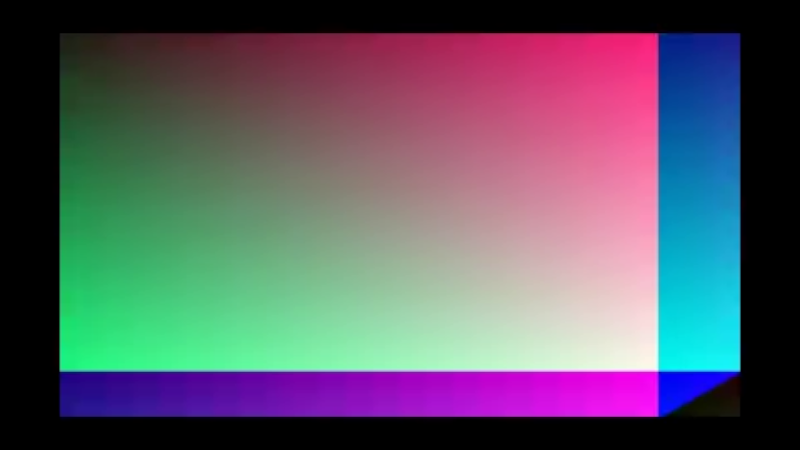 | 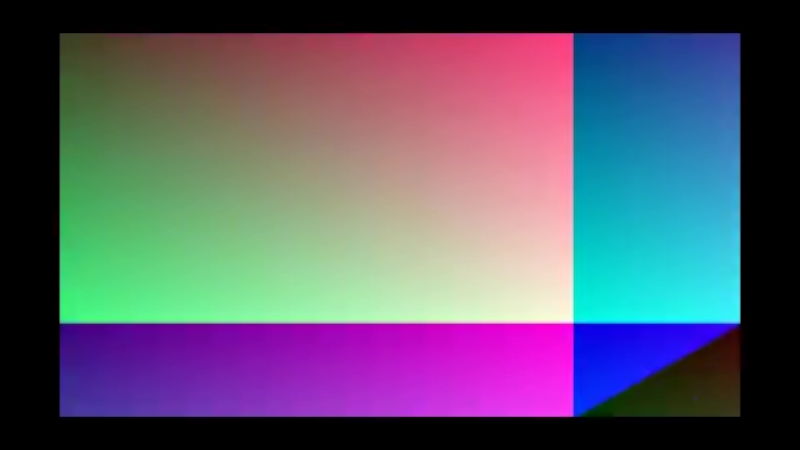 | 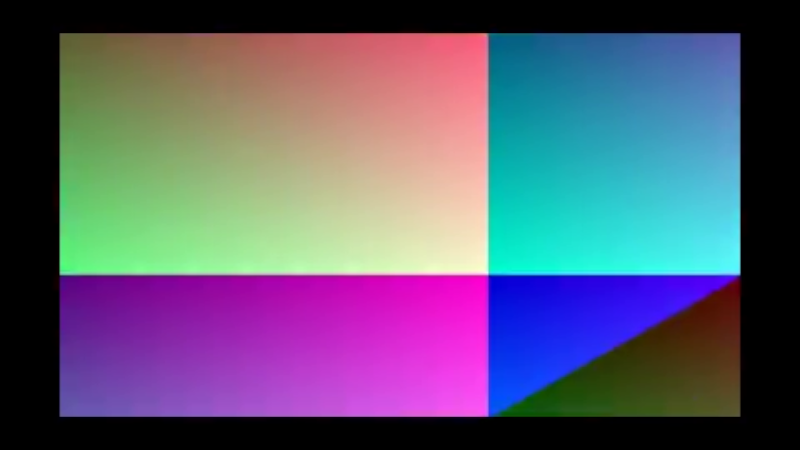 |
| Frame 03 | Frame 04 |
|---|---|
 |  |
app-ui — overview
The Leptos CSR app that becomes the recorder's HTML/UI layer. This is the
chunk where the components workshopped in
ui-storybook leave their gallery and live in a real
shell.
Architecture
graph LR
App["<b>crates/app/</b><br/>Tauri shell (Rust binary)<br/>tauri.conf.json<br/>frontendDist → app-ui/dist (M-INT.2)"]
AppUi["<b>crates/app-ui/</b><br/>Leptos CSR app (WASM)<br/>Trunk-built dist/<br/>Mounts <App> to <body>"]
Storybook["<b>crates/ui-storybook/</b><br/>Component library<br/>SSR snapshot tests<br/>visual gallery"]
App -->|frontendDist points at| AppUi
AppUi -->|reuses DropZone,<br/>PlayerControls, RecordingToolbar,<br/>StatusBar, Card, DopeSheet| Storybook
Three layers, three crates, one direction of dependency. Adding a new component once means it becomes available in:
- The storybook gallery (regression-tested via SSR + insta).
- The shell app (consumed via
use ui_storybook::components::*). - The mdBook chapter (assets regenerated via
just snapshots-ui).
Current state — M-INT.1
Pure UI composition, no Tauri IPC, no real file ingestion:
RecordingToolbarat the top showing the idle state.DropZone(idle) as the main surface — clicking it flips a Leptos signal into the loaded view.PlayerControls(paused) + a placeholder gradient surface where the wisp render output will eventually go (M-PREVIEW.1).StatusBar(ready) at the bottom.
No real wiring yet — the click → loaded transition is a demo affordance that lets reviewers exercise both views before the actual file-drop event lands in M-INT.2.
How to run
just app-ui          # dev server with hot reload, opens browser
just app-ui-build    # production build → crates/app-ui/dist/
just app-ui-build produces a static bundle that the Tauri shell will
serve verbatim once M-INT.2 wires tauri.conf.json to point at it.
Roadmap
- ✅ M-INT.1 — this chunk; Trunk builds, components render, gate green.
- ⏳ M-INT.2 — Tauri serves the Trunk bundle; OS file-drop events flip the loaded signal.
- ⏳ M-PREVIEW.1 — native winit sibling window with the wisp surface rendering the active video frame.
- ⏳ M-PLAY.2 — Tauri↔player IPC for transport (load / play / pause / seek dispatched from Leptos signals to the native player loop).
Tauri ↔ Leptos integration (M-INT.2)
The chunk that joins the Leptos shell to the Tauri webview, then forwards OS-level drag-drop events into a Leptos signal.
Data flow
sequenceDiagram
participant OS
participant Shell as crates/app/src/main.rs<br/>(Tauri shell)
participant Bridge as crates/app-ui/index.html<br/>(JS bridge)
participant App as crates/app-ui/src/app.rs<br/>(Leptos)
participant View as <App> view
OS ->> Shell: drag-drop event
Note over Shell: on_window_event(<br/>WindowEvent::DragDrop)
Shell -->> Bridge: window.emit("file-dropped", path)
Note over Bridge: __TAURI__.event.listen
Bridge -->> App: window.dispatchEvent(<br/>CustomEvent "file-dropped")
Note over App: install_file_drop_listener()<br/>addEventListener
App ->> App: set_loaded.set(Some(path))
App -->> View: swap drop-zone view → player view
Every hop is a one-liner. No tauri-sys crate, no JS-side state — the
bridge is one addEventListener per direction.
Tauri side (crates/app/src/main.rs)
#![allow(unused)]
fn main() {
.on_window_event(|window, event| {
    if let WindowEvent::DragDrop(DragDropEvent::Drop { paths, .. }) = event
        && let Some(path) = paths.first()
    {
        let payload = path.to_string_lossy().into_owned();
        if let Err(err) = window.emit("file-dropped", payload) {
            eprintln!("failed to emit file-dropped event: {err}");
        }
    }
})
}
Tauri 2's WindowEvent::DragDrop
fires automatically when tauri.conf.json has
"dragDropEnabled": true (the default for our window).
JS bridge (crates/app-ui/index.html)
<script>
  window.addEventListener("DOMContentLoaded", () => {
    if (window.__TAURI__ && window.__TAURI__.event) {
      window.__TAURI__.event.listen("file-dropped", (event) => {
        window.dispatchEvent(new CustomEvent("file-dropped", {
          detail: event.payload
        }));
      });
    }
  });
</script>
Why a CustomEvent instead of calling Leptos directly: it keeps the WASM
bundle dependency-free of Tauri's JS API. Leptos's web-sys listener
works against any browser; the bridge degrades to a no-op when
window.__TAURI__ is absent (e.g. running under trunk serve for
component review).
Leptos side (crates/app-ui/src/app.rs)
#![allow(unused)]
fn main() {
fn install_file_drop_listener(set_loaded: WriteSignal<Option<String>>) {
    let Some(window) = web_sys::window() else { return; };
    let closure = Closure::wrap(Box::new(move |event: web_sys::Event| {
        if let Ok(ce) = event.dyn_into::<CustomEvent>()
            && let Some(path) = ce.detail().as_string()
        {
            set_loaded.set(Some(path));
        }
    }) as Box<dyn FnMut(_)>);
    let _ = window.add_event_listener_with_callback(
        "file-dropped",
        closure.as_ref().unchecked_ref(),
    );
    closure.forget();   // app-lifetime listener — never removed
}
}
Closure::forget is intentional: the listener lives for the whole app
lifetime. Dropping it would silently de-register the handler.
Tauri config (tauri.conf.json)
{
  "build": {
    "frontendDist": "../app-ui/dist",
    "beforeDevCommand": "cd ../app-ui && trunk serve --port 1420",
    "beforeBuildCommand": "cd ../app-ui && trunk build --release",
    "devUrl": "http://localhost:1420"
  }
}
cargo tauri dev automatically runs trunk serve in crates/app-ui/
and waits for it on port 1420 before opening the webview.
cargo tauri build runs trunk build --release first; the resulting
crates/app-ui/dist/ becomes the bundled webview content.
How to run
# Dev — hot-reload Leptos via Trunk + reload the Tauri webview on save.
cd crates/app && cargo tauri dev

# Production — Trunk build + Tauri build, single binary.
cd crates/app && cargo tauri build
Drop any file on the running window; the path appears under "Preview surface · " in the player view.
Drag-over visual feedback (M-POLISH.1)
Tauri 2 fires four DragDropEvent variants — Enter, Over, Drop,
Leave. M-INT.2 only handled Drop. M-POLISH.1 adds Enter and
Leave so the drop-zone shows the user "yes, this drop will land here":
#![allow(unused)]
fn main() {
// crates/app/src/main.rs
match drag {
    DragDropEvent::Enter { .. } => emit("file-drag-enter"),
    DragDropEvent::Leave => emit("file-drag-leave"),
    DragDropEvent::Drop { paths, .. } => {
        emit("file-dropped", path);
        emit("file-drag-leave");  // reset visual after drop
    }
    _ => {}  // Over and any future variants
}
}
The JS bridge re-emits as browser CustomEvents (parallel to
file-dropped / player-status). Leptos installs an is_dragging
signal that flips on enter/leave; the existing
DropZoneState::Active
variant the storybook already shipped (M-UI.1) provides the visual.
Tier-2 e2e (crates/app-e2e/tests/golden_path.rs) uses
__test_drag_enter and __test_drag_leave debug-only commands —
parallel to __test_drop_file since WebDriver can't synthesize
OS-level drag events.
App-shell visual references
The drop-zone surface (idle) at boot — exactly what the user sees before any file is dropped:
DropZone story ·
Editor mock composition
Player IPC — Tauri commands + status events (M-PLAY.2)
The chunk that lifts playback::Player out of standalone-binary territory
and behind a Tauri IPC surface. The Leptos shell can now drive a real Rust
player from a button click, and the player can push state changes back
without polling.
Data flow
sequenceDiagram
    participant UI as Leptos UI<br/>(transport buttons)
    participant Bridge as __TAURI__.core<br/>(JS bridge)
    participant Cmd as Tauri commands<br/>(crates/app)
    participant Session as PlayerSession<br/>(playback crate)
    participant Tick as Tick thread

    UI ->> Bridge: PlayerControls on_toggle (invoke)
    Bridge ->> Cmd: player_play / player_pause
    Cmd ->> Session: .play() / .pause()

    UI ->> Bridge: DropZone file path (invoke)
    Bridge ->> Cmd: player_open
    Cmd ->> Session: .open(path)

    rect rgb(245, 245, 250)
        Note over Tick: every 33 ms
        Tick ->> Session: .tick(dt) → .status()
        Session -->> Cmd: PlayerStatus
        Cmd -->> Bridge: emit("player-status")
        Bridge -->> UI: CustomEvent
    end
Every IPC hop is a one-liner. The bridge in index.html exposes three
top-level helpers (__screenOpen / __screenPlay / __screenPause) and
re-emits Tauri's player-status event as a browser CustomEvent. No
tauri-sys crate; the WASM bundle stays dependency-free of Tauri's JS API.
Tauri commands (crates/app/src/commands.rs)
#![allow(unused)]
fn main() {
#[tauri::command]
pub fn player_open(state: State<'_, PlayerSession>, path: String) -> Result<PlayerStatus, String> {
    state.open(&PathBuf::from(path))
}

#[tauri::command]
pub fn player_play(state: State<'_, PlayerSession>) { state.play(); }

#[tauri::command]
pub fn player_pause(state: State<'_, PlayerSession>) { state.pause(); }

#[tauri::command]
pub fn player_status(state: State<'_, PlayerSession>) -> PlayerStatus { state.status() }
}
The four commands are thin wrappers around
PlayerSession.
The session itself is pure Rust (no Tauri types), so its lifecycle is
testable end-to-end without booting Tauri — see
crates/app/tests/player_session.rs (6 tests covering empty/open/play/
pause/tick/error paths).
Tick thread (crates/app/src/main.rs)
#![allow(unused)]
fn main() {
fn spawn_tick_thread(app_handle: tauri::AppHandle) {
    thread::spawn(move || {
        let mut last: Option<PlayerStatus> = None;
        loop {
            thread::sleep(TICK_INTERVAL);                  // 33 ms
            let session = app_handle.state::<PlayerSession>();
            session.tick();
            let status = session.status();
            if status_changed(last.as_ref(), &status) {
                let _ = app_handle.emit("player-status", &status);
                last = Some(status);
            }
        }
    });
}
}
status_changed throttles emits to:
- every state transition (Empty → Paused → Playing → Ended),
- every 100 ms of
elapsed_mschange while playing (10 Hz UI updates).
A 33 ms tick × always-emit would be 30 events / sec hitting the webview; the 10 Hz throttle keeps the IPC bandwidth flat at the cost of slightly choppy timer animation. The play/pause UI flip is still instantaneous because the state change emits immediately.
JS bridge (crates/app-ui/index.html)
<script>
  window.addEventListener("DOMContentLoaded", () => {
    if (window.__TAURI__?.event) {
      window.__TAURI__.event.listen("player-status", (event) => {
        window.dispatchEvent(new CustomEvent("player-status", {
          detail: event.payload
        }));
      });
    }
  });

  window.__screenOpen  = (path) => window.__TAURI__?.core?.invoke("player_open", { path });
  window.__screenPlay  = ()     => window.__TAURI__?.core?.invoke("player_play");
  window.__screenPause = ()     => window.__TAURI__?.core?.invoke("player_pause");
</script>
Outbound is a thin core.invoke wrapper; inbound is the same CustomEvent
re-emit pattern M-INT.2 introduced for file-dropped. Both directions
degrade to no-ops when window.__TAURI__ is absent — a trunk serve
dev session against the standalone Leptos shell still flips the
drop-zone-to-player view via the demo affordance.
Leptos side (crates/app-ui/src/player_ipc.rs + app.rs)
#![allow(unused)]
fn main() {
#[wasm_bindgen]
extern "C" {
    #[wasm_bindgen(js_namespace = window, js_name = "__screenOpen", catch)]
    pub fn screen_open(path: &str) -> Result<JsValue, JsValue>;
    #[wasm_bindgen(js_namespace = window, js_name = "__screenPlay", catch)]
    pub fn screen_play() -> Result<JsValue, JsValue>;
    #[wasm_bindgen(js_namespace = window, js_name = "__screenPause", catch)]
    pub fn screen_pause() -> Result<JsValue, JsValue>;
}

pub fn install_player_status_listener(set_status: WriteSignal<PlayerStatus>) {
    /* CustomEvent listener — same shape as install_file_drop_listener */
    /* parses CE.detail() via serde-wasm-bindgen, calls set_status.set */
}
}
The PlayerStatus and SessionState types are mirrored on the
Leptos side (Deserialize matches the Rust-side Serialize's
rename_all = "lowercase" form). The mirror lives in
crates/app-ui/src/player_ipc.rs and must stay in sync with
crates/app/src/player_session.rs — they're a contract pair.
The transport buttons in <PlayerView> are wrapped in a reactive
closure that re-renders <PlayerControls> whenever player_status
changes, with an on_toggle: Callback<()> that picks screen_play
or screen_pause based on the current state.
Testable surface (crates/app/tests/player_session.rs)
empty_session_reports_empty— fresh session, nothing loaded.open_transitions_to_paused_with_metadata— open the test fixture, assert width/height/fps come through.play_pause_lifecycle— round-trip play/pause/play.tick_advances_elapsed_when_playing— confirms wallclock pumping.tick_is_noop_when_empty— guard for the always-running tick thread.open_with_invalid_path_errors— error string flows out cleanly.
How to run
# Dev — hot-reload via Trunk, Tauri webview on top.
cd crates/app && cargo tauri dev

# Drop the test fixture onto the window:
#   crates/decode/tests/fixtures/sample.mp4
# The status bar reflects the player's metadata; the play button toggles
# the Rust-side player; the timer ticks at 10 Hz.
App-shell visual references
The player view, post-drop, with its transport bar wired to the IPC commands. (Component-level layout is unchanged from M-INT.2 — what changed is the wiring underneath, not the rendered HTML.)
Visible playback — <video> element bound to convertFileSrc (M-PLAY.3)
The IPC plumbing above tracks state, but on its own renders no pixels.
M-PLAY.3 wires the user-visible playback surface: an HTML5 <video>
element whose src is derived from the dropped path via Tauri 2's
convertFileSrc
JS helper.
sequenceDiagram
participant Drop as Drop event
participant Signal as loaded signal
participant Convert as window.__screenConvertFileSrc
participant Video as <video> element<br/>(node_ref=video_ref)
participant Toggle as PlayerControls toggle
participant State as Tauri state<br/>(screen_play/pause)
participant Event as player-status event
Drop ->> Signal: file dropped
Signal ->> Convert: video_src() resolves path
Note over Convert: returns asset:// or<br/>http://asset.localhost URL
Convert -->> Video: src= asset URL
par user gesture (sync)
Toggle ->> Video: video.play() / pause()
and Tauri state mirror
Toggle ->> State: screen_play() / screen_pause()
end
Event ->> Signal: Effect listens
Signal ->> Video: catch-up play / pause / future seek
Why two paths to the <video> element
WebKit blocks programmatic .play() outside a user gesture. So:
- Click handler drives
<video>synchronously inside theCallback<()>. The browser sees this as user-initiated and allows playback to start. Effect::newoverplayer_statusis the catch-up path for state changes that aren't user clicks — Tauri pushingEndedon EOF, future seek commands, etc. Idempotent: it only acts whenvideo.paused()doesn't already match the target state, so it doesn't fight the click handler.
Why HTML5 video for the playback surface (and not wisp)
The recorder's editor preview surface will eventually be a
winit-child window driven by wisp (so we can apply filters, transforms,
animation). But for the MVP "user dropped a file and wants to see it",
HTML5 <video> with the asset protocol is:
- one element, no decoder integration,
- hardware-accelerated by the WebView,
- scrub-bar/seek/audio for free.
The Tauri-side
PlayerSession
keeps running alongside — it owns the gstreamer-decoded
VideoTexture that future
wisp-rendered surfaces will read. Two-source-of-truth is a deliberate
trade for shipping the playback MVP today.
tauri.conf.json requirements
The assetProtocol.scope must include the dropped file's path. Our
config uses ["**"] (any local file). For a production build we'd
tighten to user-selected directories.
"security": {
  "assetProtocol": {
    "enable": true,
    "scope": ["**"]
  }
}
Without "enable": true, convertFileSrc returns the path unchanged
and the <video> element fails to load with a CSP / protocol error.
PlayerSession API ·
Tauri commands ·
PlayerControls component ·
Tauri ↔ Leptos integration (M-INT.2)
Testing the recorder shell — three tiers (M-TEST.1 / .2)
screen-app (Tauri shell) and app-ui (Leptos webview) sit at the integrated
top of the stack. Their regression surface is different in shape from the
library crates below — there's an OS process, a WebView, an IPC channel,
and a JS bridge between Rust and Rust. The tests that matter are
correspondingly stratified.
The three tiers
| Tier | What runs | Catches | Cost | Lives in |
|---|---|---|---|---|
| 0. Chunk-level | cargo nextest | Unit-level invariants in each crate (PlayerSession lifecycle, aspect_fit_scale, etc.) | <2s | every crate's tests/ |
| 1. IPC harness | cargo nextest (still in-process) | Tauri command registration, serde wire shapes, State<T> plumbing | ~1s | crates/app/tests/commands.rs |
| 2. WebDriver e2e | tauri-driver + fantoccini | Real WebView + Leptos rendering + JS bridge + Rust round-trip | ~10–30s | crates/app-e2e/ (Linux only) |
Adding a tier-N test does NOT replace tier-(N-1). They overlap deliberately — tier 0 fires fast on every save; tier 2 fires once per CI run; in-between tier 1 catches the wire-format and registration regressions that tier 0 can't reach (no IPC dispatch) and tier 2 is too expensive to keep paged in.
Tier 0 — chunk-level (existing pattern)
Direct tests against the data types and functions in each crate. Already
the dominant test layer in the workspace. See _docs/TESTING.md for the
broader strategy. For screen-app specifically:
#![allow(unused)]
fn main() {
// crates/app/tests/player_session.rs
#[test]
fn play_pause_lifecycle() {
    let session = PlayerSession::new();
    session.open(Path::new(FIXTURE)).unwrap();
    session.play();
    assert_eq!(session.status().state, SessionState::Playing);
    session.pause();
    assert_eq!(session.status().state, SessionState::Paused);
}
}
These tests bypass Tauri entirely. If PlayerSession is correct, but the
Tauri registration layer has a typo, these still pass.
Tier 1 — IPC harness (M-TEST.1)
Uses tauri::test::mock_builder() to spin up a Tauri runtime in-process.
No window, no WebView, no WASM. Commands are dispatched the way the Leptos
frontend dispatches them.
#![allow(unused)]
fn main() {
// crates/app/tests/commands.rs
fn build_app() -> tauri::App<MockRuntime> {
    mock_builder()
        .manage(PlayerSession::new())
        .invoke_handler(tauri::generate_handler![
            commands::player_open,
            commands::player_play,
            commands::player_pause,
            commands::player_status,
        ])
        .build(mock_context(noop_assets()))
        .expect("build mock app")
}

#[test]
fn player_open_then_play_then_pause_via_ipc() {
    let app = build_app();
    let webview = main_webview(&app);
    invoke(&webview, "player_open", InvokeBody::Json(json!({ "path": FIXTURE })));
    invoke(&webview, "player_play", InvokeBody::default());
    let value = invoke(&webview, "player_status", InvokeBody::default());
    let status: PlayerStatus = serde_json::from_value(value).unwrap();
    assert_eq!(status.state, SessionState::Playing);
}
}
What this catches that Tier 0 misses:
- A typo in
tauri::generate_handler![commands::playerr_play]— compile fails; this test would never run. - A missing
.manage(PlayerSession::new())— Tier 0 still passes (it builds the session directly); Tier 1 fails at runtime when the command tries to read State. - A
#[serde(rename_all = "lowercase")]accidentally dropped fromSessionState— Tier 0 doesn't serialize anything; Tier 1'sserde_shape_uses_lowercase_session_statetest fails because the payload now reads"Empty"instead of"empty".
Cost: each test pays the same wisp Application::new() boot (~200 ms on
Apple Silicon) as Tier 0. Total Tier 1 runtime is ~1 s.
Setup required: tauri = { version = "2", features = ["test"] } in
[dev-dependencies]. Cargo unifies dep + dev-dep features, so the release
binary also gets the test module compiled in (a known cargo wart). The
footprint is small enough to accept.
Tier 2 — WebDriver e2e (M-TEST.2)
The real thing: launches the built screen-app binary, drives it through
WebDriver via tauri-driver, asserts on rendered DOM state.
#![allow(unused)]
fn main() {
// crates/app-e2e/tests/golden_path.rs
#[tokio::test]
async fn open_play_pause_via_ui() {
    let app = E2eApp::start().await;
    let driver = app.client();

    // OS-level file drop can't be scripted via WebDriver, so the test
    // calls a debug-only Tauri command (`__test_drop_file`) that emits
    // the same `file-dropped` event the real drag-drop handler emits.
    driver.execute(
        "return window.__TAURI__.core.invoke('__test_drop_file', { path: arguments[0] })",
        vec![FIXTURE.into()],
    ).await?;

    driver.wait().for_element(Locator::Css(".player-controls")).await?;
    driver.find(Locator::Css(".player-toggle")).await?.click().await?;
    driver.wait_for(|d| async {
        d.find(Locator::Css(".player-toggle-playing")).await.is_ok()
    }).await?;
}
}
What this catches that Tier 1 misses:
index.htmlJS bridge regressions (e.g. dropping__screenPlayglobals, breaking the__TAURI__.event.listenre-emit).- Leptos rendering / hydration issues (e.g.
<PlayerControls>not re-rendering whenplayer_statuschanges). - CSS layout regressions that hide the play button off-screen.
- Cross-process timing — events arriving after the listener is wired, Promise resolution order on the JS side, etc.
Platform support
tauri-driver works well on Linux (WebKitGTK has solid WebDriver
support via webkit2gtk-driver) and Windows (Edge WebView2 +
msedgedriver). macOS is the gap — Apple's WKWebView WebDriver
support is half-implemented and tauri-driver doesn't reliably drive
it. The community pattern is "Linux CI gates everything; mac is manual
smoke before tagging."
Tier 2 is intentionally local-only — the just e2e recipe is not
part of the CI gate. tauri-driver + WebKitGTK under xvfb on
GitHub-hosted Ubuntu runners proved flaky enough that the
skip-or-fail signal stopped being useful. Contributors run it locally
before opening any PR that touches crates/app/, crates/app-ui/, or
crates/app-e2e/. The recipe detects the host OS:
- Linux: runs
xvfb-run cargo nextest run -p app-e2e. - macOS: prints a clear "skipping — Tauri WKWebView WebDriver
doesn't drive reliably" message and exits 0; do a manual smoke via
cargo tauri devinstead.
Local prerequisites (Linux)
# Cargo plugin:
cargo install --locked tauri-driver

# System packages (Debian/Ubuntu):
sudo apt-get install -y webkit2gtk-driver xvfb
Then:
just e2e
File-drop simulation — the trick
WebDriver clients can't synthesize OS-level drag-drop events. Tauri 2's
WindowEvent::DragDrop only fires from real OS drops, not JS code. The
solution: a debug-only Tauri command that emits the same
file-dropped event the real handler emits.
#![allow(unused)]
fn main() {
#[cfg(debug_assertions)]
#[tauri::command]
pub fn __test_drop_file(app: tauri::AppHandle, path: String) -> Result<(), String> {
    app.emit("file-dropped", path).map_err(|e| e.to_string())
}
}
Gated by #[cfg(debug_assertions)] and a corresponding #[cfg(...)] in
the generate_handler! macro, so the test entry point is excluded from
release builds. Tests invoke it via
window.__TAURI__.core.invoke('__test_drop_file', { path }).
The real OS drag-drop path stays untouched. Tier 1 + Tier 2 cover it
collectively: Tier 1 verifies the player_open command (the handler
side of the file-drop chain), Tier 2 verifies the full UI flow assuming
a file-dropped event was emitted.
When to add tests at each tier
- New chunk with pure Rust logic → Tier 0.
- New
#[tauri::command]exposed to the frontend → add a Tier 1 case with the exact JSON body shape the frontend will send. - New event emitted from Rust → received by Leptos → add a Tier 2 case asserting the rendered DOM responds to a synthesized event.
- New cross-process timing concern (race conditions, ordering) → Tier 2 only. Tier 1 doesn't have wall-clock semantics.
What's still missing
- Visual regression for the integrated shell. The
ui-storybook SSR snapshots cover individual
components, but a "full editor mock under the live IPC" diff isn't
captured today. Could be added under Tier 2 with
headless-screenshotimage::compareonce the e2e suite stabilizes.
- macOS automation. Tracked as future work; the broader Tauri community is still iterating on this.
Tray icon → AppShell → NavigationRail routing — M-TRAY.0..4
cargo run -p screen-app puts a small filled-circle icon on the macOS menubar. Left-click toggles the main app window; the window shows the full ui-storybook AppShell (with NavigationRail on the left) and the NavigationRail items switch the right-pane content. Click the tray icon again to hide.
The mask on the tray icon is a macOS template image — the OS tints it automatically for light/dark menubar and the active-window highlight. Don't try to ship a coloured icon; you'd lose the auto-tinting.
What ships across the four tickets
| Ticket | Linear | Shippable artifact |
|---|---|---|
| M-TRAY.0 | AUT-249 | Filled-circle icon registers on the menubar. Click toggles a window. |
| M-TRAY.1 | AUT-250 | Audit doc + tray-appshell-preview Cargo feature proving the shell tree mounts under CSR. |
| M-TRAY.2 | AUT-251 | NavigationRail gains on_select: Callback<AppSection> (the API extension M-TRAY.4 needs). |
| M-TRAY.3 | AUT-252 | Tray window mounts <AppShellRoot /> with the surface read from ?surface=. |
| M-TRAY.4 | AUT-253 | NavigationRail clicks flip the active-surface signal + replace the URL via history.replaceState. |
End-to-end flow
sequenceDiagram
    participant User
    participant Tauri as Tauri shell (main.rs)
    participant State as TrayState (commands.rs)
    participant Window as `tray-popover` window
    participant Bundle as app-ui wasm bundle
    participant Shell as AppShellRoot (app_shell_mount.rs)

    User->>Tauri: Left-click tray icon
    Tauri->>State: TrayPopoverState::on_click() → Action::Show
    State->>Window: window.show() + set_focus()
    Window->>Bundle: Load index.html?surface=recorder
    Bundle->>Bundle: parse_surface_from_query() → AppSection::Record
    Bundle->>Shell: AppShellRoot { initial: Record }
    Shell->>Shell: RwSignal::new(Record)
    Shell->>User: AppShell with NavigationRail (Record active)
    User->>Shell: Click "Library" in NavigationRail
    Shell->>Shell: on_select(Library) → signal.set(Library)
    Shell->>Window: history.replaceState(?surface=library)
    Shell->>User: Right-pane swaps to "Library" placeholder
    User->>Tauri: Left-click tray icon
    Tauri->>State: TrayPopoverState::on_click() → Action::Hide
    State->>Window: window.hide()
Architecture decisions
```admonish important title="AppShell stays state-free; app-ui owns the signal"
The original ticket spec for M-TRAY.2 suggested adding an initial_surface prop to AppShell. The M-TRAY.1 audit found that AppShell is pure slot composition — it has no internal signal for the prop to drive. The active-surface state lives in crates/app-ui (specifically in AppShellRoot's RwSignal<AppSection>), and it flows into AppShell's rail and main slots from there. Result: the M-TRAY.2 ticket pivoted from "add prop to AppShell" to "add on_select: Callback<AppSection> to NavigationRail" — a smaller, cleaner change.
```admonish warning title="`NavigationRail` items were inert until M-TRAY.2"
The buttons in `NavigationRail` rendered correctly under SSR + CSR but carried no `on:click` handler. M-TRAY.2 added an optional `Callback<AppSection>` prop and wired the click. Existing stories that don't pass the callback are unchanged in SSR HTML output — Leptos `on:click` doesn't produce an HTML attribute, only a runtime listener attached during CSR mount.
M-TRAY.4 wires history.replaceState(?surface=<slug>) on every NavigationRail click. When the user closes the tray and re-opens it, the WebView reloads index.html?surface=... with the last-active surface preserved. Cross-process restart still defaults to recorder — true persistence (LocalStorage + tauri-plugin-store) is a follow-up in M-RECORDER-V1.
How to verify locally
cargo run -p screen-app— launches the binary. Tray icon appears on the macOS menubar (or Windows tray / Linux app-indicator). Left-click toggles the main window.cargo run -p screen-app --example regen-tray-icons— regenerates the threetray.pngraster outputs from the SVG source. Idempotent; commit any changes.just dev-appshell— runstrunk serve --features tray-appshell-previewfromcrates/app-ui, mounting the AppShell directly in a browser athttp://localhost:8080. NavRail clicks are inert in this mode (M-TRAY.1 dev affordance only — the full routing lives behind?surface=).cargo test -p app-ui --lib— runs the 7 routing round-trip tests incrates/app-ui/src/routing.rs.cargo nextest run -p screen-app --lib— runs the 4TrayPopoverStatestate-machine tests.
What this closes vs what's deferred
Closes: the M-TRAY.0..4 sequence end-to-end. Tray → AppShell → NavRail surface switching all work on macOS; cross-OS compile paths are gate-green.
Deferred to M-RECORDER-V1:
- Cross-process surface persistence (LocalStorage /
tauri-plugin-store). - Multi-display window positioning under the tray click (M-RECP.1).
- The small
TrayRecordPopoverquick-record window as a separate surface —tray-popovertoday opens the full AppShell, not the AUT-132 small popover. Worth filing as a separate "tray quick-record popover" track post-V0. wasm-bindgen-testinteraction smoke for NavigationRail click → signal-change. Skipped pending the headless-browser CI setup.
Webcam-bubble overlay — M-BUBBLE.0 + .1 + .3
cargo run -p screen-app --features custom-protocol (or just test-recorder) puts a "Show webcam bubble" toggle in the Recorder surface of the AppShell. Clicking it reveals a borderless, transparent, always-on-top 200×200 Tauri window — the future home of the recognisable Screen-Studio-style floating webcam circle. For v0 the bubble shows an indigo "Webcam" placeholder; the live wisp-rendered canvas inside it is M-BUBBLE.2, which is blocked on the M-CAM.3 pipeline (see "Blockers downstream" below).
The bubble's position is persisted across hide / show cycles AND across app launches — drag the bubble anywhere on screen, hide it, reopen it: it reappears at the spot you left it. After a display unplug (so the saved position lands off-screen) the bubble falls back to a sensible default (bottom-right of the primary monitor, 16 px inset).
The bubble window is a third Tauri window, alongside main (the legacy drop-zone shell, kept hidden) and tray-popover (the AppShell-hosting window). All three are declared in crates/app/tauri.conf.json. URL routing (?surface=… vs ?mount=…) controls which Leptos tree the shared app-ui bundle mounts in each window — the bundle is one wasm artifact serving three webviews.
What ships across the two tickets
| Ticket | Linear | Shippable artifact |
|---|---|---|
| M-BUBBLE.0 | AUT-273 | webcam-bubble Tauri window registered; BubbleVisibility state machine; toggle_webcam_bubble Tauri command; "Show webcam bubble" button in the Recorder surface; new MountPoint enum dispatching ?mount=bubble to <BubbleRoot />. |
| M-BUBBLE.3 | AUT-276 | BubblePosition persisted to <app-config-dir>/bubble-position.txt on hide, restored on show. WindowEvent::Moved listener keeps the in-memory cache fresh during a drag. snap_to_nearest_corner pure-Rust helper tested end-to-end (wiring to the drag event deferred — see "Why snap-on-drag is inert"). |
| M-BUBBLE.1 v0 | AUT-274 | Whole-window click-through toggle via Tauri's set_ignore_cursor_events. New set_bubble_clickthrough(enabled) Tauri command + a "Make bubble click-through" button in the Recorder surface. When enabled, the bubble is fully mouse-event-transparent — useful for recordings where the bubble overlays slides / a browser. Per-pixel hitTest: (only the visible circle catches, transparent corners pass through) explicitly deferred — see "Why M-BUBBLE.1 ships v0, not full." |
End-to-end flow
sequenceDiagram
    participant User
    participant Bundle as app-ui wasm bundle (in the AppShell webview)
    participant Tauri as Tauri shell (main.rs / commands.rs)
    participant State as BubbleState (commands.rs)
    participant Disk as bubble-position.txt
    participant Window as `webcam-bubble` window

    User->>Bundle: Click "Show webcam bubble" button
    Bundle->>Tauri: __TAURI__.core.invoke("toggle_webcam_bubble")
    Tauri->>State: BubbleVisibility::on_click() → Show
    Tauri->>State: last_position?
    alt In-memory cache hit
        State-->>Tauri: Some(pos)
    else Cold launch, no in-memory state
        Tauri->>Disk: read bubble-position.txt
        Disk-->>Tauri: "x,y\n" → BubblePosition
        Tauri->>State: cache it for next show
    else No persisted file, or persisted pos off-screen
        Tauri->>Tauri: default_position(primary_monitor)
    end
    Tauri->>Window: set_position(physical) BEFORE show()
    Tauri->>Window: window.show()
    Window->>Bundle: Load index.html?mount=bubble
    Bundle->>Bundle: parse_mount_point() → MountPoint::Bubble
    Bundle->>User: <BubbleRoot /> with indigo placeholder
    User->>Window: Drag bubble to new spot
    Window->>Tauri: WindowEvent::Moved(physical)
    Tauri->>State: update_bubble_position_from_event(x, y)
    User->>Bundle: Click "Show webcam bubble" again
    Bundle->>Tauri: __TAURI__.core.invoke("toggle_webcam_bubble")
    Tauri->>State: BubbleVisibility::on_click() → Hide
    Tauri->>Window: outer_position()
    Window-->>Tauri: PhysicalPosition(x, y)
    Tauri->>State: cache the position
    Tauri->>Disk: write "x,y\n"
    Tauri->>Window: window.hide()
Coordinate-system contract
All bubble position math runs in physical pixels, not logical pixels. MonitorBounds (defined alongside the tray-positioning helpers) is physical. WebviewWindow::outer_position() returns physical. The set_position call uses PhysicalPosition::new(i32, i32) to stay consistent. A future regression where someone mixes a LogicalPosition into the bubble path will show up on Retina displays as a 2× offset on first show — the existing tests catch the math but not the unit mismatch, so reviewers should grep for LogicalPosition in any future bubble-position patch.
Persistence file format
bubble-position.txt is two ASCII integers + a comma + a newline:
```text 1704,864 ```
Deliberately not JSON / TOML / Bincode — the format is two integers; a hand-rolled parser is six lines of code, has tests for malformed inputs, and saves a dependency on serde_json in the screen-app crate. If a third field ever lands (the snap-corner identity, say, or a "bubble shape" enum), bump the format with a leading version byte and keep the parser one function.
Why M-BUBBLE.1 ships v0, not full
The original ticket scoped per-pixel hit-testing: on macOS, a custom NSView subclass via objc2 overrides hitTest: to return nil for pixels outside the inscribed circle — so clicks on the four transparent corners pass through to whatever's underneath, but clicks on the visible circle still hit the bubble (drag-to-move works). The original "hover toggle" alternative (auto-disable click-through when the cursor enters the visible area, re-enable when it leaves) doesn't work: macOS's setIgnoresMouseEvents(true) filters at the NSWindow level, so the webview never receives the mouseenter event that's supposed to flip it back to false. Chicken-and-egg.
The v0 ship target here is a user-driven toggle: a button in the AppShell that flips the whole bubble between "interactive" (drag works, corners catch clicks) and "click-through" (whole window passes mouse events through). To turn click-through off the user clicks the AppShell button — the bubble itself can't receive the click while passthrough is on, so the out-of-band trigger is required.
- Recording a tutorial where the webcam overlays your slide deck → enable click-through so you can flip slides without minimising the bubble.
- Streaming where the bubble overlays a chat window → enable so you can read messages without the bubble eating clicks.
- Normal use (you want to drag the bubble around) → leave disabled.
The proper per-pixel hitTest: is filed as the v1 follow-up under the same ticket. It needs a small NSView subclass injected at window-creation time (via Tauri's plugin hook + objc2) plus Windows SetWindowRgn(CreateEllipticRgn) and Linux X11/Wayland shape-extension equivalents. Substantial native plumbing per OS; the v0 toggle is an honest middle step.
Why snap-on-drag is inert in v0
The pure-Rust snap_to_nearest_corner helper is fully implemented + tested in crates/app/src/recp/bubble_position.rs — given a current position + monitor bounds + a snap radius, it returns the snapped position OR None if the bubble is far from every corner.
It's not wired to WindowEvent::Moved yet. The reason: calling window.set_position(snapped) from inside the Moved handler triggers another Moved event for the new position. Without a "last-snap-applied-was" guard or a leading-edge debounce, that's an infinite event loop that pegs the OS event queue.
Wiring it cleanly requires either:
- A small
last_snap_applied: AtomicI32 × 2to short-circuit re-snapping to the same coords, OR - A trailing debounce (250 ms via
tokio::time::sleep) that fires snap only after the drag stops, OR - A separate
WindowEvent::MouseUp/DragEndsignal Tauri 2 doesn't expose today on all OSes.
Option 1 is the obvious choice for a follow-up; the math is the load-bearing piece and it's tested. Filed as a v1 polish ticket alongside the resize-handle work that's also deferred from AUT-276.
Tests
BubbleVisibilitystate machine (4 tests) — round-trips, default-state, ten-alternating-clicks parity check.MountPointparsing (4 tests) —?surface=…wins over?mount=…, unknown queries fall through toDropZone,?mount=bubblelands in the newBubblemount.default_position— bottom-right of monitor with inset; respects secondary-monitor offsets.is_on_any_monitor— true for fully-inside, true for partial overlap, false for fully-off-screen and for positions that assumed a now-gone secondary display.snap_to_nearest_corner— snaps to bottom-right when near, snaps to top-left when near, chooses nearest corner when two are in range, returnsNonefor dead-center, respects monitor offsets.BubbleState+ persistence helpers —encode_position/decode_positionround-trip; rejects malformed inputs (missing comma, non-integer, empty); tolerates whitespace + missing trailing newline;update_bubble_position_from_eventupdates the in-memory cache atomically.
Total: 26+ unit tests covering the M-BUBBLE.0 + .3 surface.
Manually verifiable
```bash just test-recorder ```
- Click the menubar tray circle → AppShell window opens.
- Recorder surface → click "Show webcam bubble".
- A 200×200 borderless transparent window appears bottom-right of your primary display.
- Drag it to a new spot.
- Click "Show webcam bubble" again → hides.
- Click "Show webcam bubble" again → reappears at the dragged spot.
- Quit the app, relaunch (
just test-recorderagain), click through to show the bubble → it reappears at the same spot from the previous session. - Click "Make bubble click-through" in the Recorder surface → button turns red; bubble window no longer catches mouse events. Click on something underneath the bubble → that thing gets the click. To turn click-through off, click the (now red) button in the Recorder surface again.
Blockers downstream
crates/app-ui/src/camera_preview.rs lines 9–18 note that M-CAM.3's wisp pipeline (gst → wisp::Stage with M-VEC.6 circle mask → offscreen RT → BGRA readback → Tauri Channel emit) is scaffolding-only in current main. Until that pipeline ships, the bubble's canvas (M-BUBBLE.2 / AUT-275) has nothing to subscribe to. The bubble window infrastructure (this chapter) is fully landed; the wisp-rendered pixels inside are a separate effort tracked on a separate branch.
Cross-link
- Tauri tray → AppShell flow — the existing tray-popover machinery this work parallels (same state-machine shape, same URL-routed mount pattern).
macOS permissions — embedded Info.plist
The recorder needs three macOS TCC (Transparency, Consent and Control) permissions: Camera, Microphone, and Screen Recording. macOS gates these by requiring the requesting app to declare each one in its Info.plist via the corresponding NS*UsageDescription string. Without the declaration, macOS silently returns empty results from APIs like AVCaptureDevice.devices(for: .video) — never prompting the user, never showing the app in System Settings → Privacy & Security.
This bites two ways: dev builds and downloaded .app bundles.
Single source of truth
crates/app/Info.plist is the canonical declaration, read by both the dev binary AND the bundled .app. Keeping one file prevents the classic drift where just test-recorder works on the dev's machine but the shipped app behaves differently.
Two ingestion paths read the same file:
flowchart LR
    Plist[crates/app/Info.plist]
    DevBin[target/debug/screen-app<br/>Mach-O __TEXT,__info_plist section]
    ProdApp[screen-app.app/Contents/Info.plist]
    Plist -->|"tauri::generate_context! auto-embed<br/>(tauri-codegen, dev+macOS)"| DevBin
    Plist -->|"cargo tauri build auto-detects file<br/>next to tauri.conf.json"| ProdApp
Dev binary — Mach-O section embed (auto-embedded by Tauri)
cargo run -p screen-app produces a raw Mach-O at target/debug/screen-app. There's no screen-app.app/Contents/Info.plist filesystem path for TCC to read. Apple's fallback for command-line tools: a __TEXT,__info_plist section embedded in the binary itself (the same mechanism /usr/bin/screencapture, /usr/bin/pmset, etc. use).
tauri::generate_context!() auto-embeds this section for every debug macOS build. The code path lives in tauri-codegen-2.6.1/src/context.rs::context_codegen, branch target == Target::MacOS && dev && !running_tests — it reads Info.plist next to tauri.conf.json, merges bundle name / version, and emits the same embed_plist::embed_info_plist! call we used to make manually.
```admonish note title="History: manual embed_plist! was removed in M-MIC.1"
PR #47 originally added an explicit embed_plist::embed_info_plist!("../Info.plist") in crates/app/src/main.rs. Once Tauri 2.6.1+'s auto-embed was confirmed working, the manual macro call was redundant — and worse, it emitted the same _EMBED_INFO_PLIST symbol as the auto-embed, which broke every integration test in screen-app at link time with symbol _EMBED_INFO_PLIST is already defined. M-MIC.1 (AUT-278) removed the manual call + the embed_plist dep; the auto-embed is now the only path.
Verify the embed worked:

```bash
otool -s __TEXT __info_plist target/debug/screen-app | head -20
You'll see the PLIST DTD declaration in the hex dump — that's the signal.
Bundled .app — Tauri bundler auto-detect
cargo tauri build produces target/release/bundle/macos/screen-app.app. Tauri's bundler:
- Reads
crates/app/tauri.conf.jsonfor the standard keys (CFBundleIdentifier←identifier,CFBundleVersion←version, etc.). - Looks for
Info.plistnext totauri.conf.jsonand merges its keys into the generated bundle plist. - Writes the merged result to
screen-app.app/Contents/Info.plist.
No explicit bundle.macOS.infoPlist config field needed — Tauri 2 detects the file by convention.
What the user actually sees
First launch (dev binary OR downloaded .app):
- App tries to enumerate cameras (or open mic, or capture screen).
- macOS reads the
NS*UsageDescriptionstring. - System prompt appears: "screen-app would like to access the camera" followed by our string.
- User clicks Allow or Don't Allow.
Subsequent launches: silent. The grant is cached under the bundle/binary's TCC entry. The app now appears in System Settings → Privacy & Security → Camera (and Microphone, Screen Recording) with a toggle the user can flip later.
What's in the Info.plist
Twelve keys, four concerns:
Bundle identity (three keys)
<key>CFBundleIdentifier</key>      <string>com.screen.app</string>
<key>CFBundleName</key>            <string>screen-app</string>
<key>CFBundleShortVersionString</key> <string>0.1.0</string>
<key>CFBundleVersion</key>         <string>0.1.0</string>
CFBundleIdentifier is the TCC key — macOS pairs the user's permission grant against this string. Once any user has granted Camera (or Mic, or Screen Recording) to com.screen.app, that grant survives rebuilds as long as this string stays the same. Renaming it = every user is re-prompted. One-way decision. Keep in sync with identifier in tauri.conf.json.
CFBundleName is the prompt display name — the macOS dialog says "screen-app would like to access the camera" using this string.
CFBundleShortVersionString + CFBundleVersion keep the TCC grant stable across rebuilds on macOS versions that pair the grant with (id, version). Match version in tauri.conf.json.
Minimum OS version (one key)
<key>LSMinimumSystemVersion</key> <string>13.0</string>
ScreenCaptureKit's video API was introduced in macOS 12.3, but the audio API (SCStreamConfiguration.capturesAudio — M-AUDIO-SYS.0 / AUT-280) is macOS 13.0+. The recorder's full capture surface (display + window + mic + system audio + per-app audio) requires 13.0; we declare the floor here so macOS gatekeeps launch on older systems instead of letting the user run + silently fail at first system-audio capture.
Bumped from 12.3 → 13.0 in M-AUDIO-SYS.0. macOS 12.3–12.7 users (a small but non-zero share at launch) can no longer launch the recorder. The alternative — runtime feature-detect + disable the system-audio row on 12.x — adds branching everywhere; the trade-off was made in favour of a single floor everyone targets. Mic + Camera + Screen-video would technically work on 12.x but the UX would be confusing without the audio path.
File-system access strings (four keys)
<key>NSDocumentsFolderUsageDescription</key>
<string>Screen needs Documents folder access to save and read your screen recordings.</string>

<key>NSDownloadsFolderUsageDescription</key>
<string>Screen needs Downloads folder access to save and read your screen recordings.</string>

<key>NSDesktopFolderUsageDescription</key>
<string>Screen needs Desktop folder access to save and read your screen recordings.</string>

<key>NSRemovableVolumesUsageDescription</key>
<string>Screen needs removable-volume access to save recordings to external drives.</string>
Cover the recorder's programmatic read/write paths into user-owned folders. Not needed for explicit file-picker flows — when the user explicitly chooses a file via an NSOpenPanel / NSSavePanel (Tauri's file-dialog plugin uses these, and so does drag/drop), macOS treats the selection as an implicit grant and no Info.plist string is required.
| Action | Permission needed |
|---|---|
User picks "Save…" → chooses ~/Documents/Recording.mp4 | None — picker grants implicit |
| User drags a video file into the recorder | None — drag/drop = implicit pick |
App auto-writes to ~/Documents/Screen Recordings/ at boot, no picker | NSDocumentsFolderUsageDescription triggers prompt |
| App restores a list of previously-recorded files at launch | Same — programmatic enumeration of the user folder |
| App writes to a connected USB drive | NSRemovableVolumesUsageDescription |
Permission usage strings (three keys — the load-bearing ones)
<key>NSCameraUsageDescription</key>
<string>Screen needs camera access to record your webcam alongside your screen.</string>

<key>NSMicrophoneUsageDescription</key>
<string>Screen needs microphone access to record audio with your recordings.</string>

<key>NSScreenCaptureUsageDescription</key>
<string>Screen needs screen recording access to capture your display.</string>
These are user-facing — they appear verbatim in the macOS prompt. Edit them to explain why you need the permission, not what the permission technically grants.
```admonish note title="NSScreenCaptureUsageDescription covers more than you'd think"
This one string is the TCC gate for all of: full-display capture, specific-window capture, system audio output capture, and per-process audio capture. ScreenCaptureKit's audio capture path uses the screen-recording TCC entry rather than the microphone one — counterintuitive but baked into the framework.
The recorder thus needs only the three strings above to cover every flavour of capture we plan to support.
## Audio capture paths — verified TCC mapping (AUT-283)

M-AUDIO.PERMS (AUT-283) verified the per-path TCC mapping for the three audio capture flavours by attempting each path against a fresh `tccutil reset All com.screen.app` state and observing which prompt macOS surfaced.

| Capture path | Triggered by | TCC category | Info.plist key |
| --- | --- | --- | --- |
| Microphone (M-MIC.1 / AUT-278) | `gst-launch-1.0 ! autoaudiosrc !` opens AVAudioSession | **Microphone** | `NSMicrophoneUsageDescription` |
| System audio (M-AUDIO-SYS.0 / AUT-280) | `SCStreamConfiguration.setCapturesAudio(true)` | **Screen Recording** | `NSScreenCaptureUsageDescription` |
| Per-process audio (M-AUDIO-SYS.1 / AUT-281) | `SCContentFilter.initWithDisplay_includingApplications_…` | **Screen Recording** (same entry) | `NSScreenCaptureUsageDescription` |

```admonish important title="One Screen Recording grant covers both SCK audio paths"
The system-audio + per-process-audio paths share the same TCC entry. Once the user grants Screen Recording (either for video capture or for the first system-audio attempt), every subsequent SCK audio call is silent. **The user sees the prompt once, not twice.**

Verified by attempting `cargo run -p media --example system_audio_smoke` on a freshly-reset TCC state: the error message returned by SCK was *"The user declined TCCs for application, window, display capture"* — confirming the SCK audio path engages the Screen Recording TCC entry, not Microphone.
Platform-quirk reminders
NSScreenCaptureUsageDescription is the odd one out: granting it does not take effect until the app relaunches. This is a well-known macOS behaviour, not a bug. The M-SCK.3 ticket (AUT-270) handles this with a PermissionGrantedRequiresRelaunch UX state.
TCC tracks permission grants per-bundle-id, not per-file-path. If a future release changes identifier in tauri.conf.json (currently com.screen.app), every user is re-prompted because macOS treats the new identifier as a fresh app. One-way decision.
For production .dmg distribution to users without their seeing Gatekeeper warnings, the bundle must be code-signed with an Apple Developer ID + notarized via Apple's servers. Permission strings still work without signing — but unsigned apps trigger an extra "this app is from an unidentified developer" approval. Acceptable for early-access users; required for App Store / general public.
Resetting permissions during development
If you grant + later want to re-test the first-run prompt path:
# Reset all camera grants for our bundle id
tccutil reset Camera com.screen.app

# Same for the other two
tccutil reset Microphone com.screen.app
tccutil reset ScreenCapture com.screen.app

# Or reset every TCC entry for our bundle (nuclear)
tccutil reset All com.screen.app
Next launch: macOS prompts again.
Diagnostic: "No cameras detected" silently
If the Recorder surface shows the empty-state "No cameras detected" and you suspect a permission issue, media::list_cameras now logs PATH + raw stderr on failure (M-CAM.3 diagnostics commit). Run with verbose logging:
RUST_LOG=info just test-recorder 2>&1 | grep list_cameras
If the log shows gst-device-monitor exited 0 but parser found 0 cameras, it's a TCC permission issue — verify the binary has the __TEXT,__info_plist section embedded via the otool command above.
Camera-pipeline worker — M-CAM.3 (gst layer)
start_preview now spawns a real GStreamer subprocess and pulls BGRA frames into Rust. After the macOS permission prompt resolves, the PreviewLifecycle state machine transitions Starting → Running and stays there until stop_preview (which drops the worker, cancels the loop, joins the thread, and kills the gst child via the Drop impl on media::gstreamer_video::GstreamerVideoCapture).
The gst-into-Rust layer + diagnostics overlay. Real pixels arrive in the worker; the user sees evidence of that via:
<CameraDiagnostics />overlay in the Recorder surface, pollingpreview_diagnosticsevery 500ms — showsSource: 480×480 @ 30 fps+Frames: 1247(ticker increments visibly at ~30/sec while the pipeline is alive).- First-frame PNG dump at
~/Library/Caches/screen-app/first-frame.png(macOS) /~/.cache/screen-app/first-frame.png(Linux) /%LocalAppData%\screen-app\first-frame.png(Windows) — one-shot per session. The user can open the file and confirm real pixel data hit Rust.
Three layers still ahead before "your face in a circle in the bubble":
- wisp render — upload each frame to
wisp::VideoTexture, render aStagewith the M-VEC.6 circle mask into an offscreenRenderTexture, read back the masked BGRA. - Tauri Channel emit — push the masked BGRA over
tauri::ipc::Channel<FrameMessage>to the webview. - Leptos paint —
putImageDataon the in-AppShell preview canvas (and, after M-BUBBLE.2 lands, the bubble's canvas too via the same broadcast fan-out).
Each layer is its own follow-up commit. This commit is the proof-of-life for the gst capture path itself.
Diagnostics architecture
flowchart LR
    subgraph Worker thread
        Loop[next_frame loop]
        Loop -->|on every frame| Atomic[atomic counters]
        Loop -->|once per session| Dump[encode + write PNG]
    end
    subgraph "Tauri state (PreviewDiagnostics)"
        Atomic
        Dump
    end
    subgraph "Webview (Leptos)"
        Poll[setInterval 500ms] --> IPC[__screenPreviewDiagnostics]
        IPC --> Render[CameraDiagnostics view]
    end
    IPC -->|read snapshot| Atomic
    IPC -->|read dump path| Dump
The worker pushes 30 frames per second, and the Leptos poll lands ~2 Hz. A shared Mutex<Stats> would serialise producer + consumer on the same lock. Atomic u64 / u32 reads + writes are wait-free; the consumer just snapshots whatever was last written without blocking the worker. The first_frame_dump_path IS behind a Mutex<Option<PathBuf>> (one-shot write, rare read), but that's a different concern from the per-frame hot path.
Architecture
sequenceDiagram
    participant User
    participant Leptos as Leptos (Recorder surface)
    participant Cmd as start_preview (commands.rs)
    participant Handle as CameraPipelineHandle (Tauri state)
    participant Pipe as CameraPipeline (worker)
    participant Gst as gst-launch-1.0 child
    participant Life as PreviewLifecycle (Tauri state)

    User->>Leptos: select camera
    Leptos->>Cmd: __TAURI__.invoke("start_preview", { cameraId })
    Cmd->>Life: try_start() → Starting
    Cmd->>Pipe: CameraPipeline::spawn(app)
    Pipe->>Pipe: thread::spawn("camera-pipeline")
    Pipe->>Gst: GstreamerVideoCapture::from_default_camera(480, 480, 30)
    Note right of Gst: macOS prompt fires here on first run
    Cmd->>Handle: install(pipeline)
    Cmd-->>Leptos: Ok(())

    loop frames
        Gst-->>Pipe: BGRA bytes via stdout pipe
        Pipe->>Life: mark_running() (idempotent)
    end

    User->>Leptos: stop
    Leptos->>Cmd: __TAURI__.invoke("stop_preview")
    Cmd->>Life: try_stop() → Stopping
    Cmd->>Handle: shutdown() → drops CameraPipeline
    Pipe->>Pipe: cancel.store(true)
    Pipe->>Pipe: handle.join()
    Note right of Gst: Drop on GstreamerVideoCapture kills + reaps the child
    Cmd->>Life: finish_stop() → Idle
Thread-affinity contract
The worker thread owns the GstreamerVideoCapture (a std::process::Child + a BufReader over its stdout). Both are Send, so the spawn is safe. The follow-up commit adds a wisp::Application to the worker; wgpu types are Arc-backed and Send, but they're thread-affine once created (CLAUDE.md "wgpu Device + Queue are thread-affine but Send"). The follow-up creates the Application inside the worker thread's body, never on the main thread + moved over.
Drop-safety
The Drop impl on CameraPipeline flips the cancel flag, joins the thread, and triggers Drop on the GstreamerVideoCapture inside the worker — which kills + reaps the gst-launch child. The chain is:
Tauri State<CameraPipelineHandle>::install(new_pipeline)
  → Mutex::lock → Option::replace(Some(new)) → old Option<CameraPipeline> dropped
    → CameraPipeline::drop
      → cancel.store(true)
      → JoinHandle::join (blocks until worker exits)
        → GstreamerVideoCapture::drop inside the worker
          → Child::kill + Child::wait
So a re-entrant start_preview while a session is already running cleanly tears down the previous session before starting the new one. The smoke test in M-RECP.4 (AUT-265 — no zombie gst processes after app quit) is the regression guard.
Tests
- Pure-state:
CameraPipelineHandleinstall / shutdown / is_active round-trip (no thread spawn — that requires a realtauri::AppHandle+ real gst install + camera). - Compile-time invariants:
PREVIEW_WIDTH == PREVIEW_HEIGHT(the circle mask the follow-up adds requires square input),PREVIEW_FPS == 30 || 60(round targets cameras support natively).
Real end-to-end testing requires hardware. The CI gate runtime-skips when gst-launch isn't on PATH (per the existing gstreamer_available() pattern in crates/decode/tests/gstreamer_integration.rs).
Manually verifiable
just test-recorder- Tray → AppShell → Recorder surface.
- macOS first run: a permission prompt asks for camera access. Grant it.
- Within ~3 seconds, the small "Camera pipeline" diagnostics overlay updates:
Source:shows the negotiated dims + fps (e.g.480×480 @ 30 fps).Frames:starts ticking up visibly at ~30/sec.First-frame PNG:shows the absolute path of a PNG file containing your first captured frame. Open it in Finder / your OS file browser — confirms real pixel data reached Rust.
- Quit the app → no zombie
gst-launch-1.0processes remain (verify withps aux | grep gst-launch). - Reopen → frame counter resets to 0, fresh PNG dump on next first frame.
What you DO NOT yet see: pixels in the AppShell canvas or the bubble window. The wisp + Channel + putImageData layers fill that in next. The PNG dump is the developer-facing visual proof; in-app pixels require the next three commits.
Cross-link
- Webcam bubble overlay — the M-BUBBLE.0/.3/.1 window infrastructure that will host the rendered pixels.
- Tray → AppShell flow — the existing surface the camera pipeline mounts under.
Audio capture — microphone + system audio (M-AUDIO)
The recorder captures audio from three sources, each going through a different OS path but converging on the same f32 PCM shape downstream:
flowchart LR
    Mic[Microphone<br/>built-in / USB / Bluetooth]
    Speakers[Speakers<br/>system audio output]
    Apps[Per-app audio<br/>e.g. Spotify only]

    Mic -->|gst-launch-1.0 autoaudiosrc| MicWorker[MicCapturePipeline<br/>worker thread]
    Speakers -->|SCK SCStream<br/>capturesAudio=true| SckSession[SystemAudioStream]
    Apps -->|SCK SCContentFilter<br/>includingApplications| SckSession

    MicWorker -->|f32 PCM chunks| Encoder[Encoder<br/>M-RECORD]
    SckSession -->|f32 PCM chunks| Encoder

    classDef gst fill:#14532d,stroke:#22c55e,color:#dcfce7
    classDef sck fill:#312e81,stroke:#818cf8,color:#e0e7ff
    classDef sink fill:#1e293b,stroke:#94a3b8,color:#f1f5f9
    class MicWorker gst
    class SckSession sck
    class Encoder sink
Microphone capture is gst (cross-platform; uses autoaudiosrc under the hood → osxaudiosrc on macOS, pulsesrc on Linux, wasapisrc on Windows). System-audio + per-app capture is ScreenCaptureKit — macOS-only, no kernel-extension dependency. Both backends emit Float32LE PCM that media::audio::AudioChunk consumes uniformly; the encoder path doesn't know or care which backend the audio came from.
Microphone (M-MIC chain)
The mic chain mirrors the camera chain end-to-end. Three tickets, three layers.
M-MIC.0 — device enumeration (AUT-277)
media::list_microphones() -> Vec<MicrophoneDevice> spawns gst-device-monitor-1.0 Audio/Source and parses the text output. Returns {id, label, is_default, channels, sample_rate_hz} per attached input.
Two intentional deltas from the camera enumerator:
is_defaultuses gst's explicit signal, not "first in list". On macOS theproperties:block containsis-default = true|false; a Bluetooth headset can be third-listed but flagged default. The first-listed heuristic remains as a fallback for backends that omit the property.channels+sample_rate_hzcome from the firstcapsline (the device's preferred native format). Either field degrades to0("unknown") when absent; downstream defaults to 48 kHz / 2 channels.- ID prefix is
mic-so the ID space can't collide withcam-at the IPC layer.
cargo run -p media --example list_microphones
M-MIC.1 — capture worker (AUT-278)
media::gstreamer_audio::GstreamerAudioCapture::from_microphone(mic_id, format) spawns:
gst-launch-1.0 ! autoaudiosrc ! audioconvert ! audioresample
              ! audio/x-raw,format=F32LE,rate=48000,channels=2
              ! fdsink fd=1
crates/app/src/audio/pipeline.rs::MicCapturePipeline owns a dedicated thread that pulls 100 ms PCM chunks (4800 frames @ 48 kHz) into Rust. MicLifecycle { Idle, Starting, Running, Stopping } (mirror of PreviewLifecycle) tracks state; Drop cancels + joins, and GstreamerAudioCapture's own Drop kills + reaps the gst child.
v0 uses autoaudiosrc which always opens the OS default mic. The mic_id parameter is plumbed + logged but doesn't yet route to a specific device. Per-mic wiring (osxaudiosrc device-uid=… on macOS, pulsesrc device=… on Linux) is a drop-in extension to the pipeline-args path — no API change needed.
M-MIC.2 — picker UI (AUT-279)
<MicPicker /> renders below <CameraPicker /> in the Recorder surface. Click the trigger → real attached mics enumerate via Tauri IPC; click a row → start_mic_capture(mic_id) fires the worker (triggering NSMicrophoneUsageDescription prompt on first run); the last-used mic id persists to LocalStorage so re-opens land on the same device.
Unlike the camera picker, the mic picker does not auto-start the worker on mount. Recording audio without the user clicking would be surprising even for a default mic — opt-in is the cleanest UX.
System audio (M-AUDIO-SYS chain)
System audio capture (what plays through the speakers — YouTube, Spotify, conference calls) uses ScreenCaptureKit, not gst. There's no general gst element to tap system audio on macOS without a kernel extension (BlackHole, Loopback); SCK is Apple's blessed post-13.0 path.
M-AUDIO-SYS.0 — SCK system audio (AUT-280)
media::sck_audio::SystemAudioStream opens an SCStream with SCStreamConfiguration.capturesAudio = true against an SCContentFilter covering the primary display. An SCStreamOutput delegate (defined via objc2::define_class!) receives CMSampleBuffer audio on SCK's dispatch queue, extracts Float32 PCM from the AudioBufferList (handles both interleaved and planar layouts), and forwards onto an mpsc::Sender. The caller's next_chunk(frames) blocks on the receiver until enough PCM has buffered.
SCStreamConfiguration.capturesAudio is macOS 13.0+ — Info.plist's LSMinimumSystemVersion bumped from 12.3 → 13.0 in this ticket. After the user grants Screen Recording in System Settings, the running app must relaunch before the new TCC entry takes effect. Well-known macOS quirk; the recorder UX should show a "Quit and reopen" prompt on first grant.
excludesCurrentProcessAudio defaults to true to prevent a feedback loop (the recorder capturing its own output back). Override only for the meta-recording case (recording a tutorial of using the recorder).
cargo run -p media --example system_audio_smoke
M-AUDIO-SYS.1 — per-process filter (AUT-281)
SystemAudioStream::set_app_filter(AudioAppFilter) rebuilds the SCContentFilter via updateContentFilter_completionHandler for hot-swap (no audio gap vs tear-down + recreate).
AudioAppFilter variants carry bundle ids, not PIDs:
#![allow(unused)]
fn main() {
pub enum AudioAppFilter {
    AllAudio,
    OnlyApps(Vec<String>),     // bundle ids
    ExcludeApps(Vec<String>),  // bundle ids
}
}
PIDs are re-resolved at filter-apply time so a Spotify crash + restart is followed transparently. list_audio_apps() enumerates every running app via SCShareableContent.applications, deduped by bundle id (Chrome's per-renderer processes collapse to one row).
cargo run -p media --example list_audio_apps
M-AUDIO-SYS.2 — picker UI (AUT-282)
<SystemAudioPicker /> renders below <MicPicker /> in the Recorder surface. Two-button header: a master on/off toggle that starts/stops the SCK session, and an expand button that opens a per-app multi-select dropdown.
sequenceDiagram
    participant User
    participant Picker as SystemAudioPicker
    participant IPC as Tauri commands
    participant State as SystemAudioCaptureState
    participant SCK as SCStream

    User->>Picker: click master toggle (Off → On)
    Picker->>IPC: start_system_audio_capture
    IPC->>State: start(config)
    State->>SCK: SystemAudioStream::new
    SCK-->>State: ready (or TCC denial)
    State-->>IPC: Ok / Err
    IPC-->>Picker: surface error inline if Err

    User->>Picker: expand dropdown
    Picker->>IPC: list_audio_apps
    IPC->>SCK: SCShareableContent.applications
    SCK-->>IPC: Vec<AudioApp>
    IPC-->>Picker: render checklist

    User->>Picker: toggle Spotify checkbox
    Picker->>IPC: set_system_audio_filter(OnlyApps(["com.spotify.client"]))
    IPC->>State: set_filter
    State->>SCK: updateContentFilter (hot-swap)
Selected bundle ids round-trip through LocalStorage (screen.system_audio.selected_bundle_ids key), so a Spotify selection survives across launches. Master toggle reverts on start failure with the SCK error surfaced inline (most commonly TCC denial).
v0 ships the underlying AudioAppFilter machinery + a simple multi-select grid. The full spec mentioned filter chips (All / None / Suggested / Custom) and a suggested-app heuristic; those are a presentational layer that lands as M-AUDIO-SYS.2.1. Live per-app audio meters require per-PID RMS computation in the SCK delegate — separate refactor deferred to M-RECORD or a dedicated chunk.
Permissions (M-AUDIO.PERMS / AUT-283)
All three audio paths are gated by TCC entries declared in crates/app/Info.plist. Verified end-to-end by attempting each path on a freshly-reset TCC state:
| Path | TCC category | Info.plist key |
|---|---|---|
| Microphone | Microphone | NSMicrophoneUsageDescription |
| System audio | Screen Recording | NSScreenCaptureUsageDescription |
| Per-process audio | Screen Recording (same entry) | NSScreenCaptureUsageDescription |
The system-audio and per-process-audio paths share a single TCC entry. Once the user grants Screen Recording (either for video capture or for the first system-audio attempt), every subsequent SCK call is silent. The user sees the prompt once, not twice.
Verified: cargo run -p media --example system_audio_smoke on a freshly-reset TCC returned SCK's "The user declined TCCs for application, window, display capture" error — confirming the SCK audio path engages the Screen Recording TCC entry, not Microphone.
See macOS permissions — embedded Info.plist for the full TCC + bundle-id story.
Recorder Page — live composition of the design components
The Recorder surface is the user's home screen: workspace badge, capture-mode tabs (Screen / Window / Area), source preview with dimensions, camera + mic rows with inline expandable pickers, system-audio multi-select, on-screen options, and the primary record button. crates/app-ui/src/recorder_page.rs composes the design from the storybook presentational components into this single surface, owning the live signal state and the IPC wiring.
The presentational layer (ui_storybook::components::recorder::*) is pure — it takes view-models and renders HTML/CSS. Stories in ui-storybook exercise it with compile-time fixtures and snapshot it.
The live layer (crates/app-ui/src/recorder_page.rs) owns Leptos signals seeded from the *_ipc modules and converts each tick of state into the matching view-model. Toggles, selections, and the start-record click handler call back into the IPC modules.
Mixing the two is a contract violation: presentational components can never invoke() Tauri commands, and the live layer never reaches into raw HTML — it composes via the presentational components.
Layout
flowchart TB
  subgraph header["header"]
    Workspace["Workspace badge (N)"]
    Tabs["CaptureModeTabs"]
  end
  subgraph body["body"]
    Display["DisplaySourceCard (live screen_ipc)"]
    Camera["CaptureSourceRow → DevicePickerMenu"]
    Preview["CameraPreview canvas (M-PIX.8)"]
    Mic["CaptureSourceRow → DevicePickerMenu"]
    Audio["SystemAudioRow → SystemAudioAppList"]
    OnScreen["OnScreenOptionsPopover"]
  end
  subgraph footer["footer"]
    Controls["RecordingControlsFooter<br/>(AutoZoomSelect + CountdownSelect + StartRecordingButton)"]
  end
  header --> body --> footer
Signal → view-model conversions
Each presentational component takes a view-model struct. The live page derives that struct from signals on every render:
sequenceDiagram
  autonumber
  participant IPC as camera_ipc / mic_ipc / screen_ipc / system_audio_ipc
  participant Sig as Live signals
  participant VM as view-model fn
  participant Comp as presentational component
  IPC->>Sig: refresh_cameras / refresh_mics / refresh_displays / refresh_audio_apps
  Note over Sig: RwSignal<Vec<…>>, Option<String>, bool, etc.
  Sig->>VM: camera_view() / mic_view() / display_card_view() / system_audio_view()
  VM->>Comp: CaptureSourceView, DeviceOptionView, DisplaySourceView, SystemAudioView
  Comp-->>Sig: (presentational; no callbacks fire from rendering)
The OpenPicker enum (None | Camera | Microphone | SystemAudio | OnScreen) keeps the four expand-states mutually exclusive — opening one closes the others.
Permissions are untouched
This refactor is pure render layer. The TCC flow (camera / microphone / screen-recording prompts), the request_all_permissions command, and the MicLifecycle / CameraPermission state machines all keep their existing public signatures. The device_state_for(permission, empty) helper converts the IPC-returned CameraPermission into the storybook's DevicePickerState so the visual three-state UI (Populated / Empty / PermissionNeeded) renders correctly without the IPC layer knowing about storybook types.
The old <RecorderControls /> (start button + per-stream LEDs + format dropdown) and the four standalone pickers are kept inside a collapsed <details> panel under "Debug · legacy controls" on the Recorder surface. They're behaviour-identical to the live RecorderPage but expose extra diagnostics for the cutover. Remove them in a follow-up once the live page has shipped to users.
Tested helpers
recorder_page.rs exposes seven pure helpers — all under #[cfg(test)] mod tests:
| Helper | Purpose |
|---|---|
monogram_for | "FaceTime HD Camera" → "FH" for the device thumbnail glyph |
aspect_ratio_for | (3024, 1964) → (756, 491) reduced fraction for CSS |
capture_mode_slug | CaptureMode::Window → "window" for the data-mode attr |
camera_subtitle | Picks the right "Built-in · default" / "USB · 1 device" copy |
default_on_screen_options | Seeds the three CleanDesktop / ShowKeys / BlurSensitive rows |
device_state_for | Permission + empty → DevicePickerState |
is_suggested_app | Bundle-id whitelist for the Suggested filter chip |
The pure-function split keeps the presentational view-model conversions covered without needing a wasm32 test harness — the same approach the legacy *_picker.rs files used for resolve_default / selected_label.
ui-storybook — overview
The HTML/Leptos counterpart to wisp-storybook. Every shipped UI component
appears here as a Leptos #[component], with its SSR HTML locked to an
insta snapshot — same regression discipline as wisp's quadrant
fingerprints.
Rendered demos live under assets/ui/. Each is a complete
standalone HTML file with the storybook stylesheet inlined; open it in a
browser tab for a live render.
Regenerate with just snapshots-ui.
Workbench layout
flowchart LR
Fixtures[fixtures/*] -->|owned mock structs| Stories
Components[components/*] -->|Leptos components| Stories
Stories[stories/*] -->|all_stories aggregator| Registry
Registry --> Snapshot[tests/snapshots.rs<br/>SSR-to-HTML snapshot]
Registry --> Exporter[bin/export_stories.rs<br/>assets/ui/<id>.html]
Exporter --> mdBook[mdBook chapters<br/><iframe src=...>]
Three sources of truth feed the storybook:
crates/ui-storybook/src/components/— the actual Leptos components. Subgroups:primitives,shell,menus,recorder,library,editor,cursor. Public types are re-exported at thecomponents::level soui_storybook::components::Buttonresolves the same ascomponents::primitives::Button.crates/ui-storybook/src/fixtures/— owned mock data structs. Stories must not hand-roll inline mocks; every device / workspace / recording / track is built from a fixture so the structure stays single-sourced.crates/ui-storybook/src/stories/— one file per component surface (primitives.rs,shell.rs,recorder.rs,editor.rs,menus.rs,library.rs,cursor.rs). Each module returnsVec<Story>;stories::all_stories()aggregates them in display order.
A story with id: "drop-zone-idle" becomes
_docs/book/src/assets/ui/drop-zone-idle.html on export. Renaming an
id breaks every mdBook <iframe src="…"> that references it.
tests/story_registry.rs enforces kebab-case + uniqueness.
Visual baseline: rust-ui
The component set follows rust-ui's shadcn-style copy-paste convention but lives in this workspace so we can put it under the same gate as the rest of the code.
Visual style: zinc dark palette, subtle 1px borders, 6/10px radius corners, muted secondary text, accent for primary actions and the playhead.
Index
- Presentational contract — the rules that keep components stateless and reusable.
- Components — every component grouped by surface (primitives, shell, recorder, editor, …).
- Dope sheet — the editor timeline.
Presentational contract
Every Leptos component in crates/ui-storybook is presentational —
it renders its props and emits callbacks, full stop. Application state,
side effects, and runtime concerns live one layer up in
crates/app-ui. This file is the explicit ruleset that keeps the
boundary honest.
The rules
- Inputs flow top-down through plain props and fixture structs. No global signals, no thread-locals, no module-private caches.
- Callbacks for output, never observation. Components may expose
on_click/on_select/on_toggle/on_open_changeprops, but they MUST NOT subscribe to or own application state. - No Tauri, no media, no I/O. No
invokecalls, nomedia_capture::*, nolocalStorage, no timers, no global services. - No
signal,RwSignal, orEffectinside a component. The only exception is a story-only wrapper that creates a signal for demonstration. App wiring lives incrates/app-ui. - Visual state is an explicit prop. Use
selected,active,open,disabled,loading,expanded,recording_state,drag_state,permission_state— never an internalis_openbool the parent can't read.
Why these rules exist
Every story is a deterministic SSR-to-HTML render. If a component
reads from a global signal or a Tauri command, two things break: the
SSR render either panics (no Tauri runtime in cargo test) or produces
non-deterministic HTML that churns the snapshot. Both kill the gate.
The contract also means each component slots into a different host
unchanged: the same DropZone works in the Tauri app, in the
storybook, in a hypothetical web preview, and in a future test
harness. Internal state would tie the component to a specific host's
lifecycle.
Wisp / canvas components
Components that need a <canvas> (the editor preview, the cursor
preview canvas, the display source thumbnail) follow a two-path rule:
- A feature-gated Wisp-backed story / export path under
#[cfg(feature = "csr")]that mounts wisp into the canvas. - A deterministic non-Wisp fallback for SSR + mdBook — a static PNG sprite or a CSS-only placeholder. The story renders the fallback by default; tests only see deterministic HTML.
This is how UI-07 (DisplaySourceCard), UI-17 (WispCanvasHost), and
UI-21 (CursorPreviewCanvas) all stay in-bounds.
Enforcement
UI-23 / AUT-143 lands a
guardrail test that greps crates/ui-storybook/src/components/ for
tauri::, wasm_bindgen::, invoke, RwSignal::new, etc. and
fails the build if any appear outside an opt-in #[cfg(feature = "csr")] story-only wrapper. Read the rules here first; the grep is
just the backstop.
Composition
Components compose by passing data + callbacks through plain props.
A higher-level surface (e.g. TrayRecordPopover from UI-12) is built
by stacking lower-level primitives (CaptureModeTabs /
DisplaySourceCard / CaptureSourceRow / SystemAudioPickerList /
OnScreenOptionsPopover / RecordingControlsFooter) — none of which
import any of the others. The popover's parent in app-ui owns the
state machine and threads selections back via callback props.
Empty subgroups
Some subgroups (menus, library, cursor) start empty — the
follow-up tickets fill them in. The empty pub mod declarations in
components/mod.rs keep the structure visible so authors know where
new components belong instead of inventing parallel locations.
State boundaries
The shortest possible description of where state lives in this workspace:
sequenceDiagram
    autonumber
    participant App as "crates/app-ui (runtime state owner)"
    participant Comp as "ui-storybook component (controlled)"
    participant User as "User"

    App->>Comp: view-model props (snapshot of state)
    User->>Comp: click / keypress / drag
    Comp->>App: callback (on_click / on_select / …)
    App->>App: update signal / dispatch Tauri command
    App->>Comp: next view-model on re-render
What goes where
| Concern | Lives in | Examples |
|---|---|---|
| Reactive state | crates/app-ui | signal(), RwSignal::new(), Effect::new() |
| Tauri IPC | crates/app-ui | invoke("start_recording"), event listeners |
| Timers + intervals | crates/app-ui | recording clock, countdown ticker |
| Persistence | crates/app-ui (or future controller crate) | preferences, recent clips, session restore |
| Pure presentation | crates/ui-storybook | every #[component], every view! macro |
| Stable mock data | crates/ui-storybook/src/fixtures | sample_workspace_views, sample_recording_cards |
| Renderer surface | crates/wisp | RenderTexture, filters, scene graph |
There are only two boundaries that matter day-to-day:
- app-ui ↔ ui-storybook: callbacks down, view-models up.
- wisp ↔ ui-storybook: only via committed PNGs or feature-gated
browser-side mounts (see
CanvasBackendView).
A component never crosses both at once; if a story needs a Wisp
preview it goes through the WispAsset backend variant, never
directly into wgpu.
Examples
#![allow(unused)]
fn main() {
// ✅ Good — controlled, callback-out
#[component]
pub fn ToggleSwitch(
    checked: bool,
    on_change: Option<Callback<bool>>,
) -> impl IntoView { /* … */ }
}
#![allow(unused)]
fn main() {
// ❌ Bad — owns app state, calls runtime services
#[component]
pub fn ToggleSwitch() -> impl IntoView {
    let (checked, set_checked) = signal(false);          // ← no signals in components
    Effect::new(move |_| {                               // ← no effects either
        tauri::invoke("preference_set", ...);            // ← no invoke
    });
    // …
}
}
Story-only interactive wrappers can still create a signal to make
the demo clickable in the browser — that's allowed as long as it
lives in stories/ and isn't exported from components/.
Allowed in components
| Thing | Allowed? | Note |
|---|---|---|
view! macro | ✅ | The whole point |
| Plain props | ✅ | Always |
Children slot | ✅ | For composition |
Option<Callback<()>> props | ✅ | Output channel |
| Local helper functions | ✅ | Formatting, class-mapping |
RwSignal::new | ❌ | Use a controlled prop instead |
Effect::new | ❌ | Lives in app-ui |
Action::new | ❌ | App side |
invoke / Tauri API | ❌ | App side |
web_sys direct | ⚠️ Limited | OK for typed event params; never for localStorage etc. |
Story-only wrappers
If a CSR demo needs internal state (e.g. a dropdown that opens on click for the browser preview), wrap the controlled component in a story-only thin component:
#![allow(unused)]
fn main() {
// stories/my_story.rs — NOT exported from components
#[component]
fn DemoWrapper() -> impl IntoView {
    let open = RwSignal::new(false);
    view! {
        <SelectPill open=open.get() />
    }
}
}
The wrapper lives in stories/, not in components/, so the
grep guardrail allows it. The exported SelectPill itself stays
controlled.
Review checklist
Use this list when reviewing a PR that touches
crates/ui-storybook/src/components/. Each line maps to a rule in
the presentational contract.
File scan
-
No
use leptos::reactive::*;outside acfg(test)block. -
No
RwSignal::new,signal(,Effect::new,Effect::watch,Action::newincomponents/. -
No
tauri::,invoke(,wasm_bindgen::start,web_sys::window().local_storage(). -
No
set_interval,setTimeout,gloo_timers. -
No
std::fs,std::process,tokio::spawninside components. -
No
lazy_static!,OnceCell,Lazy-style globals.
Props / API surface
-
Every visual state has a named prop (
selected,open,disabled,loading, etc.) — not a derived internal bool. -
Optional callbacks are typed
Option<Callback<T>>with#[prop(optional)]. None is the SSR-stable default. -
Long view-model structs decompose at the top of the component
so the
view!body reads as flat HTML. -
No
Option<Option<T>>from accidentally wrappingOption<Children>inSome(...).
Story coverage
-
Every new variant has at least one story in
ui_storybook::stories::all_stories(). - Stories sweep at minimum: default + active/open + disabled + empty/overflow.
- Story id is kebab-case and matches the asset HTML filename.
-
If the new component takes a
Childrenslot, at least one story exercises it.
mdBook chapter
-
New chapter under
_docs/book/src/ui/chunks/<id>.md. - Iframe embed of the default story near the top.
- States table.
- API code block.
-
At least one
admonish importantfor the non-obvious rule. - Mermaid (no ASCII) if a diagram is needed.
-
Listed in
_docs/book/src/SUMMARY.md.
Gate
-
just snapshots-uire-exports the HTML assets. -
just gateis green (fmt + check + clippy + nextest + doctest + docs + snapshots-check + mermaid-check). -
PROGRESS.mdhas a new entry with files / tests / verified lines.
Wisp / canvas region only
-
Component declares a
CanvasBackendView-style enum. - CSS fallback renders without any browser API.
-
If a Wisp asset is referenced, the PNG is committed under
_docs/book/src/assets/ui/. -
No direct
wgpuimport in the component.
Common foot-guns
-
Show when=…closure is'static— captures a bool, not a borrowedString. -
No
Some(ToChildren::to_children(...))— pass bare for optional slots. -
Component file under 100 lines per fn (clippy
too_many_lines); split the view into helpers. -
Pre-existing rustdoc intra-doc links don't reference
ComponentName::method— Leptos components are fns, not types.
Shared fixture library
Every storybook component reads its sample data from one of the
per-surface fixture modules under crates/ui-storybook/src/fixtures/.
This page is the index of what each fixture provides and why
stable, deterministic fixture data matters.
Why fixtures matter
The component stories double as our SSR snapshot suite. If a story were to invent its own mock data inline, each story would drift into its own dialect of "what a recording looks like" and the snapshot diff between PRs would become noise — every component change would touch every story body.
Centralizing the canonical samples per surface means:
- Fixtures never use randomness,
Instant::now, the local filesystem, or any OS state. - Stable IDs (
rec-01,ws-northwind,space-team) so snapshot diffs are reviewable. - Fixtures map 1:1 to real DTOs — when the runtime crate lands a
real
Recordingstruct, the fixtures can be replaced (not rewritten) by mappers.
Module index
| Module | Provides |
|---|---|
fixtures::workspaces | WorkspaceView rows + selected-id helpers |
fixtures::devices | Capture sources, displays, device pickers |
fixtures::audio_apps | System-audio app rows |
fixtures::recorder | Tray-popover composition + on-screen options |
fixtures::library | Recording cards + grid + sidebar |
fixtures::editor | Dope-sheet + editor-shell + drop-zone + inspector + timeline |
fixtures::cursor | Cursor styles + appearance presets |
Contact sheet
The fixture-gallery story renders one tile per surface so designers can review the canonical data shape at a glance:
Builders cannot use randomness, the current time, or local-machine
state. If a fixture pulls in non-determinism the snapshot test
flakes on different machines (and just snapshots-check cannot
catch byte differences across machines — only missing files).
Adding a new fixture
- Decide which per-surface module owns it (or create one).
- Add the builder as
pub fn sample_<thing>() -> Vec<...>. - If the new fixture should appear on the contact sheet, extend
contact_sheet::default_ui_fixtures()and thefixtures-contact-sheetstory. - Add a test asserting non-empty + stable IDs.
UI — components
Index of every shipped component, grouped by the same product-surface
subfolders as crates/ui-storybook/src/components/. New components
must land in the matching subgroup AND have at least one story registered
in stories::all_stories().
| Subgroup | Subfolder | Tickets |
|---|---|---|
| Primitives | components/primitives/ | UI-01 / UI-04 |
| Shell | components/shell/ | UI-02 |
| Menus | components/menus/ | UI-03 / UI-05 / UI-10 |
| Recorder | components/recorder/ | UI-06..13 |
| Library | components/library/ | UI-14 / UI-15 |
| Editor | components/editor/ | UI-16..19 (+ existing dope sheet, player) |
| Cursor | components/cursor/ | UI-20 / UI-21 |
Primitives
Button
Variants: Default, Outline, Ghost, Destructive, Secondary.
Sizes: Sm, Md, Lg. Disabled state.
Button sizes
Card
Card, CardHeader { title, subtitle }, CardBody. Composable surface
container — used everywhere the editor groups controls.
Shell
Drop zone
States: Idle, Active. Used as the editor's empty state and as the
"drag your recording here" surface.
Status bar
Kinds: Ready, Busy, Error. Bottom-of-window strip — FPS, encoder,
file size, transient detail line.
Recorder
Recording toolbar
States: Idle, Recording, Paused. The legacy single-row toolbar; the
new compositions (UI-11 footer, UI-12 tray popover) live alongside it.
Editor + Player
- Dope sheet — full chapter with multi-track + dense variants.
PlayerControls— three positions (paused at start / playing mid-clip / near end of clip).editor-mockcomposition.
Menus / Library / Cursor
Empty in UI-00 — the follow-up tickets land components into these subgroups:
- Menus: UI-03 (
MenuShell,MenuItem, popover anchors), UI-05 (WorkspaceSwitcherMenu), UI-10 (OnScreenOptionsPopover). - Library: UI-14 (
LibrarySidebar+ storage meter), UI-15 (RecordingCard+LibraryGrid). - Cursor: UI-20 (
CursorStudioShell+ style picker), UI-21 (CursorPreviewCanvas).
Design tokens
Semantic CSS variables that every component reaches for instead of
the raw hex literals. Adding a new product surface means picking from
this list — not introducing a new --bg-purple-deep for one
component. The raw zinc palette stays in style.css :root as
implementation detail; semantic aliases are the public API.
Token table
| Token | Role |
|---|---|
--surface-base | App background — bottom of the stack |
--surface-elevated | Panels + cards |
--surface-popover | Tray menus, dropdowns, command menus |
--surface-selected | Highlighted list row inside a menu |
--surface-glass | Translucent overlay over the recording |
--text-primary | Default text colour |
--text-secondary | Muted labels |
--text-tertiary | Axis labels, footnotes |
--line-subtle | Default 1px borders |
--line-strong | Stronger 1px borders for focus / selected |
--action-record | Record / destructive action |
--action-record-hover | Record hover state |
--shadow-popover | Popover drop shadow |
--shadow-elevated | Card / panel drop shadow |
--radius-panel | Cards, popovers, tray surfaces |
--radius-control | Buttons, inputs |
--radius-pill | Pill / chip badges |
--focus-ring | Focus outline (box-shadow) |
Component classes (.btn-default, .surface-popover, .badge-live,
…) must reference these tokens. The only place a raw hex literal is
allowed is the :root definition in style.css itself OR a token
demo (the swatches above use inline style= because the tokens are
the content). UI-23's grep guardrail will flag stray hex outside
those locations.
Adding a new token
- Add the variable to
:rootinstyle.csswith a comment naming the surfaces that need it. - Add a row to the table above.
- Use it from the component CSS — never reach for a raw zinc value.
- If the new token can be derived from an existing one (alpha
variant, hover state), prefer
color-mix(...)in CSS over a new hex literal.
Surface primitives
Foundational rendering primitives — Surface, Badge, Divider,
Kbd, IconTile. Every other UI surface composes from these.
Surface
Five kinds — pick one per surface. Drives the background, border, and shadow tokens applied.
SurfaceKind | Use for |
|---|---|
Base | App canvas, full-window background |
Elevated | Panels, cards, tray-popover body |
Popover | Dropdowns, command menus (stronger drop shadow) |
Selected | Highlighted list row inside a menu |
Glass | Translucent overlay over a recording (uses backdrop-filter) |
#![allow(unused)]
fn main() {
use ui_storybook::components::{Surface, SurfaceKind};

view! {
    <Surface kind=SurfaceKind::Popover>
        <p>"Tray menu content here"</p>
    </Surface>
}
}
Badge
Six kinds, each maps to a recurring badge usage in the recorder:
BadgeKind | Use for |
|---|---|
Neutral | Default emphasis ("Beta") |
Accent | Quiet highlight ("New", "Recommended") |
Danger | Error counts / destructive states |
Live | Active recording — pulses |
Plan | Plan / tier label (outlined, small caps) |
Count | Numeric counts inside menu rows |
Divider
Thin separator. Two orientations:
Horizontal— full width, 1px tall. Default.Vertical— 1px wide, stretches to parent height. Use inline for toolbar separators.
Kbd
Keyboard-shortcut chip. Pass an ordered slice; each element renders as
a <kbd>:
#![allow(unused)]
fn main() {
use ui_storybook::components::Kbd;

view! { <Kbd keys=vec!["⌘", "⇧", "R"] /> }
}
IconTile
Small square tile for inline icons / monograms. Five kinds:
IconTileKind | Use for |
|---|---|
Workspace | Workspace monogram (gradient background) |
Device | Device avatar (mic / camera / display) |
App | System app icon (Spotify, Zoom, …) |
Action | Leading glyph on an action menu row |
User | User avatar |
None of these primitives know about each other. A higher-level
component like a device-picker row composes Surface +
IconTile + Badge + Kbd together by passing children — the
primitives stay independent and reusable in any product surface.
Navigation rail
Left-edge nav for every product surface — record setup, library, editor, cursor studio, prefs. Structural only: the selected section is passed in from above; the rail never owns that state.
Selected per section
The active class is applied only to the matching item — no internal
state, no router. Each story below renders the rail with a different
active=AppSection::…:
| Active | |
|---|---|
| Record | AppSection::Record |
| Library | AppSection::Library |
| Editor | AppSection::Editor |
| Cursor | AppSection::Cursor |
| Library with count | Library with count = Some(3) |
Composition
flowchart LR
    Rail[NavigationRail] --> Workspace[WorkspaceBadge]
    Rail --> Items[NavItemView × N]
    Rail --> User[UserAvatar?]
    Workspace -->|on_workspace_click| Parent
    Items -->|active=AppSection| Parent
    User -->|on_user_click| Parent
The rail composes three primitives from shell/:
WorkspaceBadgeat the top — the red workspace tile + chevron. Visual only; the workspace switcher menu (UI-05) is the parent's job.- A list of
NavItemViewrows, one perAppSection. UserAvatarat the bottom — optional. PassNoneon surfaces that don't show a signed-in user.
active is a prop, not a signal. Callbacks (on_select,
on_workspace_click) emit; they don't observe. UI-23's grep
guardrail will flag any RwSignal::new / Effect::new inside the
nav_rail module.
API
#![allow(unused)]
fn main() {
use ui_storybook::components::{
    AppSection, NavItemView, NavigationRail,
    WorkspaceBadgeView, UserAvatarView,
};

view! {
    <NavigationRail
        items=items                // Vec<NavItemView>
        active=AppSection::Editor  // explicit prop
        workspace=workspace        // WorkspaceBadgeView
        user=user                  // Option<UserAvatarView>
    />
}
}
NavItemView lets every row carry icon, label, optional
notification count, and a disabled flag (rendered with reduced
opacity + aria-disabled).
States covered
| State | Story |
|---|---|
| Default — Record active | nav-rail-record-active |
| Library active | nav-rail-library-active |
| Editor active | nav-rail-editor-active |
| Cursor active | nav-rail-cursor-active |
| With notification count | nav-rail-with-counts |
App shell
Top-level layout with slots for rail / main / inspector / titlebar /
footer. Each product screen (library, editor, cursor studio, prefs)
mounts one AppShell with the panes it needs — chrome stays
consistent across surfaces.
Slots
| Slot | Required | Use |
|---|---|---|
rail | yes | Left-edge NavigationRail |
main | yes | The product surface |
titlebar | optional | Top window-chrome strip |
inspector | optional | Right-edge property / inspector panel |
footer | optional | Bottom status / recording-controls footer |
The shell is structural. It places its panes; it does not decide
which content goes where. App-ui chooses the children for each slot
based on the currently-selected AppSection; the shell just
arranges them.
Composition
flowchart TD
    Shell[AppShell] --> Title[titlebar]
    Shell --> Body[body]
    Body --> Rail[rail<br/>NavigationRail]
    Body --> Main[main<br/>per-section content]
    Body --> Inspector[inspector?]
    Shell --> Foot[footer?]
API
#![allow(unused)]
fn main() {
use ui_storybook::components::{AppShell, NavigationRail, /* … */};

view! {
    <AppShell
        rail=ToChildren::to_children(move || view! { <NavigationRail … /> })
        main=ToChildren::to_children(move || view! { /* editor canvas / library grid / … */ })
        inspector=ToChildren::to_children(move || view! { /* property rows */ })
        titlebar=ToChildren::to_children(move || view! { <span>"Recording 02"</span> })
        footer=ToChildren::to_children(move || view! { /* status bar */ })
    />
}
}
Each slot accepts Children (a Box<dyn FnOnce() -> AnyView>).
Optional slots accept Option<Children>; pass ToChildren::to_children(...)
to populate them and omit the prop to skip.
What this unlocks
Every UI-14..21 ticket plugs into this shell. The library is
AppShell { rail: …, main: LibraryGrid, inspector: None }. The
editor is AppShell { rail: …, main: EditorCanvas, inspector: InspectorPanel, footer: TimelineSkeleton }. Cursor Studio is
AppShell { rail: …, main: CursorPreviewCanvas, inspector: CursorStyleControls }. None of those slots care about the others.
Popover surface
Chrome shared by every tray menu / dropdown / on-screen-options
popover. Owns the corner radius, drop shadow, header / body / footer
slots, and a placement class the parent overlay layer uses to
position the surface. The component itself doesn't compute
coordinates — that's the parent's job.
With a footer
PopoverPlacement only emits a popover-<placement> CSS class. The
parent (overlay layer in app-ui) decides anchor coordinates and
flip behavior. Keeping placement math out of the surface means
storybook stories render deterministically without a viewport.
API
#![allow(unused)]
fn main() {
use ui_storybook::components::{
    PopoverSurface, PopoverPlacement, MenuList, MenuRow,
};

view! {
    <PopoverSurface
        placement=PopoverPlacement::BottomLeft
        width_px=300_u16
        title="Choose camera"
        footer=ToChildren::to_children(|| view! { /* primary action */ })
    >
        <MenuList label="Cameras">
            /* … rows */
        </MenuList>
    </PopoverSurface>
}
}
Placement classes
PopoverPlacement | CSS class |
|---|---|
TopLeft | popover-tl |
TopRight | popover-tr |
BottomLeft (default) | popover-bl |
BottomRight | popover-br |
Centered | popover-center |
Menu row
The single row used inside every popover menu — workspace switcher, device pickers, system-audio picker, on-screen options, future editor menus. The shape covers ~95% of the recurring menu-row needs without bespoke CSS per menu.
Kinds
MenuRowKind | Story |
|---|---|
Default | (see other rows) |
Selected | menu-row-selected |
Action | menu-row-action |
Danger | menu-row-action (second row) |
Disabled | bottom of popover-with-footer |
Slots
leading—Option<Children>. Typically anIconTile(device / app / workspace flavor).title— requiredString. Truncates withtext-overflow: ellipsiswhen the row narrows.subtitle— optionalString. Same truncation behavior.badges—Vec<MenuBadgeView>. Each(label, BadgeKind)pair renders inline between the text and trailing slot.trailing—Option<Children>. Typically aKbdshortcut chip or a chevron glyph.
MenuRowKind::Selected also emits a ✓ after the trailing slot —
saves callers from having to thread a check into the trailing prop.
The other kinds don't auto-inject anything.
Composition example
flowchart LR
    Popover[PopoverSurface] --> Header[header: title + description]
    Popover --> Body[body]
    Body --> List[MenuList]
    List --> Section[MenuSection]
    Section --> Row[MenuRow]
    Row --> Leading[leading: IconTile]
    Row --> Text[title + subtitle]
    Row --> Badges[badges]
    Row --> Trailing[trailing: Kbd]
    Popover --> Footer[footer: MenuFooter]
Long-label behavior
Titles + subtitles truncate at the row's max-width. The badges +
trailing slot stay visible at full size; only the text column shrinks.
This is why the row uses flex: 1 on the text column and
flex-shrink: 0 on the badge / trailing columns.
Workspace switcher menu
Popover anchored to the rail's WorkspaceBadge. Pure composition of
UI-03 menu primitives + UI-01 surface tokens — no bespoke CSS.
States covered
| State | Story |
|---|---|
| Default — one selected workspace | workspace-menu-default |
| Many workspaces | workspace-menu-many |
| Long names truncate | workspace-menu-long-names |
| No selection | workspace-menu-no-selection |
selected_id is a prop. The menu doesn't know which workspace is
"current" — app-ui passes the active workspace id down and the
menu compares against each row's id to render the ✓.
Composition
flowchart TD
    Menu[WorkspaceSwitcherMenu] --> Popover[PopoverSurface]
    Popover --> ListBody[MenuList]
    ListBody --> Group[MenuSection — Your workspaces]
    Group --> Row[MenuRow × N]
    Row --> Tile[span.icon-tile-workspace]
    Row --> Title[name]
    Row --> Sub[member count]
    Row --> Plan[Badge — Plan]
    ListBody --> Actions[MenuSection — Actions]
    Actions --> New[MenuRow — New workspace]
    Actions --> Settings[MenuRow — Workspace settings]
    Popover --> Footer[MenuFooter]
API
#![allow(unused)]
fn main() {
use ui_storybook::components::{WorkspaceSwitcherMenu, WorkspaceView};

view! {
    <WorkspaceSwitcherMenu
        workspaces=fixtures::workspaces::sample_workspace_views()
        selected_id="ws-northwind"
    />
}
}
Member count formatting
format_member_count(u32) -> String renders 1 member (singular)
vs N members (plural). Unit-tested for both branches + zero.
Controls
Seven new control primitives that expand the Button vocabulary into
everything the recorder + editor + cursor studio need. All stateless;
all driven by props.
Icon buttons
IconButtonVariant { Ghost, Filled, Danger }. Supports pressed for
toggle-style icon buttons and disabled. Accessible label is
required since the button has no visible text.
Toggle switch
checked is a prop. The parent owns the boolean and re-renders with
the new value when the callback fires. UI-23's grep guardrail
catches any RwSignal::new / set_checked.set(…) inside the
component module.
Segmented control
Vec<Segment> + active: String (the segment id). Each segment can
have an optional leading icon glyph + disabled flag.
Slider
Slider { value, min, max, disabled, label, readout }. Pure visual —
renders track + fill + thumb at the computed percent. slider_percent
helper is pub and unit-tested for clamping behavior.
Color swatches
Circular tiles with an outer ring when selected. Used in the cursor
studio color picker.
Meters
Audio-level bars driven by a normalized [0, 1] level. bar_count
defaults to 12; danger=true switches the lit color from emerald to
the action-record red (used for clipping). lit_segments is pub +
unit-tested.
Select pill
Bundled in the meters demo above. Compact pill that opens a popover
when clicked. The component renders the pill chrome only; the popover
content is the parent's job (typically a PopoverSurface from UI-03).
Capture mode tabs
Three tabs at the top of the tray record popover: Screen / Window / Area. The first visible control on the record-from-tray path — it determines which setup UI is showing.
| Mode | Story |
|---|---|
| Screen | capture-mode-screen |
| Window | capture-mode-window |
| Area | capture-mode-area |
| Disabled (Area) | capture-mode-disabled-area |
API
#![allow(unused)]
fn main() {
use ui_storybook::components::CaptureModeTabs;
use ui_storybook::fixtures::recorder::CaptureMode;

view! {
    <CaptureModeTabs
        selected=CaptureMode::Screen
        // optional — gray out modes the user can't enter:
        disabled_modes=vec![CaptureMode::Area]
    />
}
}
Composition
flowchart LR
    Tabs[CaptureModeTabs] -->|maps CaptureMode →| Segments[Segment × 3]
    Tabs --> SC[SegmentedControl]
    SC --> Segments
CaptureModeTabs is a thin wrapper that maps the three
CaptureMode enum values to Segments and forwards them to
SegmentedControl. The component itself owns no
state; selected is a prop.
disabled_modes is Vec<CaptureMode> so the parent can express
"Area is currently blocked by permissions" without inventing a new
Area::Disabled variant. Empty vec = all enabled.
Display source card
Tray-popover card that shows which screen is selected for recording. Header carries the display name, size, favourite glyph, resolution pill, and chevron; body holds the mock preview frame.
States
| State | Story |
|---|---|
| Built-in Retina, selected | display-source-built-in-retina |
| Open chevron (picker showing) | display-source-selected |
| Unavailable (permissions) | display-source-unavailable |
| Wide preview (21:9) | display-preview-wide |
| Small preview (16:10 single window) | display-preview-small |
API
#![allow(unused)]
fn main() {
use ui_storybook::components::{DisplaySourceCard, DisplaySourceView};
use ui_storybook::fixtures::devices::sample_display_source;

view! {
    <DisplaySourceCard view=sample_display_source(true) open=false />
}
}
DisplaySourceView carries the static metadata (name, size,
dimensions, favorite, selected) plus a DisplayPreviewView for the
preview frame.
Preview frame
DisplayPreviewFrame is the mocked canvas. It renders a titlebar
strip + a body containing positioned PreviewWindowChips. Each chip
is a colored rounded rect at a percentage offset / size — the
deterministic "non-Wisp fallback" called out in the spec.
The preview is CSS-positioned divs, not a <canvas>. SSR renders
identical bytes every time the storybook exports, so the snapshot
gate doesn't churn. A future Wisp-backed PNG export can land via the
existing wisp-export-stories harness without changing this
component's API.
Aspect-ratio helper
aspect_ratio_css(num, den) -> String produces "<num> / <den>" for
the CSS aspect-ratio property, falling back to "1 / 1" when the
denominator is zero. Unit-tested.
Composition
flowchart TD
    Card[DisplaySourceCard] --> Header[header]
    Header --> Name[display-source-name]
    Header --> Size[size pill]
    Header --> Star[favourite ★]
    Header --> Dims[resolution pill]
    Header --> Chevron[chevron]
    Card --> Frame[DisplayPreviewFrame]
    Frame --> Titlebar[mac-window titlebar]
    Frame --> Body[preview body]
    Body --> Chip[PreviewWindowChip × N]
    Body --> Overlay[overlay label]
    Card --> Banner[unavailable banner?]
Capture source row
Collapsed row in the tray record popover for the camera + microphone slots. Five grid columns: leading icon tile, title + subtitle column, optional live meter, on/off toggle, expand chevron.
Camera · Microphone with meter
API
#![allow(unused)]
fn main() {
use ui_storybook::components::{
    CaptureSourceRow, CaptureSourceView, CaptureSourceKind,
};

view! {
    <CaptureSourceRow view=CaptureSourceView {
        id: "mic-built-in",
        kind: CaptureSourceKind::Microphone,
        title: "MacBook Pro Microphone",
        subtitle: "Built-in · 48 kHz",
        enabled: true,
        expanded: false,
        favorite: true,
        level: Some(0.45),
    } />
}
}
view.level only renders when kind == Microphone. Cameras ignore
the value — the meter slot stays empty even if the prop is Some.
That keeps CaptureSourceView symmetric for the parent without
forcing kind-specific structs.
Composition
flowchart LR
    Row[CaptureSourceRow] --> Icon[IconTile · Device]
    Row --> Text[title + subtitle]
    Row --> Meter[Meter · microphone only]
    Row --> Toggle[ToggleSwitch]
    Row --> Chevron[chevron · expand]
Reuses IconTile (UI-01), Meter (UI-04), ToggleSwitch (UI-04).
No new primitives — composition only.
Device picker menu
Popover that opens from the CaptureSourceRow chevron. Lists
available devices for the camera or microphone slot. Composes UI-03
PopoverSurface + MenuList + a custom device-picker-row shape
(thumbnail + name/detail + optional badge + optional meter + selected
check).
States
| State | Story |
|---|---|
| Cameras populated | device-picker-camera-open |
| Microphones populated, live meters | device-picker-microphone-open |
| No devices detected | device-picker-empty |
| Permission needed | device-picker-permission-needed |
API
#![allow(unused)]
fn main() {
use ui_storybook::components::{
    DevicePickerMenu, DevicePickerState, DeviceOptionView,
    CaptureSourceKind,
};

view! {
    <DevicePickerMenu
        kind=CaptureSourceKind::Camera
        devices=fixtures::devices::sample_camera_options()
        // optional — defaults to Populated
        state=DevicePickerState::Populated
    />
}
}
When state != Populated, devices is ignored. The component
renders a centered icon + headline + subtitle from a fixed
template. This keeps the parent from having to branch on which list
to pass — pass the real list always; the picker handles the empty
case itself.
DeviceOptionView shape
#![allow(unused)]
fn main() {
pub struct DeviceOptionView {
    pub id: &'static str,
    pub name: &'static str,
    pub detail: &'static str,
    pub badge: Option<&'static str>,    // "Wireless", "New"
    pub selected: bool,                 // ✓ checkmark
    pub level: Option<f32>,             // microphone meter
    pub thumbnail: Option<DeviceThumb>, // camera thumbnail tile
}
}
Cameras typically set thumbnail + level = None. Microphones
typically set level = Some(0..=1) + thumbnail = None. The
component handles both gracefully.
Composition
flowchart TD
    Picker[DevicePickerMenu] --> Surface[PopoverSurface]
    Surface --> Body[body slot]
    Body --> Branch{state}
    Branch -->|Populated| List[MenuList → MenuSection × N → device-picker-row × N]
    Branch -->|Empty| EmptyState[icon + headline + subtitle]
    Branch -->|PermissionNeeded| PermState[warn icon + headline + subtitle]
    Surface --> Footer[MenuFooter — Connect/Pair button]
System audio picker
Tray-popover section for picking which apps' audio joins the recording. Two components: a collapsed row (selected count + overlapping app-icon stack + toggle) and an expanded list (filter chips + per-app rows with selection checkbox, Suggested badge, LIVE pulse, and meter).
States
| State | Story |
|---|---|
| Collapsed (some selected) | system-audio-collapsed |
| Expanded with Suggested filter | system-audio-expanded |
| Expanded — None selected | system-audio-none-selected |
| Expanded — All selected | system-audio-all-selected |
| Single live row | audio-app-row-live |
| Single idle row | audio-app-row-muted |
API
#![allow(unused)]
fn main() {
use ui_storybook::components::{
    SystemAudioRow, SystemAudioAppList, AudioFilter,
};

// Collapsed row.
view! { <SystemAudioRow view=sample_system_audio_view(true, false, &selected, total) /> }

// Expanded list.
view! { <SystemAudioAppList apps=sample_audio_apps() active_filter=AudioFilter::Suggested /> }
}
```admonish important title="active_filter is cosmetic only"
The filter chip just highlights "All", "None", or "Suggested". The
component does NOT change apps.selected — the parent already
applied the filter to the apps slice it passes in. Clicking a
chip in production fires on_filter_select(AudioFilter) and the
parent recomputes selection.
## Helpers

- `format_selection_count(selected: usize, total: usize) -> String`
  → `"4 of 7 apps"` (plural) / `"1 of 1 app"` (singular). 5 unit tests.
- `ICON_STACK_MAX: usize = 3` — overflow tips to a `+N` pill above
  that count. Tested.

## Composition

```mermaid
flowchart TD
    Row[SystemAudioRow] --> Stack[icon stack — first 3 + overflow pill]
    Row --> Count[selected_count / total_count]
    Row --> Toggle[ToggleSwitch]
    Row --> Chevron[chevron expand]
    List[SystemAudioAppList] --> Filters[filter chips — All / None / Suggested]
    List --> Rows[AudioAppView × N]
    Rows --> Check[checkbox]
    Rows --> Icon[app icon tile]
    Rows --> Text[name + context]
    Rows --> Suggested[Suggested badge?]
    Rows --> Live[LIVE pulse + label?]
    Rows --> Meter[Meter · 8-bar?]
Composition uses UI-01 Badge, UI-04 Meter, UI-04 ToggleSwitch —
no new primitives.
On-screen options popover
Tray popover that controls what shows during recording — desktop
cleanup, keypress overlay, sensitive-info auto-blur. Composes UI-03
PopoverSurface + UI-04 ToggleSwitch. Three options today; more
can land by extending OnScreenOptionKind.
States
| State | Story |
|---|---|
| Default — some on | on-screen-options-default |
| All toggles on | on-screen-options-all-on |
| Blur Sensitive disabled (feature pending) | on-screen-options-sensitive-disabled |
| Long copy wraps cleanly | on-screen-options-long-copy |
API
#![allow(unused)]
fn main() {
use ui_storybook::components::{
    OnScreenOptionsPopover, OnScreenOptionKind, OnScreenOptionView,
};
use ui_storybook::fixtures::recorder::sample_on_screen_options;

view! {
    <OnScreenOptionsPopover
        options=sample_on_screen_options(false)
        // optional — defaults to "Applies to this recording".
        applies_label="Applies to all recordings"
    />
}
}
OnScreenOptionKind
A stable enum so parents can pattern-match on a row instead of string-comparing:
CleanDesktop— hide desktop icons + dockShowKeys— render keypress badges over the recordingBlurSensitiveInfo— auto-detect + blur sensitive regions
OnScreenOptionView::disabled lets the parent dim individual rows
while a feature is still pending. BlurSensitiveInfo ships disabled
today because the runtime detection isn't wired yet — the parent can
set disabled = false once the backend lands and the row turns on.
Composition
flowchart TD
    Popover[OnScreenOptionsPopover] --> Surface[PopoverSurface · title + description]
    Surface --> List[ul.on-screen-options]
    List --> Row[OnScreenOptionView × N]
    Row --> Toggle[ToggleSwitch]
    Row --> Text[title + description]
    Surface --> Footer[MenuFooter · applies_label + Done button]
Recording controls footer
Bottom row of the tray record popover — the final visible step before the first recording starts. Auto-zoom + countdown pills on the left, prominent red Start recording button on the right with the keyboard shortcut hint inside.
States
| State | Story |
|---|---|
| Ready | recording-footer-ready |
| Disabled (no source selected) | recording-footer-disabled |
| Loading (start dispatched) | recording-footer-loading |
| Permission blocked | recording-footer-permission-blocked |
| Compact (no zoom / no countdown) | recording-footer-compact |
API
#![allow(unused)]
fn main() {
use ui_storybook::components::{
    RecordingControlsFooter, RecordingControlsView, StartRecordingState,
};
use ui_storybook::fixtures::recorder::sample_recording_controls;

view! {
    <RecordingControlsFooter
        view=sample_recording_controls(StartRecordingState::Ready)
        // optional callbacks; stories leave them unset.
    />
}
}
Composition
flowchart LR
    Footer[RecordingControlsFooter]
    Footer --> Zoom[AutoZoomSelect · SelectPill]
    Footer --> Countdown[CountdownSelect · SelectPill]
    Footer --> Start[StartRecordingButton]
    Start --> Glyph[●  / ◌  / ⚠ ]
    Start --> Label["Start recording"]
    Start --> Shortcut[ShortcutBadgeGroup · ⌘ ⇧ 2]
StartRecordingState::Disabled and Loading render the button
non-interactive. PermissionBlocked keeps the button active —
clicking it should open the permission prompt — and renders as the
amber variant so it reads as a warning rather than a primary CTA.
The footer renders view.shortcuts in input order. The
recording_controls_preserve_shortcut_order test guards against a
future refactor that sorts them.
Save panel
The post-record Save panel. Once a recording stops it isn't written
straight to disk — it's parked in a scratch file awaiting export, and
this panel replaces the record/stop footer so the user can pick the
output folder + container format, then Export or Discard. After
a successful export it flips to a "Saved to <path>" confirmation with
Reveal in Finder / Done.
It is presentational: the parent (app-ui's RecorderPage) owns the
pending export, the chosen format, the in-flight flag, and the saved
path, maps them into a SavePanelView,
and wires the callbacks to the Tauri IPC commands.
States
| State | Story |
|---|---|
| Choosing — folder + format, controls live | save-panel-choosing |
| Exporting — controls dimmed, button reads "Exporting…" | save-panel-exporting |
| Saved — Reveal in Finder / Done | save-panel-saved |
stateDiagram-v2
    [*] --> Choosing: recording stopped (pending export)
    Choosing --> Exporting: Export (busy = true)
    Exporting --> Saved: move / transcode succeeds
    Exporting --> Choosing: export fails (pending restored)
    Choosing --> [*]: Discard (scratch deleted)
    Saved --> [*]: Done
API
#![allow(unused)]
fn main() {
use ui_storybook::components::recorder::{SaveFormat, SavePanel, SavePanelView};

view! {
    <SavePanel
        view=SavePanelView::Choosing {
            output_dir: "/Users/you/Movies/Screen".into(),
            format: SaveFormat::Mp4H264,
            busy: false,
        }
        // optional callbacks; stories leave them unset.
        // on_change_folder / on_format_change / on_discard /
        // on_export / on_reveal / on_done
    />
}
}
The <select> is a controlled element — it renders selected from
the format field of the view-model and emits the newly-chosen
SaveFormat
through on_format_change. The parent stores the slug
(mp4-h264 / webm-vp9) and feeds it straight to export_recording,
so the panel never holds format state itself.
SaveFormat::Mp4H264 is the scratch's native format, so exporting it
is an atomic file move — instant. SaveFormat::WebmVp9 runs a
software-VP9 transcode that takes a few seconds, which is why the
busy flag exists: it dims the controls and flips the Export button
to "Exporting…" for the duration.
Tray record popover
Top-level composition: the floating black rounded window the user sees first. Pulls UI-02 → UI-11 together — workspace chip, capture-mode tabs, display source card, camera + microphone rows, system audio, on-screen overlay summary, and the recording controls footer.
States
| State | Story |
|---|---|
| Default | tray-record-popover-default |
| Workspace menu open | tray-record-popover-workspace-open |
| Camera menu open | tray-record-popover-camera-open |
| Microphone menu open | tray-record-popover-microphone-open |
| System-audio expanded | tray-record-popover-system-audio-open |
| On-screen options open | tray-record-popover-on-screen-open |
| Start disabled | tray-record-popover-start-disabled |
API
#![allow(unused)]
fn main() {
use ui_storybook::components::recorder::{
    TrayRecordPopover, OpenRecorderPopoverKind,
};
use ui_storybook::fixtures::recorder::sample_tray_record_popover;

view! {
    <TrayRecordPopover view=sample_tray_record_popover(OpenRecorderPopoverKind::None) />
}
}
Composition
flowchart TD
    Popover[TrayRecordPopover] --> Header[Workspace chip + CaptureModeTabs]
    Popover --> Body[tray-record-body]
    Body --> Display[DisplaySourceCard]
    Body --> Sources[CaptureSourceRow × 2]
    Body --> Audio[SystemAudioRow + AppList]
    Body --> OnScreen[On-screen summary chip]
    Popover --> Footer[RecordingControlsFooter]
    Popover --> Overlay[OpenRecorderPopoverKind overlay]
OpenRecorderPopoverKind is the only state. The component itself
doesn't track which menu is open — the parent (app-ui) owns that
signal. This keeps the popover snapshot-stable and lets the same
component drive both keyboard-navigation closing and outside-click
closing without owning either policy.
Recording status button
Compact pill that replaces the red Start button after capture begins. Used in the system tray and any other small surface that needs the live recording status without the full footer.
States
| State | Story |
|---|---|
| Countdown 3s | recording-status-countdown-3 |
| Countdown 1s | recording-status-countdown-1 |
| Recording | recording-status-recording |
| Paused | recording-status-paused |
| Stopping | recording-status-stopping |
| Error | recording-status-error |
API
#![allow(unused)]
fn main() {
use ui_storybook::components::recorder::{
    RecordingStatusButton, CompactRecordingState,
};

view! {
    <RecordingStatusButton
        state=CompactRecordingState::Recording {
            elapsed_label: "00:42".into(),
        }
        shortcuts=vec!["⌘".into(), "⇧".into(), "2".into()]
    />
}
}
elapsed_label and seconds_remaining come from the parent each
frame. The component has no set_interval, no Effect, no clock
of its own — which is what keeps it SSR-stable and deterministic in
snapshots. app-ui owns the timer that ticks both values.
Composition
stateDiagram-v2
    [*] --> Countdown
    Countdown --> Recording: countdown reaches 0
    Recording --> Paused: pause
    Paused --> Recording: resume
    Recording --> Stopping: stop
    Paused --> Stopping: stop
    Stopping --> Stopped: encoder done
    Recording --> Error: capture failure
    Paused --> Error: capture failure
Library sidebar
Left rail of the library screen. Primary nav rows (New / All /
Starred / Shared / Inbox), SPACES, TAGS, and a bottom storage
quota meter that turns red past 85%.
States
| State | Story |
|---|---|
| Default | library-sidebar-default |
| Inbox active | library-sidebar-inbox-active |
| 95% storage (warning) | library-sidebar-high-storage |
| No spaces section | library-sidebar-empty-spaces |
| Long labels truncate | library-sidebar-long-labels |
API
#![allow(unused)]
fn main() {
use ui_storybook::components::library::{LibrarySidebar, LibrarySidebarView};
use ui_storybook::fixtures::library::sample_library_sidebar;

view! {
    <LibrarySidebar view=sample_library_sidebar(/* inbox_unread */ 3) />
}
}
StorageMeterView::percent_used is a 0.0..=1.0 fraction.
storage_percent clamps and rounds it before applying the warn
threshold — the parent doesn't have to pre-validate. The bar turns
red at 85%.
Recording card + library grid
The library's card primitive and the grid that lays cards out under a filter + sort + layout toolbar. Card lifecycle covers Ready, Processing (with percent overlay), and Failed.
Card states
| State | Story |
|---|---|
| Ready | recording-card-ready |
| Processing | recording-card-processing |
| Missing thumbnail | recording-card-empty-thumbnail |
Grid states
| State | Story |
|---|---|
| Default | library-grid-default |
| Empty | library-grid-empty |
| List mode | library-grid-list-mode |
API
#![allow(unused)]
fn main() {
use ui_storybook::components::library::{
    LibraryGrid, RecordingCard, RecordingCardState,
};
use ui_storybook::fixtures::library::{sample_library_grid, sample_recording_cards};

view! { <LibraryGrid view=sample_library_grid() /> }
}
Card thumbnails are CSS background: values, not real video frames.
That keeps the SSR snapshot deterministic across machines and
avoids dragging the renderer into the library surface. App-side
state will swap the gradient for a real
url(file://...) once the encoder writes a poster frame.
Editor shell
Structural shell for the editor screen — macOS-style title bar, top toolbar (16:9 / Crop / Annotate / Trim + Share / Export), and three slot regions for the canvas, inspector, and timeline.
States
| State | Story |
|---|---|
| Empty (no clip) | editor-shell-empty |
| Clip loaded | editor-shell-clip-loaded |
| Toolbar states | editor-toolbar-states |
| Export disabled | editor-shell-export-disabled |
API
#![allow(unused)]
fn main() {
use ui_storybook::components::editor::{EditorShell, EditorShellView};
use ui_storybook::fixtures::editor::sample_editor_shell;

view! {
    <EditorShell view=sample_editor_shell(/* has_clip_loaded */ true) />
    // optional children: canvas, inspector, timeline
}
}
EditorShell takes canvas, inspector, and timeline as
Option<Children> slots. UI-17 (WispCanvasHost), UI-18
(InspectorPanel), and UI-19 (TimelineSkeleton) fill those slots
in subsequent tickets — the shell itself doesn't care what each
slot renders.
Editor drop zone + Wisp canvas host
The editor's center canvas region. WispCanvasHost picks a
backend — CssFallback (used by SSR + mdBook), a pre-rendered
WispAsset { asset_path }, or WispRuntimeUnavailable (renders a
warning banner). EditorDropZoneCanvas wraps the host in the
dotted drop overlay + action cards + recent-clips strip the user
sees when no clip is loaded.
States
| State | Story |
|---|---|
| Empty | editor-drop-zone-empty |
| Drag active | editor-drop-zone-drag-active |
| With recent clips | editor-drop-zone-with-recent |
| Canvas host — CSS fallback | wisp-canvas-host-fallback |
| Canvas host — runtime unavailable | wisp-canvas-host-asset |
API
#![allow(unused)]
fn main() {
use ui_storybook::components::editor::{
    EditorDropZoneCanvas, WispCanvasHost, CanvasBackendView,
};
use ui_storybook::fixtures::editor::sample_editor_drop_zone;

view! {
    <EditorDropZoneCanvas view=sample_editor_drop_zone(/* drag_active */ false) />
}
}
The component never touches wgpu directly — it just renders the
backend the parent picked. CssFallback keeps SSR + mdBook
snapshots stable; future tickets that wire up a real wgpu canvas
in CSR will swap in WispAsset (committed PNG) or implement a
runtime path without changing the component contract.
Composition
flowchart TD
    DropZone[EditorDropZoneCanvas]
    DropZone --> Host[WispCanvasHost]
    Host --> Backend{CanvasBackendView}
    Backend -->|CssFallback| Css[CSS checkered + label]
    Backend -->|WispAsset| Img[<img> pre-rendered]
    Backend -->|WispRuntimeUnavailable| Banner[Warning banner]
    DropZone --> Content[Drop overlay + headline + actions]
    DropZone --> Recent[Recent clips strip]
Inspector panel
Right-pane inspector used by both the editor and the cursor studio.
Tab strip (Style / Cursor / Audio / Captions / AI) + zero-or-more
PropertySection blocks rendering rows with slider / toggle / color
swatch / pill controls.
States
| State | Story |
|---|---|
| Style tab | inspector-style-tab |
| Cursor tab | inspector-cursor-tab |
| Disabled rows | inspector-disabled-section |
| Slider row | property-row-slider |
| Toggle row | property-row-toggle |
| Color swatch row | property-row-color-swatches |
API
#![allow(unused)]
fn main() {
use ui_storybook::components::editor::{InspectorPanel, InspectorTab};
use ui_storybook::fixtures::editor::sample_inspector_style_tab;

view! { <InspectorPanel view=sample_inspector_style_tab() /> }
}
PropertyControlView is an enum (ValueOnly, SliderPercent,
Toggle, ColorSwatches, SelectPill) so all five common controls
render through the same row layout without dragging a Children
slot through the macro. If a future panel needs something custom,
add a new variant — the parent never has to ship its own row markup.
Timeline skeleton
Layout-only timeline scaffold — transport row + per-track labels +
dashed placeholder content. The real keyframe editing lives in
DopeSheet; this skeleton is what the editor renders below the
canvas when no clip is loaded or when a track has nothing on it.
States
| State | Story |
|---|---|
| Empty (no placeholders) | timeline-empty |
| With placeholders | timeline-with-placeholders |
| Playing | timeline-playing |
| Selected video track | timeline-selected-track |
API
#![allow(unused)]
fn main() {
use ui_storybook::components::editor::{TimelineSkeleton, TimelineView};
use ui_storybook::fixtures::editor::sample_timeline_skeleton;

view! { <TimelineSkeleton view=sample_timeline_skeleton() /> }
}
This is presentational scaffolding only. Timeline editing (clip
trimming, keyframe drag, mask scrubbing) is DopeSheet's job and
lives in wisp plus the future editing controller. The skeleton
just shows row labels + placeholders the user can recognize.
Cursor Studio shell + style picker
The bottom style strip in Cursor Studio (System / Arrow / Soft / Dot / Ring / Reticle / Tactile / Hide) plus the structural shell that wires the preview slot + inspector slot + picker together.
States
| State | Story |
|---|---|
| Default — System selected | cursor-style-picker-default |
| Arrow selected | cursor-style-picker-arrow-selected |
| All disabled | cursor-style-picker-disabled |
| Cursor Studio shell | cursor-studio-shell |
API
#![allow(unused)]
fn main() {
use ui_storybook::components::cursor::{CursorStudioShell, CursorStyle, CursorStylePicker};
use ui_storybook::fixtures::cursor::{sample_cursor_studio_shell, sample_cursor_style_picker};

view! { <CursorStudioShell view=sample_cursor_studio_shell() /> }
}
The parent passes the selected style and the picker renders the
matching tile in the inverted (white) selected treatment. Individual
tiles can also be disabled (the Tactile tile ships disabled by
default until the cursor backend implements it).
Cursor preview canvas + appearance controls
CursorPreviewCanvas reuses the same backend pattern as the editor
canvas (CSS fallback / Wisp asset / runtime unavailable) so a pixel-
accurate Wisp preview can drop in later without changing the
component contract. CursorAppearancePanel composes UI-18 inspector
primitives into APPEARANCE / CLICK EFFECT / MOTION / BEHAVIOR
sections with a footer (Reset / Apply).
Preview states
| State | Story |
|---|---|
| Arrow with ring (light bg) | cursor-preview-arrow-ring |
| Dark background | cursor-preview-dark-bg |
Appearance panel states
| State | Story |
|---|---|
| Default | cursor-appearance-panel-default |
| Pulse click effect | cursor-appearance-panel-pulse |
| Spotlight click effect | cursor-appearance-panel-spotlight |
| Trail on (high smoothing) | cursor-appearance-panel-trail-on |
API
#![allow(unused)]
fn main() {
use ui_storybook::components::cursor::{
    CursorPreviewCanvas, CursorPreviewBackend, CursorAppearancePanel,
};
use ui_storybook::fixtures::cursor::sample_cursor_appearance;

view! {
    <CursorPreviewCanvas backend=CursorPreviewBackend::CssFallback />
    <CursorAppearancePanel view=sample_cursor_appearance() />
}
}
The appearance panel ships with disabled: true on the halo
strength slider when halo_enabled == false — a small touch that
prevents the parent from worrying about how to disable individual
controls inline.
Button — variants
Five variants in a single row: Default, Outline, Ghost, Destructive,
Secondary. Same shape, same height, different role.
The variant decides only the surface treatment (bg-* / border-*) — the
typography, padding, and corner radius come from btn + the size class.
That separation is why we can ship a new variant by adding one CSS rule
and one enum case.
Class hooks mirror rust-ui's, so swapping in Tailwind later is a search- and-replace, not a rewrite.
Button — sizes
Sm (28px), Md (34px, default), Lg (40px), plus a disabled state shown
on the right.
Sizes scale font size, padding, and overall height in lockstep so that the
optical mass scales linearly. The disabled state is just opacity: 0.5 +
cursor: not-allowed — variant-agnostic.
Card — header + body
Card is a surface container. CardHeader { title, subtitle } sits above
a CardBody separated by a 1px divider. Used everywhere the editor groups
related controls — recording metadata, timeline, export presets.
The composition pattern (<Card> <CardHeader/> <CardBody>…</CardBody> </Card>) is rust-ui-flavored: small composable building blocks rather than
a single fat component with a dozen props.
Drop zone — idle
The recorder's import surface in its resting state. Dashed outline, neutral copy, optional keyboard hint chip ("⌘O to browse").
The Tauri shell hosts a single <DropZone> and flips it between idle and
active in response to OS-level drag events
(tauri::Window::on_window_event → WindowEvent::DragDrop). Pure
presentational — the component takes a state: DropZoneState prop, the
shell owns the signal that drives it.
DropZone API · Components index
Drop zone — active
The same component, state=Active. Solid accent border (sky-blue, the
linear-keyframe color — visually consistent with the editor's "active"
language across the app). Background tint shifts to the same sky at low
alpha. Glyph picks up the accent.
The transform-scale (1.005) is intentional — small enough not to feel
animated-for-its-own-sake, big enough to confirm the drag is recognized
under fast cursor motion.
Headline + subtext swap to "Release to import" / "Will open in the editor" so users get a confirmation of what's about to happen before they let go.
DropZoneState · Components index
Player controls — paused
Transport bar at rest. Round play button (▶), 0:00 / 1:24 time
display, scrub handle parked at the start.
The component is purely presentational: position is a 0.0..=1.0
fraction the parent owns. format_time rounds seconds to the nearest
second so the display ticks once per beat rather than on every frame.
PlayerControls API · Components index
Player controls — playing
Same component, state=Playing, position=0.32. Toggle glyph swaps to
❚❚ (pause), the scrub fill draws to 32%, the handle sits on top of the
fill's leading edge with a soft halo on hover.
Time display tracks position: position × duration rounded to whole
seconds → 0:27 / 1:24.
Player controls — near end
position=0.94. Confirms the handle sits inside the track at the
right edge — no overflow past the rounded end-cap, no clipping. The
margin-left: -6px on .player-scrub-handle exactly cancels the half-width
so the handle's center aligns with the position percentage.
This story exists specifically to lock that boundary. Without it, a careless tweak to handle dimensions could push the dot off the end of the track and the SSR snapshot wouldn't catch the visual regression — only this kind of "edge case" story does.
PlayerControls · Components index
Recording toolbar — idle
The first surface a user sees when they open the recorder. Status reads
"Ready", timer is 00:00, source picker shows the currently-selected
display, and a single primary "Start recording" button (red, with a static
white dot to telegraph what's about to happen) takes most of the visual
weight on the right.
This state is intentionally one-button. We don't want a "Pause" or "Stop" button visible before recording starts — they'd be muted and dead, which is worse than absent.
RecordingToolbar API · Components index
Recording toolbar — recording
State swap to Recording. The dot turns red and pulses (CSS keyframes,
~1.4s loop), the status label colors red, the timer ticks (02:17 here
for elapsed_seconds=137.0), and the action stack swaps to
Pause (secondary) + Stop (outline).
The pulsing dot is the primary recording-is-on signal. It's visible peripherally — even when the user has the toolbar in the corner of their eye, the motion confirms capture.
The timer formats as M:SS until the hour, then H:MM:SS. Recordings
longer than an hour are unusual but the format handles them cleanly.
RecordingState · Components index
Recording toolbar — paused
Paused. The dot stops pulsing and switches to the marker-yellow color
(reuses the --kf-marker token, which is the same yellow the dope sheet
uses for chapter markers — visual consistency across the app's
"interrupted state" language).
Action stack is Resume (primary, red) + Stop (outline). The "Resume"
button intentionally uses the same red as the initial "Start recording" —
they're the same action, mechanically: begin/continue capture.
Timer freezes at the elapsed value (02:17 here) until resume.
RecordingToolbar · Components index
Status bar — ready
The slim bottom-of-app strip. Three telemetry cells (FPS / Encoder /
Size), a flexible spacer, optional detail text, and a right-justified
health pill. In Ready state the pill is green with no detail text;
encoder shows H.264 · idle; size is 0 B.
The pill is the eye-grabber. Green = good, blue = working, red = broken. Same color language as the recording toolbar's dot but expressed as backgrounded pills (this is a passive surface; the recording toolbar is an active one).
StatusBar API · Components index
Status bar — encoding
StatusKind::Busy. Pill swaps to sky-blue with a pulsing dot (reuses
@keyframes rec-pulse from the recording toolbar — same motion language
across the app). Detail text reads Encoding · 38% next to the pill.
Encoder cell shows live bitrate (H.264 · 9.4 Mbps); size cell shows the
file growing (23.0 MB after format_bytes(24_117_248)). The bytes
formatter rolls through B → KB → MB → GB with appropriate fractional
digits — a 1.07 GB recording reads more like a recording than a wall of
digits.
Status bar — error
StatusKind::Error. Pill goes red, dot stops pulsing (the user shouldn't
mistake an error for in-progress work). FPS reads 0 because the
renderer is no longer ticking; encoder cell shows the codec without a
live bitrate; size cell freezes at the last known value. Detail text
carries the actual error — VideoToolbox: out of memory here.
Whatever appears in detail is the only specific information the user
gets at this layer; a longer error log lives in the encoder card (a
future chunk). The status bar is a glanceable summary, not a debug pane.
UI — dope sheet
The editor's timeline. Tracks are rows (video, cursor, audio, captions, effects), columns are time, dots are keyframes, the bright vertical line is the playhead.
A pure presentational component for now — interaction (drag, snap-to-frame,
scrub) lives behind a future signal-driven variant. The visual + structural
contract is locked in tests/snapshots.rs.
Multi-track baseline
Dense keyframes
Twelve keyframes alternating ease/linear on a TrackKind::Effect zoom track,
in addition to the four standard tracks. Confirms the dot positioning math
holds at high density.
Embedded in a card (composition)
The expected production placement: dope sheet wrapped in a Card with title
and metadata in the header.
Keyframe glyphs
| Glyph | KeyframeKind | Use |
|---|---|---|
| ◆ (gray) | Hold | Hold-until-next |
| ◆ (sky) | Linear | Linear interp |
| ◆ (violet) | Ease | Ease in/out |
| ▮ (yellow) | Marker | Range / chapter / caption marker |
Dope sheet — multi-track
The editor's timeline. Tracks are rows (Video / Cursor / Audio / Caption),
columns are time, dots are keyframes, and the bright vertical line is the
playhead at t=3.4s.
A pure presentational component for now — interaction (drag, snap-to-frame,
scrub) lives behind a future signal-driven variant. The visual + structural
contract is locked in tests/snapshots.rs.
The keyframe glyph maps to KeyframeKind:
| Glyph | Kind | Use |
|---|---|---|
| ◆ gray | Hold | Hold-until-next |
| ◆ sky | Linear | Linear interpolation |
| ◆ violet | Ease | Ease in/out |
| ▮ yellow | Marker | Range / chapter / caption marker |
DopeSheet API · Dope sheet overview
Dope sheet — dense keyframes
Twelve keyframes alternating ease/linear on a TrackKind::Effect zoom track,
in addition to the four standard tracks.
Confirms the dot positioning math holds at high density (no overlap or
clipping at the seconds boundary). Also exercises the track-effect
visual styling — pink-tinted row background — to validate the per-kind
gradient approach.
The playhead is at t=5.1s — not on a frame boundary on purpose, to
verify the floating-point positioning.
DopeSheet API · Dope sheet overview
Editor panel — card wrapping dope sheet
Composition: a Card with CardHeader ("Timeline · 4 tracks · 8.0s") and a
CardBody containing the DopeSheet. This is the expected production
placement in the editor — title and metadata up top, the timeline grid
underneath.
It's also the canary that catches "two correct components compose incorrectly" bugs: padding, scroll behavior, the playhead's vertical extent all have to coexist with the card's overflow and corner radius. The SSR snapshot test locks this composition's HTML alongside the isolated views.
Card · DopeSheet · Components index
Editor mock — full composition
The whole editor mock in one story: Card (Recording 02 metadata) →
preview placeholder (gradient surface) → PlayerControls (playing,
mid-clip) → second Card (Timeline) → DopeSheet with the standard four
tracks.
This is the reference composition the Tauri shell will mount once the Leptos integration lands (M-INT.1). Three things it locks:
- Vertical rhythm. Card padding + 12px scrub gap + 14px between cards adds up to a comfortable density without scroll on a 720p editor view.
- Color reuse. The preview gradient picks up the same sky/violet accents the dope-sheet keyframes use, so the eye reads the editor as one palette.
- Component boundaries.
Cardis the only "chrome" — both the player surface and the timeline live inside their ownCard, which is the pattern the rest of the editor will follow (settings panel, captions panel, export panel).
The editor — Record → Edit → Export (M-EDIT)
If the recorder is the theatre, the editor is the cutting room — and a cutting room has a hundred-year history worth borrowing. In 1924 Iwan Serrurier built the Moviola so an editor could run film backward and forward and stop on a frame; the Steenbeck flatbed made that scrubbing fluid; cuts were a razor blade and a strip of tape; nothing was thrown away — outtakes hung in the trim bin; SMPTE timecode (1967) gave every frame an address; and in 1971 the CMX 600 dragged the whole craft from cutting the negative to non-linear editing — edit by decision list, never touch the source.
That arc is the design. This editor is the cutting room in software: a non-destructive edit decision list, a scrubbable flatbed over a forward-only decoder, frame-addressed by a single clock, re-rendered at export. Each chunk retraces one step:
| Cutting room | Our chunk |
|---|---|
| The reel of negative — frames held to the light | ED.9 video filmstrip |
| Edit by decision list, never cut the negative | ED.1 EditProject |
| The decision list filed in the can (EDL) | ED.23 .screenproj |
| The trim bin — nothing is ever lost | ED.2 undo / redo |
| The Moviola / Steenbeck flatbed — scrub both ways | ED.3 random-access decode |
| SMPTE timecode — every frame has an address | ED.4 frame-indexed clock |
| The jog/shuttle wheel, J-K-L | ED.7 transport |
| The footage counter on the bench | ED.8 timeline ruler |
| The mag track running beside the picture | ED.10 audio waveform |
| The razor + tape splice | ED.11 split / ripple / undo |
| The exposure sheet — moves planned per frame | ED.12 zoom lane |
| The dope sheet — keyframed timing + ease | ED.13 dopesheet |
| Step- / skip-printing — slow & fast motion | ED.14 per-segment speed |
| The hard matte + pan-and-scan | ED.15 crop + aspect |
| The rostrum camera's slow push-in | ED.16 zoom engine |
| The assistant editor's continuity log | ED.17 auto-zoom from clicks |
| The presentation mount — mat, float, backdrop | ED.18 style / background |
| Grooming the lone performer | ED.19 cursor styling |
| The optical printer baking it to a print | ED.20 frame generator · ED.21 export |
The same reason the theatre metaphor earns its keep: when a feature maps cleanly onto a cutting-room tool, its shape is half-decided already. A "clip" is a strip of negative; a "cut" is a splice; "undo" is the trim bin. The history isn't decoration — it's a design oracle.
The flow
flowchart LR
  REC[Record\nsource .mp4 + audio + click log] --> PROJ[EditProject\nthe decision list]
  PROJ --> EDIT[Edit\nsplice · speed · crop · zoom\non a timeline + dopesheet]
  EDIT --> PROJ
  PROJ --> PREVIEW[Preview\nwisp composes each frame\nat the playhead]
  PROJ --> EXPORT[Export\nre-render the timeline → .mp4]
The one idea: an edit is a decision list, not a re-cut negative
The editor never rewrites the recording. Every edit is a small,
serializable value stored in an EditProject:
- an ordered list of timeline segments — slices of the source clip.
Trimming moves a slice's edges; splitting replaces one slice with two;
changing speed sets a slice's
timescale. - a list of zoom regions — cinematic punch-ins, each compiled to a keyframed transform at render time.
- one background / cursor / crop / aspect config — the produced "framing" look.
The renderer (wisp) and encoder (media) re-derive every frame from that
model at preview and export time. Editing stays non-destructive, preview
and export share one code path (so they match), and the whole edit model is
exhaustively unit-testable without a GPU — the modern descendant of "never
cut the negative."
The data model proven by Cap's open-source editor and implied by Screen Studio's zoom/background pipeline: encode the edit as lists of value types — not a mutated media buffer — and trim, split, speed, undo/redo, and deterministic re-export all fall out as simple operations on a list. It is the edit decision list, sixty years on.
Chapters
- The edit model — ED.1
- Edit operations + undo/redo — ED.2
- Random-access decode — ED.3
- Playback clock — ED.4
- Editor surface + handoff — ED.5
- Editor preview canvas — ED.6
- Playback transport — ED.7
- Timeline ruler + coordinate system — ED.8
- Video track + clip selection — ED.9
- Audio waveform lane — ED.10
- Splitting, ripple-delete + undo/redo — ED.11
- The zoom lane — ED.12
- Dopesheet keyframes + Easy Ease — ED.13
- Per-segment speed — ED.14
- Crop + aspect reframe — ED.15
- The zoom engine — ED.16
- Auto-zoom from click telemetry — ED.17
- Inspector Style tab — ED.18
- Inspector Cursor tab — ED.19
- Deferred export frame generator — ED.20
- End-to-end edited export — ED.21
- Export progress + cancel — ED.22
- Project persistence —
.screenproj— ED.23 - Recordings library + open-in-editor — ED.24
The edit model — ED.1
crates/edit is the editor's spine: a pure, serializable model of an
edit with no GPU, media, or UI dependencies — just data and the
arithmetic that maps timeline time to source-clip time. Everything the
editor does (trim, split, speed, crop, zoom, undo/redo, export) is an
operation on, or a render of, this model. Keeping it dependency-light is
what makes it exhaustively unit-testable on any machine.
The shape
classDiagram
  class EditProject {
    +ClipRef source
    +Vec~TimelineSegment~ segments
    +Vec~ZoomSegment~ zooms
    +BackgroundConfig background
    +CursorConfig cursor
    +Option~CropRect~ crop
    +AspectRatio aspect
    +u32 project_fps
    +project_duration() Frame
    +source_time(project_frame) Option~Frame~
  }
  class TimelineSegment {
    +Frame source_start
    +Frame source_end
    +f64 timescale
  }
  class ZoomSegment {
    +ZoomId id
    +Frame start
    +Frame end
    +f64 amount
    +ZoomMode mode
    +EditEase ease
  }
  EditProject "1" o-- "many" TimelineSegment
  EditProject "1" o-- "many" ZoomSegment
  EditProject "1" o-- "1" ClipRef
The edited video is the ordered concatenation of the segments.
Trimming adjusts a segment's source_start / source_end; splitting
replaces one segment with two adjacent ones sharing the cut frame;
changing speed sets a segment's timescale. Zoom regions, the framing
config, and the crop ride alongside — the renderer applies them per
frame.
Project time → source time
Project time is frame-indexed at project_fps (default 30). The core of
the model is source_time(project_frame): walk the segment list,
accumulating each segment's project length, until you find the one
containing the frame, then map the within-segment offset to a source
frame using that segment's timescale.
flowchart TD
  A[project_frame] --> B{walk segments\nacc += project_len}
  B -->|frame < acc + len| C[offset = frame - acc]
  C --> D[source_start + offset × timescale]
  D --> E[source frame to decode]
  B -->|past last segment| F[None — end of timeline]
A timescale of 2.0 means 2× speed: a 100-source-frame slice occupies
only 50 project frames, and project offset p maps to source frame
2p. Worked example for a three-segment project:
| segment | source frames | timescale | project frames |
|---|---|---|---|
| 0 | [0, 300) | 1.0 | 0..300 |
| 1 | [300, 600) | 2.0 | 300..450 |
| 2 | [600, 900) | 1.0 | 450..750 |
So source_time(375) lands in segment 1 at offset 75 → source frame
300 + 75×2 = 450, and the whole timeline is 750 project frames long.
A non-finite or non-positive timescale falls back to real time, so the
mapping can never divide by zero or produce NaN. A non-empty slice
always occupies at least one project frame, so even a 100× speed-up
of a single frame stays visible.
See the edit rustdoc for the full API —
EditProject,
TimelineSegment, and
ZoomSegment.
Edit operations + undo/redo — ED.2
Every timeline edit is an EditOp
applied to the project — a small, validated, invariant-preserving
mutation. Undo/redo wraps them in a History.
The operations
classDiagram
  class EditOp {
    <<enum>>
    Split { at }
    Trim { index, edge, to }
    RippleDelete { start, end }
    SetSpeed { index, timescale }
    AddZoom { zoom }
    RemoveZoom { id }
    MoveZoom { id, start, end }
  }
- Split cuts the segment under a project frame into two (a no-op on a
boundary). Trim moves a segment's in/out point, clamped so it stays
non-empty and inside the source. RippleDelete removes a project
range and closes the gap — the surviving pieces simply concatenate.
SetSpeed sets a segment's
timescale(sanitized to a finite, positive multiplier). - AddZoom / RemoveZoom / MoveZoom edit the zoom list, which stays sorted by start frame; ids are assigned fresh on insert so move/remove can address a zoom stably as the list changes.
Undo without fragile inverses
History::apply doesn't derive a per-operation inverse (which is
error-prone for splits and ripples). Instead it applies the operation to
a clone and commits only if the project actually changed:
sequenceDiagram
  participant C as caller
  participant H as History
  participant P as EditProject
  C->>H: apply(op)
  H->>P: next = current.clone()
  H->>P: next.apply(op)
  alt next != current
    H->>H: push current onto undo stack, clear redo
    H->>H: current = next
  else unchanged (no-op / error)
    H->>H: discard the clone, record nothing
  end
Because the prior state is snapshotted verbatim, undo restores it
exactly — no inverse-operation bugs are possible. No-op and failed
operations record nothing, so the undo stack only holds real changes.
This property is proved by proptest: random operation sequences always
preserve the project's invariants, and undoing them all returns to the
starting project.
The lift-delete variant (delete a range but leave a black gap) needs a timeline "gap" item the segment model doesn't yet have; it is deferred (see
_docs/ISSUES.md). Ripple-delete is the primary delete, which is what the timeline UI (ED.11) leads with.
Random-access decode — ED.3
The recorder's decoder
(GstreamerPipeStream)
streams BGRA frames forward only — perfect for playback, useless for an
editor that scrubs to arbitrary frames.
EditorVideoStream
wraps it with frame-indexed seeking and a bounded decoded-frame cache.
How a seek resolves
flowchart TD
  A["frame(index)"] --> B{clamp to last frame}
  B --> C{in cache?}
  C -->|yes| R[return cached frame]
  C -->|no| D{"pipe missing,\nor already past index?"}
  D -->|yes| E[re-spawn pipe from frame 0]
  D -->|no| F[keep current pipe]
  E --> G[decode forward, caching each frame, until index]
  F --> G
  G --> R
A forward seek keeps pulling from the live pipe; a backward seek (before the pipe's current position) re-spawns from frame 0 and decodes up to the target. Every decoded frame is cached (LRU), so local scrubbing and repeated access are cheap, and export — which walks frames in order — never re-spawns.
gst-launch-1.0 exposes no command-line seek (no -ss), so a true jump
to the enclosing keyframe isn't available the way gstreamer-rs's
seek_simple(ACCURATE) would be. The v1 therefore forward-decodes: a
backward seek in a long clip re-spawns and decodes from the start (the
cache hides this for nearby frames). Swapping in a real gstreamer-rs
ACCURATE seek later is a one-site change behind EditorVideoStream —
the rest of the editor only sees frame(index).
Correctness is proven directly: the integration test decodes the fixture
both ways and asserts frame(n) is byte-identical to forward-decoding
to n; a separate test asserts cached frames don't bump
spawn_count,
and out-of-range indices clamp to the last frame.
Playback clock — ED.4
The recorder's player is wall-clock paced and 1× only. The editor needs a
clock that is the single authority over time —
EditorPlayer:
seek to an exact frame, step a frame at a time, play at a chosen rate,
honour in/out points, and loop.
stateDiagram-v2
  [*] --> Paused
  Paused --> Playing: play()
  Playing --> Paused: pause() / step()
  Playing --> Paused: reached out-point (no loop)
  Playing --> Playing: reached out-point (loop → in)
  Paused --> Paused: seek(frame) / set_rate(r)
Time is measured in project frames at the project fps. tick(dt)
advances the playhead by dt × fps × rate; current_frame() is
floor(elapsed × fps), clamped to the playable range [in, out). At the
end of the range the clock loops back to the in-point or clamps to the
last frame and pauses.
EditorPlayer wraps wisp_animation::Driver rather than rolling its own
timer — and exposes it via driver(). That's deliberate: the zoom
animation engine (ED.16) samples its keyframed Tracks against this same
Driver, so the playhead and the cinematic zoom advance in perfect
lockstep, in realtime preview and in deterministic export alike. A second
clock would let them drift.
EditorPlayer::new builds a realtime clock (the caller injects dt from
the render loop). EditorPlayer::fixed advances exactly one frame per
tick, ignoring dt — the reproducible stepping the export pipeline
(ED.20) uses so every render is bit-stable. Both share the identical
frame math, so preview and export agree frame-for-frame.
Editor surface + Record→Edit handoff — ED.5
?surface=editor routed to a placeholder (<h1>Editor</h1>). ED.5
activates it: the surface now renders the real
EditorShell chrome
— title bar, toolbar, and body layout — driven by the loaded
EditProject, and wires
the handoff that loads a finished recording into it.
The handoff
sequenceDiagram
  participant U as User
  participant JS as index.html bridge
  participant Cmd as open_in_editor (Tauri)
  participant UI as EditorSurface (Leptos)
  U->>JS: __screenOpenInEditor(path)
  JS->>Cmd: invoke("open_in_editor", { path })
  Cmd->>Cmd: probe metadata → EditProject::from_recording
  Cmd-->>JS: EditProject (serialized)
  JS->>UI: dispatch "editor-project" CustomEvent
  UI->>UI: deserialize → RwSignal<Option<EditProject>>
  UI->>U: jump to the editor, render EditorShell populated
open_in_editor (a thin Tauri command) probes the recording with
gst-discoverer-1.0 and returns a default, untouched EditProject — one
full-length real-time segment. The webview bridge re-emits it as an
editor-project event; a Leptos listener deserializes it into a context
signal that the surface reads.
```admonish important title="No mirror type — app-ui depends on edit"
app-ui can't depend on screen-app (Tauri-native), but it can depend
on the pure edit crate (serde-only, wasm-clean). So the command's
payload deserializes straight into edit::EditProject — no
hand-maintained IPC mirror struct to drift out of sync.
The surface maps the project onto the shell view-model (title = file name,
subtitle = `1920×1080 · 30 fps · m:ss`, toolbar enabled); with no clip it
shows the "No clip loaded" empty state. The canvas, timeline, and
inspector slots are filled by the chunks that follow — preview (ED.6),
transport (ED.7), timeline (ED.8), inspector (ED.18).

```admonish note title="Handoff trigger"
ED.5 lands the complete receiving mechanism (command → event → signal →
surface, with an auto-jump to the editor when a project loads). The
user-facing "Open in Editor" button on the recorder's save panel rides
in with the recordings Library (ED.24), which is where browsing and
re-opening past recordings lives.
Editor preview canvas — ED.6
The editor needs to show the frame under the playhead. EditorPreview
composes it — and does so through the same compositor the recorder
uses, so there's one render path to reason about (and, later, exact
preview/export parity).
flowchart LR
  P["EditorPlayer.current_frame()"] --> S["EditorVideoStream.frame(n)"]
  S --> R["EditorPreview.render_frame(bgra)"]
  R --> C["RecordingCompose\n(wisp scene → RenderTexture)"]
  C --> B["composed BGRA"]
  B --> W["winit preview window"]
  B -.same path.-> X["export (ED.20)"]
EditorPreview wraps the proven
RecordingCompose
but feeds it from the seekable EditorVideoStream at the playhead instead
of live capture slots. The recorded clip is already a fully-composited
frame (any webcam bubble was baked in at record time), so it's shown
full-frame; the scene's camera channel stays idle.
Driving the preview and the export (ED.20) through the same
RecordingCompose is deliberate: it's the cheapest possible guarantee
that what you see while editing is exactly what renders to the .mp4. A
separate "preview renderer" would be a parity bug waiting to happen.
This chunk is the compose-at-playhead pump (unit-tested: a source frame in
→ a correctly-sized composed BGRA out). Two pieces layer on next: the
cinematic framing — gradient background, padding, rounded corners,
drop shadow — arrives with its inspector controls in ED.18 (it needs care
against wisp's batch-by-type renderer, so it gets its own chunk); and the
live winit preview window follows the preview crate's pattern and
is verified by running the app (it can't render in the headless gate).
Playback transport — ED.7
Full basic playback: play/pause, frame-step, jump-to-ends, a scrubber, a
speed selector, and a MM:SS.ff timecode — wired to the backend playhead.
sequenceDiagram
  participant UI as Transport bar (Leptos)
  participant JS as index.html bridge
  participant Cmd as editor_transport (Tauri)
  participant Sess as EditorSession (EditorPlayer)
  UI->>JS: __screenEditorTransport(action)
  JS->>Cmd: invoke("editor_transport", { action })
  Cmd->>Sess: apply(action)
  Sess-->>Cmd: EditorStatusView
  Cmd-->>JS: status
  JS->>UI: dispatch "editor-status" → RwSignal<EditorStatus>
  UI->>UI: timecode + scrubber re-render (fine-grained)
The clock lives in the backend — an EditorSession wrapping the
EditorPlayer
from ED.4. The webview is a thin transport that sends one enum-dispatched
editor_transport
command and renders the returned status.
EditorPlayer/Driver never read a wall clock; the host supplies dt.
So while playing, the UI runs a 33 ms loop sending Tick { dt_ms } and the
backend clock advances — the timecode and scrubber move in lockstep. The
tick loop is created once at the app root (not in the surface) so
switching surfaces can't spawn duplicate loops. When the native preview
window lands it drives the same tick and renders the frame at
current_frame.
| Key | Action |
|---|---|
Space | Play / pause |
← / → | Step back / forward one frame (Shift = 5) |
I / O | Set in / out point at the playhead |
| speed selector | 0.5× / 1× / 2× preview rate |
The timecode formatter (format_timecode) renders MM:SS.ff (frames
within the second) and is unit-tested across boundaries; the scrubber and
timecode use fine-grained reactivity so only they re-render as the
playhead advances — the speed selector and buttons stay put.
Timeline ruler + coordinate system — ED.8
The timeline needs one shared map between project frames and screen
pixels — for the ruler, the lanes (ED.9–12), the playhead, and snapping
(ED.11). That map is TimelineViewport:
a zoom (px_per_frame), a scroll (scroll_frame), and the tick math.
flowchart LR
  F["project frame"] -- "× px_per_frame − scroll" --> PX["pixel x"]
  PX -- "÷ px_per_frame + scroll" --> F
  Z["zoom_at(factor, anchor_px)"] -. keeps anchor frame fixed .-> PX
frame_to_px/px_to_frameround-trip exactly.zoom_at(factor, anchor_px)zooms while holding the frame under the anchor pixel fixed — so zooming centred on the playhead keeps the playhead put (a hard NLE expectation).pan_pxscrolls, clamped so you can't scroll past either end.ruler_ticksemits labeled ticks at a "nice" second interval (1/2/5/10/15/30/60/…s) chosen so labels never crowd — frame-correct at every zoom.
The TimelineRuler
component renders a fit-to-width ruler — the full-clip "global
progress" view the ticket calls for, decoupled from per-lane zoom — with
those tick labels, a reactive playhead bound to the editor status, and
click-to-seek (clicked fraction → Seek).
Everything testable about the timeline lives in TimelineViewport and is
unit-tested at multiple zooms (round-trip, zoom-keeps-anchor, scroll
clamp, frame-correct ticks). Binding interactive wheel-zoom / drag-pan
gestures to it is a thin follow-on layer — the coordinate math they'd
drive is already done and verified, and the fit-to-width ruler is the
useful default until then.
Video track + clip selection — ED.9
The video lane shows the recording as its segments — proportional clip blocks along the timeline — and lets you select one to edit.
segment_spans is the
pure layout: each TimelineSegment
becomes a start_fraction / width_fraction of the project, so the lane
tiles responsively at any width. A 2× segment is half as wide as its
source span (it occupies half the project time) — width tracks project
length, not source length, which is what keeps the lane in sync with the
ruler after a speed change.
The VideoFilmstrip
component renders those spans as clip blocks with duration labels; clicking
one sets the selected-clip signal (a RwSignal<Option<usize>> in context)
that the inspector (ED.18) and edit operations (ED.11) read. Because the
spans are derived from the segment list every render, the lane re-flows
automatically when a split or trim changes the segments.
The clip blocks carry duration labels now; per-clip thumbnail images
(decode sample frames through EditorVideoStream, CPU-downscale, strip
them across each block) join the render-integration pass alongside the
live preview window — the responsive layout + selection that everything
else hangs off is what this chunk nails down.
Audio waveform lane — ED.10
For decades the picture editor cut blind to sound, then threaded a separate magnetic track onto the flatbed's soundhead so picture and audio ran in sync — and you cut on what you could hear. The waveform is that mag track made visible: you find the breath before a sentence, the click of a button, the silence to trim, all by eye. You cannot splice on a sound you cannot see.
downsample_peaks
turns a sea of samples into one min/max pair per horizontal bucket —
the peak envelope. Drawing every sample is both impossible (millions of
them) and pointless (the screen has a few hundred pixels); the envelope is
exactly what the eye reads. The AudioWaveform
lane draws those buckets beneath the video track, aligned to the same
timeline.
flowchart LR
  S["44.1k samples/s"] -- "min/max per bucket" --> E["~N envelope buckets"]
  E --> BARS["waveform bars under the video lane"]
The envelope math is pure and tested here. Decoding the recording's audio track into samples is GStreamer work that joins the render-integration pass (alongside the native preview window and clip thumbnails); until then the lane draws a quiet baseline. The contract — samples in, peak envelope out — is already nailed down, so lighting the lane up is just feeding it.
Splitting, ripple-delete + undo/redo — ED.11
The most physical act in the cutting room: lay the film on the bench, drop
the razor on the frame line, and you have two pieces where there was one.
Lift one piece out and push the ends together and the cut closes — a
ripple. And behind both, the safety net: the trim bin, where every
offcut hangs so nothing is ever final. ED.11 brings all three to the
timeline — S splits the clip under the playhead, Delete lifts the
selected clip and closes the gap, ⌘Z / ⌘⇧Z walk the trim bin.
flowchart LR
  K["S at the playhead"] --> OP["EditOp::Split"]
  DEL["Delete on a selection"] --> OP2["EditOp::RippleDelete"]
  OP --> H["edit::History.apply"]
  OP2 --> H
  H --> SIG["project signal updates"]
  SIG --> STRIP["filmstrip re-flows"]
  H --> DUR["SetDuration → playback clock"]
  UNDO["⌘Z"] --> H2["History.undo / redo"] --> SIG
Each edit is just an EditOp against the (proptest-verified)
History from ED.2 — the UI
layer is thin. resolve_history
reuses the running history when it belongs to the open clip (so the undo
stack survives) or starts fresh when a different clip loads;
segment_project_range
turns the selected clip index into the [start, end) frames a ripple
deletes. The result syncs into the reactive project signal the
filmstrip already renders. Nothing here touches the
negative — a split divides a segment's range, a ripple drops a segment from
the list.
A split is duration-preserving — same total length — so the playhead clock
is untouched. A ripple delete shortens the timeline, so every edit ends
by syncing the new length to the playback clock through
EditorPlayer::set_duration (a no-op for split, the whole point of it for
ripple and for undoing a ripple). What's left for the next pass is the
gesture layer — dragging a clip's edge to trim, and magnetic snapping to
cut points — plus making the toolbar's Split button live. The keyboard
razor (S), ripple (Delete), and trim bin (⌘Z / ⌘⇧Z) work today.
The zoom lane — ED.12
The rostrum operator never improvised a push-in. Every camera move was planned on an exposure sheet — ruled paper where each row was a frame and a margin column noted the moves: zoom in, frames 120–180; hold; zoom out. The move list was authored on paper, then executed by the stand. ED.12 is that exposure sheet as a timeline lane: each block is one planned push-in, and the zoom engine is the stand that executes it at preview and export.
flowchart LR
  ADD["+ Zoom at the playhead"] --> OP["EditOp::AddZoom"]
  OP --> H["edit::History.apply"]
  H --> ZL["project.zooms"]
  ZL --> LANE["ZoomLane blocks\n(laid out by fraction)"]
  LANE -->|select / ×| H
  ZL --> ENG["ED.16 engine compiles\neach to a push-in at render"]
The lane authors ZoomSegment values; it never renders pixels. A block is
laid out by zoom_spans with
the same fraction-of-duration math as the filmstrip,
so the zoom lane lines up frame-for-frame with the video and audio tracks
above and below it. + Zoom drops a default ~1.5 s, 1.6× region at the
playhead through EditOp::AddZoom; clicking a block selects it; its ×
removes it — all via the proptest-verified History, so every add and
remove is undoable from the trim bin.
Dopesheet keyframes + Easy Ease — ED.13
The animator's dope sheet was a frame-by-frame timing chart: which
drawing on which frame, how a move accelerates and settles. A zoom is the
same idea — a value (scale) keyframed across time and eased between the
keys. ED.13 brings that chart to the selected zoom:
ZoomDopesheet plots
its keyframes and offers the easing presets, with Easy Ease front and
centre.
flowchart LR
  SEL["selected zoom (ED.12)"] --> KF["zoom_keyframes\nidentity → full → full → identity"]
  KF --> PLOT["dopesheet markers"]
  EASE["ease preset (Easy Ease …)"] --> OP["EditOp::SetZoomEase"]
  OP --> H["edit::History.apply"]
  H --> Z["zoom.ease"]
  Z --> ENG["ED.16 engine eases between keys"]
zoom_keyframes is the
pure, Track-shaped view of the engine's ramp:
identity at both edges, full amount across the hold (a triangle when the
ramps fill the window), the same ramp_frames the engine uses — so the
dopesheet shows exactly what plays. The ease row commits EditOp::SetZoomEase
through the shared History (undoable), and the engine eases between the
keys with the chosen curve. The default and one-click favourite is Easy
Ease (InOutCubic) — accelerate off the wide shot, settle into the detail.
The dopesheet authors the timing — the keyframe positions and the ease —
and reads from the same zoom_keyframes/zoom_at math the engine renders,
so it can't drift from playback. Plotting an editable Bézier curve handle
(drag the ease) and compiling to a literal wisp_animation::Track<Transform>
(its Ease set maps 1:1 to ours) are refinements that ride the
render-integration pass; the keyframe model + ease selection are the
authoring core, and EditEase::eval already drives the eased motion today.
Per-segment speed — ED.14
Speed was a lab trick long before it was a slider. On the optical printer,
step-printing exposed each negative frame two or three times to make
slow motion; skip-printing dropped frames for fast motion. The Steenbeck
let an editor crank faster or slower to find the moment, but the speed
that shipped was baked into the print at the lab. ED.14 makes it a value
instead: a timescale on a segment, re-derived at preview and export so
nothing is baked until you ask for it.
flowchart LR
  PRESET["speed preset (0.5×…4×)"] --> OP["EditOp::SetSpeed"]
  OP --> H["edit::History.apply"]
  H --> TS["segment.timescale"]
  TS --> DUR["project length shrinks / grows\n→ filmstrip re-flows\n→ clock re-syncs (SetDuration)"]
  TS --> PREV["preview re-times for free\nvia source_time (ED.4)"]
  TS --> EXP["export re-times + pitch-corrects\naudio (ED.21)"]
Each TimelineSegment
carries a timescale: a 2× segment occupies half its source span in
project time, a 0.5× segment twice as much. The
ClipInspector
shows presets for the selected clip; choosing one runs EditOp::SetSpeed
through the shared History (undoable from the trim bin). Because speed is
duration-changing, the edit re-flows the filmstrip and re-syncs the
playback clock — the same SetDuration path a ripple uses.
The preview re-times with no new code: the variable-rate clock (ED.4)
maps a project frame to a source frame through the segment's timescale
(source_time), so a sped-up clip simply decodes its source frames faster.
What ED.14 adds on the editor side is purely the authoring control. The
source recording is a single muxed mp4, so audio resampling + pitch
correction happen in the export pass (ED.21) via a second GStreamer
leg per segment — there's no raw audio scratch to retime at edit time.
Crop + aspect reframe — ED.15
Aspect ratio used to be a piece of metal. A hard matte in the camera or
optical printer blacked the frame down to 16:9, or 4:3, or anamorphic 2.35
— the shape was masked into the negative. Releasing a 4:3 negative to a
16:9 screen meant pan-and-scan: an operator chose, frame by frame,
which window of the image to keep. ED.15 makes both into values — the
matte (aspect) and the chosen window (crop) — stored on the project and
re-derived at export, so the same source reframes to a widescreen export or
a vertical short without ever recutting it.
flowchart LR
  A["aspect preset (16:9 / 9:16 / 1:1 / 4:3)"] --> OPA["EditOp::SetAspect"]
  C["crop %  (X / Y / W / H)"] --> OPC["EditOp::SetCrop"]
  OPA --> H["edit::History.apply"]
  OPC --> H
  H --> P["project.aspect / project.crop"]
  P --> CANVAS["aspect.canvas_dims → export canvas"]
  P --> FRAME["crop sub-rect → render_framed / videocrop"]
The FramingInspector
carries both: aspect-ratio presets (the matte) and four numeric crop fields
as percentages (the window), with a reset to full frame. Each runs
EditOp::SetAspect / EditOp::SetCrop through the shared History, so
reframing is undoable. SetCrop sanitizes the rect to a valid in-frame
sub-rect (non-zero extent, inside [0, 1]), and a full-frame crop is stored
as no crop so the export can skip the videocrop element entirely.
The zoom engine — ED.16
On an animation stand the camera lived on a column above the artwork, and the operator pushed in by turning a screw drive — a slow, deliberate move from wide to tight, hold on the detail, then ease back out. That move, the rostrum push-in, is the single gesture that reads as "cinematic" in a screen recording: the viewer's eye is walked to exactly the thing that matters. ED.16 is that move in software — and, crucially, it is pure arithmetic, so the same function drives the live preview and the final export. What you scrub is what you ship.
flowchart LR
  Z["ZoomSegment\nstart · end · amount · target · ease"] --> F["zoom_at(seg, frame, ramp)"]
  P["project frame"] --> F
  F --> T["ZoomTransform\nscale · center_x · center_y"]
  T --> R["renderer scales the framed\nscreen about the focal point"]
A zoom is not stored as baked frames — it's a ZoomSegment
value, and zoom_at recomputes
the transform for any frame on demand. That's the editor's founding rule —
never cut the negative — applied to motion: the zoom is a function of the
frame, evaluated at preview and again at export, never a destructive bake.
The three-phase push-in is animated in the editor-zoom-pushin
storybook story (Wisp stories): a mock app card
eases in toward an accent button, holds, then eases back out — the same
focal-pin math (position = focal · (1 − z)) this chapter describes, captured
to MP4 by wisp-export-animated. A static frame can't show the move; the
story is the source of truth for the motion.
The three-phase profile
Over a zoom's [start, end) window the scale follows an eased ramp-in to
full amount, a flat hold, and a symmetric eased ramp-out back to no-zoom.
The ramp length is clamped to half the window, so the two ramps can
never overlap — a very short zoom degrades to a clean triangle (push-in
straight into push-out) rather than fighting itself.
| Phase | Frames (100-frame zoom, ramp 18) | Scale |
|---|---|---|
| ramp-in | [start, start+18) | 1.0 → amount, eased |
| hold | [start+18, end-18) | amount |
| ramp-out | [end-18, end) | amount → 1.0, eased |
The easing is the segment's EditEase;
its default, InOutCubic, is the "Easy Ease" feel — accelerate off the
wide shot, decelerate into the detail. EditEase::eval maps a 0..1 ramp
fraction to eased progress, and every curve is pinned to f(0)=0, f(1)=1
so the window's edges always meet no-zoom exactly.
The transform scales the frame about the target point, and that point is
constant across the whole window — only the scale ramps. Because scale
starts at 1.0 (no visible zoom regardless of where the focal point is),
there's no jump when the window opens; the push-in simply tightens toward
the target. An Auto target punches into the centre until click telemetry
(ED.17) resolves it to a real point. active_zoom_at walks the project's
zoom list and returns the active window's transform, or identity.
From transform to pixels
The ZoomTransform now drives real pixels. EditorPreview::render_framed
writes a single crop-then-zoom affine into the screen sprite's
transform and composes through the recorder's proven wisp path, so the
export generator and the live preview punch in through the same code —
preview/export parity by construction. The screen sprite is centre-anchored
at scale 2 (it fills NDC [-1, 1]); a ZoomTransform of scale z becomes
sprite scale 2 · z with the focal point pinned in place via
position += focal_ndc · (1 − z), where focal_ndc = (2·fx − 1, −(2·fy − 1))
— the − on y is wisp's +y-up convention (the decoded top-down frame is
flipped bottom-up at upload). Crop composes underneath: the sub-rect is
pre-scaled 2/w, 2/h and recentred, then the zoom rides on top.
Sign errors in the focal y term silently mirror the zoom vertically. The
transform math is unit-tested (centre-2× → scale 4, no shift; a corner zoom
pins the focal edge; a quadrant crop fills the frame; sub-1.0 amounts clamp
to no-zoom) and a golden render asserts a 2× zoom magnifies the focal
region ~4× in area — but the flip itself was confirmed by eye against a
four-quadrant + centre-marker test pattern before this shipped.
Auto-zoom from click telemetry — ED.17
In a busy cutting room the assistant editor kept a continuity log — every take, every notable beat, marked against the footage so the editor knew where the action was without re-screening everything. A screen recording keeps its own continuity log for free: every place the user clicked is a place their attention went. ED.17 reads that log and marks up the timeline with proposed push-ins — the assistant's annotations, which the editor (you) then keeps, nudges, or throws away.
flowchart LR
  LOG["click log\n(frame + x,y per click)"] --> CL["cluster by time gap (~1s)"]
  CL --> WIN["per cluster: window =\n[first − lead, last + hold],\ntarget = centroid"]
  WIN --> ZS["ZoomSegment { Manual(x,y), max_zoom }"]
  ZS --> ENG["ED.16 engine compiles\neach to a push-in"]
auto_zoom_segments
is pure arithmetic over a ClickEvent
list: clicks within ~1 s cluster together; each cluster becomes a zoom that
opens ~0.3 s before the first click, holds AutoZoomConfig::hold_time_ms
past the last, and targets the cluster's centroid at max_zoom. Sub-half-
second blips are dropped and adjacent windows are clamped so they never
overlap. The output is an ordinary list of ZoomSegments
— the zoom engine compiles them exactly like
hand-authored ones, and the zoom lane renders them
for editing.
Capturing the telemetry
The generator consumes a click log + a cursor track; the capture that
produces them lives in app::cursor_capture (macOS first):
- Cursor position — a
CursorPollersamples the global pointer at ~60 Hz viaCGEventCreate(NULL)+CGEventGetLocation, which read the current position with no Input-Monitoring permission and no event tap.samples_to_trackresamples the timestamped samples onto the project frame grid;normalize_cursor_to_framemaps display points into the[0, 1]CursorSampleconvention. Both are pure + unit-tested; the poller thread is runtime-only.
The click log (the auto-zoom input above + ED.19's ripples) needs a
CGEventTap — which does require the Input-Monitoring permission and a
CFRunLoop callback, so it can't run in CI (ISS-16). Connecting the poller
into the live record→editor flow (start/stop + attach the track to the
project) is the additive, runtime-verified wiring in ISS-17. The generated
zooms are concrete Manual-targeted zooms (the click centroid), not Auto,
so they punch into the click immediately and stay fully editable.
Inspector Style tab — ED.18
A finished print was never just tacked to the wall — it was mounted:
matted with a border, sometimes float-mounted with a shadow so it stood off
the backing board, set against a chosen backdrop. That presentation layer is
exactly what turns a raw screen grab into something that looks produced —
the recording floated on a gradient, padded, rounded, with a soft shadow.
ED.18 is the mount: a Style panel that drives the project's
BackgroundConfig.
flowchart LR
  SW["backdrop swatch"] --> OP["EditOp::SetBackground"]
  NUM["padding / radius / shadow"] --> OP
  OP --> H["edit::History.apply"]
  H --> BG["project.background"]
  BG --> R["render: backdrop + padded,\nrounded, shadowed screen"]
The StyleInspector
offers backdrop swatches (gradients + flat fills) and numeric padding /
corner-radius / shadow fields; each reads the current config, changes one
field, and commits a SetBackground through the shared History (undoable).
The swatches render the actual backdrop via
source_css — the
same CSS the live canvas backdrop will use — so what you pick is what you
see.
BackgroundConfig owns a wallpaper String, so it isn't Copy like the
other edit payloads. Adding SetBackground meant flipping
EditProject::apply from match *op (which copies each field out of the
borrow) to match op (binding by reference, clone()-ing the config) — a
small refactor that also clears the way for any future non-Copy op.
From config to pixels
The Style panel authors the values; the renderer draws them. The framing is
two layers, applied once when the config changes (the export sets it at
generator construction; a live preview re-applies on edit) via
EditorPreview::set_background:
- The backdrop is a full-NDC
Graphicsrect on the recorder's scene — a linear gradient (the default warm→cool diagonal), a flat color, or (later) a wallpaper. It carries no clip, so it renders in the advanced-dispatch Phase 1, behind everything. - The screen is the recording sprite given a
MaskShape::RoundedRectclip set to the padded window. The clip makes it a dispatched node — it composites over the backdrop in Phase 2, with the rounded-corner SDF cutting its alpha.
The clip lives in fixed output NDC (screen space, not transform-aware), so
the rounded window is a stable frame while the zoom punch-in (ED.16) tightens
inside it. Padding folds into the same screen transform as a centered
shrink — scale *= k, position *= k, with k = 1 − 2·padding/axis — so it
composes exactly with crop and zoom (pad ∘ zoom ∘ crop). Because the
recorder never calls set_background_* / set_screen_clip, its scene is
unchanged: no backdrop node, no screen clip, a plain full-bleed compose.
shadow and inset now render: the drop shadow is a dark, offset rounded-rect
the shape of the frame window, drawn behind the screen (a Phase-1 unclipped
Graphics node like the backdrop) so the offset sliver reads as a shadow — a
hard-edged single-draw-call shadow, deliberately not the
lavapipe-incompatible blur, so it stays verifiable on every CI runner. The
inset border is a rounded-rect stroke tracing the same window, drawn over
the screen (a Phase-2 full-NDC-clipped node like the cursor). A Wallpaper
source renders a procedural backdrop (wallpaper_rgba — a soft diagonal
gradient keyed on the wallpaper name, license-clean, no bundled asset) as a
full-NDC Sprite; it's the backmost layer and mutually exclusive with the
gradient/color backdrop. Real bundled + aspect-correct wallpapers are ISS-19.
Inspector Cursor tab — ED.19
In a screen recording the cursor is the only performer on stage — and like
any performer it reads better with a little grooming. Scaled up so it's
findable, its motion smoothed the way a fluid-head dolly tames handheld
jitter, a ripple on each click the way a clapperboard's snap marks the
action, and politely off-stage when it isn't doing anything. ED.19 is the
cursor's dressing room: a panel that edits one
CursorConfig on the
project.
flowchart LR
  CTL["size / smoothing / ripples /\nhide-static / auto-zoom"] --> OP["EditOp::SetCursor"]
  OP --> H["edit::History.apply"]
  H --> CUR["project.cursor"]
  CUR --> OVL["cursor overlay at render,\ndriven by the cursor track"]
The CursorInspector
exposes size (clamped to a sane 25–400 %), smoothing, and three toggles —
click ripples, hide-when-static, and auto-zoom on clicks (the switch that
feeds ED.17). Each reads the current config, changes
one field, and commits a SetCursor through the shared History. Because
CursorConfig is Copy, the op is a plain field assignment — the
by-reference apply refactor ED.18 introduced for the
non-Copy background config carries it for free.
The overlay at render
The composited cursor is a single wisp Graphics node drawn over the
framed screen by
EditorPreview::render_framed_with_cursor,
driven by the recorded cursor track (EditProject::cursor_track):
- a scaled, dark-outlined white arrow pointer (a single convex
draw_polygonquad — tip, left edge, tail point, right barb — sized bysize_pct), - expanding, fading click ripples (
draw_ellipsediscs) at each recent click, radius growing + alpha decaying across a ~0.4 s window (ripples_at), - smoothing as a pure EMA over the track
(
cursor_at), - hide-when-static: a parked pointer fades off-stage
(
cursor_is_static), but a live click ripple keeps it visible — a click is an action worth showing even when the cursor hasn't moved.
The captured position is normalized to the source frame, so the overlay is mapped through the same crop / zoom / padding transform as the screen sprite — the pointer stays glued to the exact pixel it was over and magnifies with the auto-zoom punch-in, rather than drifting off the button it clicked. A GPU test asserts the same source point lands further from centre under a zoom (rides-the-transform, not output-space pinning).
The overlay renders from a recorded or synthetic track (and is tested
with a synthetic one, so it's gate-green without real capture). The recorded
track is produced by the per-OS telemetry capture in
ED.17. The pointer is a vector arrow glyph and
hide_static is honored at render; a pixel-sampled native cursor bitmap
remains a possible future nicety, not a gap.
Deferred export frame generator — ED.20
The optical printer was the lab's export stage: a camera and a projector
locked together, re-photographing the cut negative one frame at a time onto
fresh stock, honoring every splice and speed change as it advanced. ED.20 is
that printer in software. Given an EditProject, the
ExportFrameGenerator
walks the project frames 0..project_duration and, for each, prints the
right source frame onto the output.
flowchart LR
  F["project frame f"] --> ST["source_time(f)\n(trim · split · speed)"]
  ST --> DEC["EditorVideoStream.frame\n(seek + decode)"]
  DEC --> COMP["EditorPreview.render_frame\n(same compose as preview)"]
  COMP --> OUT["ExportFrame { bgra, pts, source_frame }"]
  OUT --> ENC["encoder (ED.21)"]
The key is that the timeline edits are already baked into the frame
selection: source_time
maps each project frame to its source frame, so a trimmed clip starts later,
a split is invisible (two segments, one continuous source walk), and a 2×
segment advances the source twice as fast. The generator composes through
the same EditorPreview path the live preview uses,
so the exported file matches the cut you scrubbed. Each ExportFrame carries
a PTS computed with the same formula the live recorder's encoder feed uses,
so timestamps line up when ED.21 hands the stream to the encoder.
Project frames are visited in order, and the edit ops never reorder the
timeline, so the source frames the generator requests are monotonic
non-decreasing. EditorVideoStream only re-spawns its decode pipeline on a
backward seek — so a full export is a single forward decode pass. The
golden test asserts spawn_count() == 1 after generating every frame of a
trim-plus-speed project, locking that invariant in (a regression that
reorders or seeks backward would trip it immediately).
This chunk nails the frame-accurate timeline walk — trim, split, and speed are all honored, verified deterministically without a GPU-visual check. The cinematic visual edits (zoom punch-ins, crop reframe, background framing) apply as a transform on the composed screen sprite; that render-integration step lands next, where the crop-then-zoom NDC math gets the visual verification a headless golden frame can't provide.
End-to-end edited export — ED.21
The lab's last step was the answer print: the first complete, projectable
reel struck from the cut negative — every splice, speed change, and trim
finally baked into something you could screen. ED.21 strikes that print.
export_edited_project
drives the frame generator into the encoder and
finalizes a real .mp4.
flowchart LR
  GEN["ExportFrameGenerator\n(retimed BGRA + pts)"] --> PUSH["LiveGstreamerEncoder\n.push_video_frame"]
  PUSH --> FIN["finalize → moov"]
  FIN --> MP4[".mp4"]
  MP4 -.verify.-> DEC["decode back:\ndims + retimed length"]
The encoder is the live recorder's LiveGstreamerEncoder, reused
unchanged — the editor's export and the recorder's capture write through
the exact same vtenc → h264parse → mp4mux pipeline, so there's one encode
path to trust. The export loop is synchronous and polls a cancel flag plus
calls an on_progress(done, total) callback once per frame — the hooks the
export UI (ED.22) drives. The gst-guarded end-to-end test exports a 2×-speed
project and then decodes the result back with EditorVideoStream,
asserting the output is a valid container at the source dimensions whose
length is the retimed (halved) duration — proof the edit reached the file,
verified with our own decoder rather than a brittle byte golden.
The audio rides the same timeline
The generator bakes the visual edits in (trim/split/speed via source_time,
the zoom punch-in (ED.16), crop/aspect (ED.15), and background framing
(ED.18)). Audio gets the same treatment, with the project's "GStreamer owns
the intake; Rust owns the edit arithmetic" split:
flowchart LR
  SRC["source .mp4"] --> DEC["decode_source_audio_f32\n(one gst pass → raw F32LE)"]
  DEC --> RT["retime_audio\n(pure: per-segment trim + speed,\nlinear-interp resample, concat)"]
  RT --> PUSH["encoder.push_audio_chunk"]
  PUSH --> REMUX["finalize remux (build_remux_args)"]
  REMUX --> MP4[".mp4 — video + retimed audio"]
One gst-launch pass decodes the whole source audio to raw interleaved F32LE;
retime_audio then slices it in pure Rust — for each segment, the source
sample-frame range resampled to that segment's project duration (a 2× segment
emits half the sample-frames; linear interpolation keeps it click-free) — and
the result feeds the encoder's audio scratch, so the recorder's existing
finalize remux muxes it onto the retimed video. The end-to-end test builds an
audio-bearing source and proves the export carries a retimed audio track.
Resampling for speed changes pitch with tempo (a 2× segment sounds higher) —
the common screen-recording convention. A pitch-preserving retime
(scaletempo) is a deferred polish, as are wallpaper backdrops and the
drop-shadow (ISS-14 / ISS-15). The visual transforms and the audio retime both
layer onto this same generator → encoder spine without changing it.
Export progress + cancel UI — ED.22
Striking a print took minutes, and the lab tech didn't just walk away — they
watched the footage counter climb and could halt a bad run before it wasted
the whole reel. ED.22 is that counter and that stop button: an
ExportBar that turns
ED.21's export into a visible, interruptible job.
sequenceDiagram
  participant UI as ExportBar (Leptos)
  participant CMD as editor_export (Tauri)
  participant GEN as export_edited_project
  UI->>CMD: invoke(project, "mp4")
  CMD->>GEN: spawn_blocking(...)
  loop each frame
    GEN-->>CMD: on_progress(done, total)
    CMD-->>UI: emit editor-export-progress
  end
  UI->>CMD: editor_export_cancel (Cancel)
  CMD-->>GEN: cancel flag set
  GEN-->>UI: editor-export-done { path } / -error
The backend editor_export command runs the export on the blocking pool
(so the webview stays live), deriving the output path beside the recordings
folder and emitting editor-export-progress throttled to ~100 events over
the run. A shared AtomicBool (raised by editor_export_cancel) is the
stop button — the export loop polls it each frame. The progress / done /
error events ride the same __TAURI__.event → CustomEvent → signal bridge
the rest of the editor uses, landing in an
ExportUiState the
bar renders: Export when idle, a progress bar + Cancel while
running, and the output path (or error) when done.
ED.21 built export_edited_project with a cancel: &AtomicBool and an
on_progress(done, total) callback precisely so this chunk would be pure
wiring — no change to the generator→encoder spine. The percent math
(export_percent) is
a tiny pure, tested function; everything else is the command, the event
bridge, and the reactive bar.
Project persistence — .screenproj — ED.23
When the CMX 600 turned editing into a decision list, that list became the
thing you filed in the can beside the negative: reopen the can, feed the
list back, and you had your cut — no frame of original ever copied. ED.23 is
that can. Because an EditProject
is only value types — segment ranges, zoom windows, framing config, a
pointer at the source — saving it is just serializing the decision list to
JSON, and reopening it is parsing the JSON back.
flowchart LR
  P["EditProject\n(the decision list)"] -->|to_screenproj| J[".screenproj (JSON)"]
  J -->|from_screenproj| P2["EditProject (identical)"]
  P -.points at.-> SRC["source .mp4 (untouched)"]
  P2 -.points at.-> SRC
edit::persist is the whole format:
to_screenproj / from_screenproj over serde_json, pretty-printed so the
file is human-readable and diff-friendly. The round-trip is lossless and
pure — proven without touching the filesystem — so save↔reload is
identical by construction. On the shell side, editor_save_project writes
<recording>.screenproj beside the source and editor_load_project reads
it back; the Save button in the editor lives next to Export.
```admonish note title="serde_json joins edit — and it stays wasm-clean"
edit was deliberately serde-only; persistence promotes serde_json from a
dev-dependency to a real one. It's wasm-safe (no filesystem of its own — the
file I/O lives in the native app commands), so edit remains
GPU-free and wasm-clean, and the round-trip test runs in the gate with
no GPU or disk. The file carries a
SCHEMA_VERSION so a
future format change migrates rather than mis-parses.
Recordings library + open-in-editor — ED.24
Every cutting room had a shelf of cans — the finished reels, racked and labelled, ready to pull down onto the bench. ED.24 is that shelf: the recordings in your output folder, shown as tiles, each one a click away from the editor.
flowchart LR
  DIR["output folder"] --> CMD["list_recordings\n(scan → entries)"]
  CMD --> GRID["RecordingsLibrary grid"]
  GRID -->|click| OPEN["open_in_editor (ED.5)"]
  OPEN --> ED["Editor (nav flips)"]
The backend list_recordings command scans the recordings folder; the pure,
tested recording_entries
turns that listing into entries — every .mp4, newest first, flagged if a
saved .screenproj (ED.23) sits beside it. The
RecordingsLibrary
grid renders them through the same __TAURI__.event → CustomEvent → signal
bridge the rest of the editor uses, and a click reuses the
ED.5 open_in_editor handoff before flipping the
nav rail to the editor — closing the Record → Edit → Export loop the
whole milestone set out to build.
This is the working library — list, tile, click-to-open. The richer
storybook RecordingCard (poster thumbnails, processing overlays, metrics)
is the design target the tiles adopt once clip posters + a thumbnail
pipeline land. Opening a recording today builds a fresh project; opening the
saved .screenproj via editor_load_project (backend-ready from ED.23) is
the next refinement.
M0 — wisp renderer
21 chunks delivered the renderer: Stage, transforms, sprites, graphics, text, filters, mesh. The visual evidence lives in its own book:
→ Wisp stories — every chunk's renderable output, with the SDF / batching / mask / text-pipeline deep dives.
→ Wisp overview — the public API
tour: Container, Sprite, Graphics, Text, RenderTexture,
the filter chain, the mask system.
For the chunk-level acceptance criteria and "Done when:" history,
see _docs/milestone-0-renderer.md in the repo (kept as engineering
record, not published to the book).
M1 — Tauri drop-zone + video player
11 chunks consolidated. Tauri 2 shell with vanilla HTML/CSS/JS frontend, MP4
drop-zone with convertFileSrc → <video> playback, view switching.
Full write-up in _docs/milestone-1-drop-zone-player.md.
The Leptos editor UI (Button / Card / DopeSheet) lives separately under
ui-storybook and is not yet wired into the Tauri
shell. Migration from vanilla JS to Leptos is queued as a future chunk.
API reference
The full rustdoc is generated by cargo doc and mounted under api/.
wisp— the renderer.wisp-storybook— wgpu story gallery (lib + bin + headless exporter).ui-storybook— Leptos UI gallery (lib + headless exporter).screen-app— the Tauri shell.
Regenerate with just docs. For broken-link enforcement, just docs-strict.